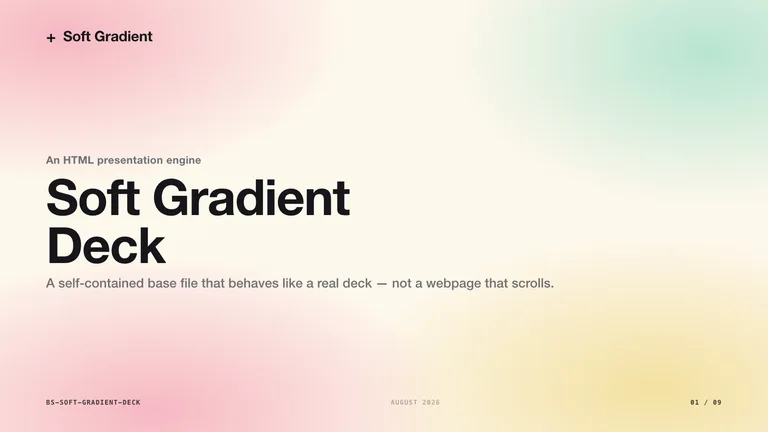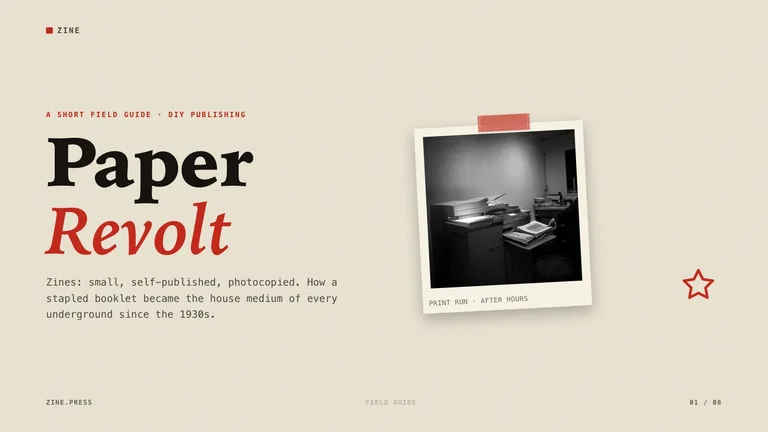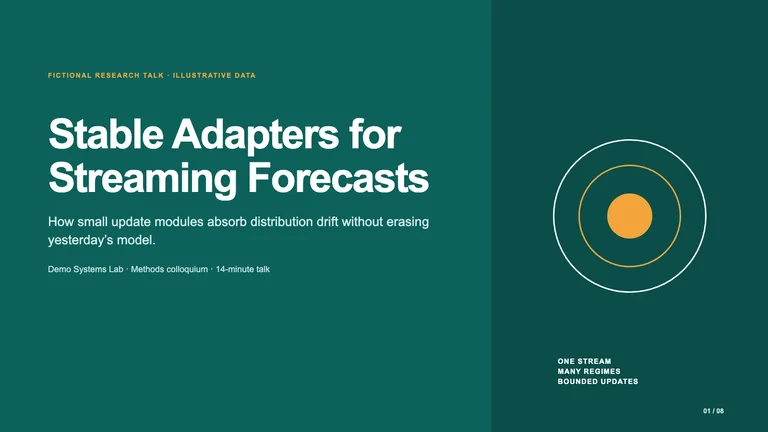
Starlit Deck


 +8
Every way to make a presentation with Claude, and Deck Skills that hand you a designed deck you can edit and export as PPTX.
Claude Code Codex
 CursorClaude
Install a free Deck Skill now

Paste into your agent
Read https://skillry.dev/skills/bs-lilac-pitch-deck/install.md and follow the instructions to install the skill.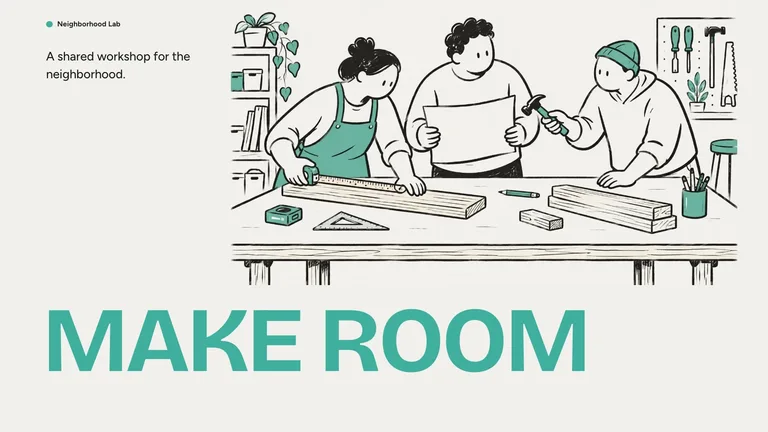
Mint Marker DeckFree
Paste into your agent
Read https://skillry.dev/skills/bs-mint-marker-deck/install.md and follow the instructions to install the skill.
Paste into your agent
Read https://skillry.dev/skills/bs-blue-block-company-deck/install.md and follow the instructions to install the skill.Yes, Claude can make slides. Draft an outline or a simple deck in a Claude chat, edit a deck you already have with Claude for PowerPoint, or run a Deck Skill in Claude Code or Codex to get a finished, designed deck that you edit in the browser and export as an editable PPTX.
Pick by where the deck has to end up.
Claude chatAsk for an outline, speaker notes or a quick deck in a normal chat.Good for drafts. The design stays basic. Claude for PowerPointAnthropic’s add-in edits a deck inside PowerPoint. See our Claude PowerPoint guide.For decks you already have.HTML slidesA deck as one web page you present from the browser. See HTML slides.Lives in your project folder.
| Aspect | Claude chat | Claude for PowerPoint | Claude Code + Deck Skill |
|---|---|---|---|
| Where it runs | The Claude app | Inside PowerPoint | Claude Code, Codex or Cursor |
| Best for | Outlines and quick drafts | Editing a deck you already have | A new deck that already looks designed |
| Design | Basic layouts | Your existing template | A finished style per Skill |
| Starts from | A prompt | A deck you have open | Your notes or data |
| Edit slides in a browser deck studio | No | No | Yes |
Claude writes the content. The Skill brings the design, the editor and the export.
Each Deck Skill carries its own layouts, type and colour rules, so your outline lands on slides that already look designed. Change wording, pictures and slide order in the browser before you export.
Export a .pptx whose text and notes stay editable in PowerPoint, Keynote or Google Slides. Each Skill page says which parts, such as drawn backgrounds, become images.
The deck, its data and the exported file sit in your own folder. Next quarter, ask Claude to update the numbers and export again instead of rebuilding slides by hand.
Four steps from notes to an editable PowerPoint file.

Pitch, report, lesson or brand story: pick the Deck Skill whose real example fits your talk.
See all Deck Skills
Copy the install prompt from the Skill page and paste it into your agent.
Read https://skillry.dev/skills/<slug>/install.md and follow the instructions to install the skill.
Paste your notes, the audience and the length. Attach data or images you want on the slides.
Claude writes every slide in the Skill’s design and uses your exact numbers. Ask for changes slide by slide.

Fix a word or swap a picture in the deck studio, then export an editable .pptx.
Export needs Chrome, Chromium or Edge and Node.js on your computer; the Skill page lists the details.
We design each deck ourselves. Open one to page through a real example.
Yes. In a chat it drafts outlines and simple decks. With a Deck Skill in Claude Code or Codex it builds a designed deck you can edit in the browser and export as an editable PowerPoint file.
Claude is strong at the content: structure, wording and turning data into slides. On its own the design stays plain. A Deck Skill adds a tested visual style, so every slide in the deck looks like it belongs together.
Yes. Deck Skills export an editable .pptx from Claude Code or Codex. To edit a deck you already have inside PowerPoint, Anthropic’s Claude for PowerPoint add-in is the better fit; our Claude PowerPoint guide compares both.
A SKILL.md folder that teaches Claude one deck design: layouts for every kind of slide, type and colour rules, a browser editor and the PPTX export. You install it once and reuse it for every talk.
Yes. The three decks under “Install a free Deck Skill now” are free: copy the prompt into your agent. The other decks on this page are our featured picks; some are free, the rest cost $4.99 once or come with Pro. Decks that generate new artwork can use a paid image service, and each Skill page says so before you install.
Yes, when the Skill takes brand inputs. Give Claude your colours, fonts and logo, or edit the style rules in the Skill once and every new deck follows them.
Pick a style, paste your outline, export the PPTX.