

3D Card Agent Website Templatev1.0.2
Use this Skill to build landing page.
5.02 downloads0 likes0 saves
$4.99
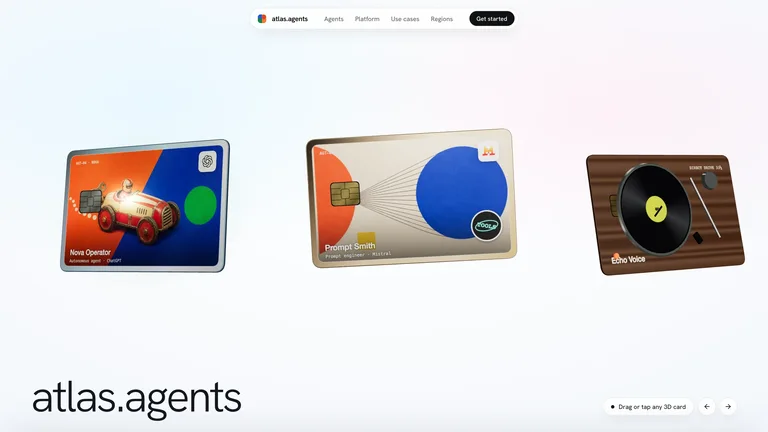
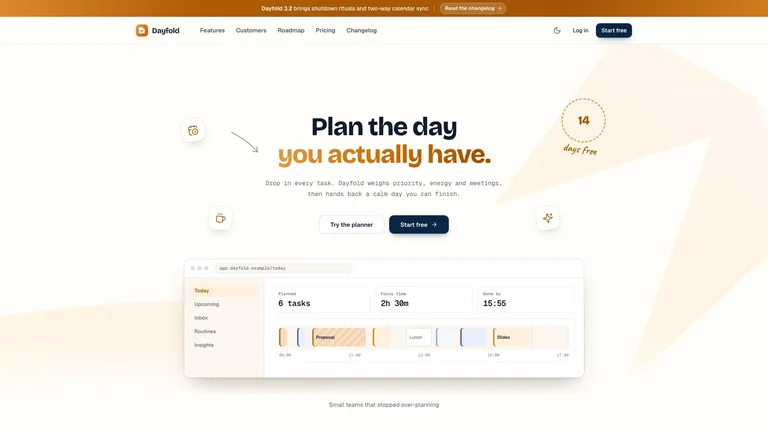
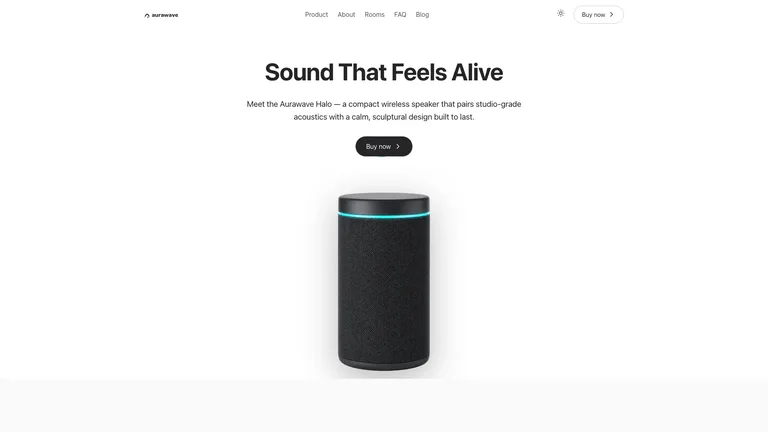
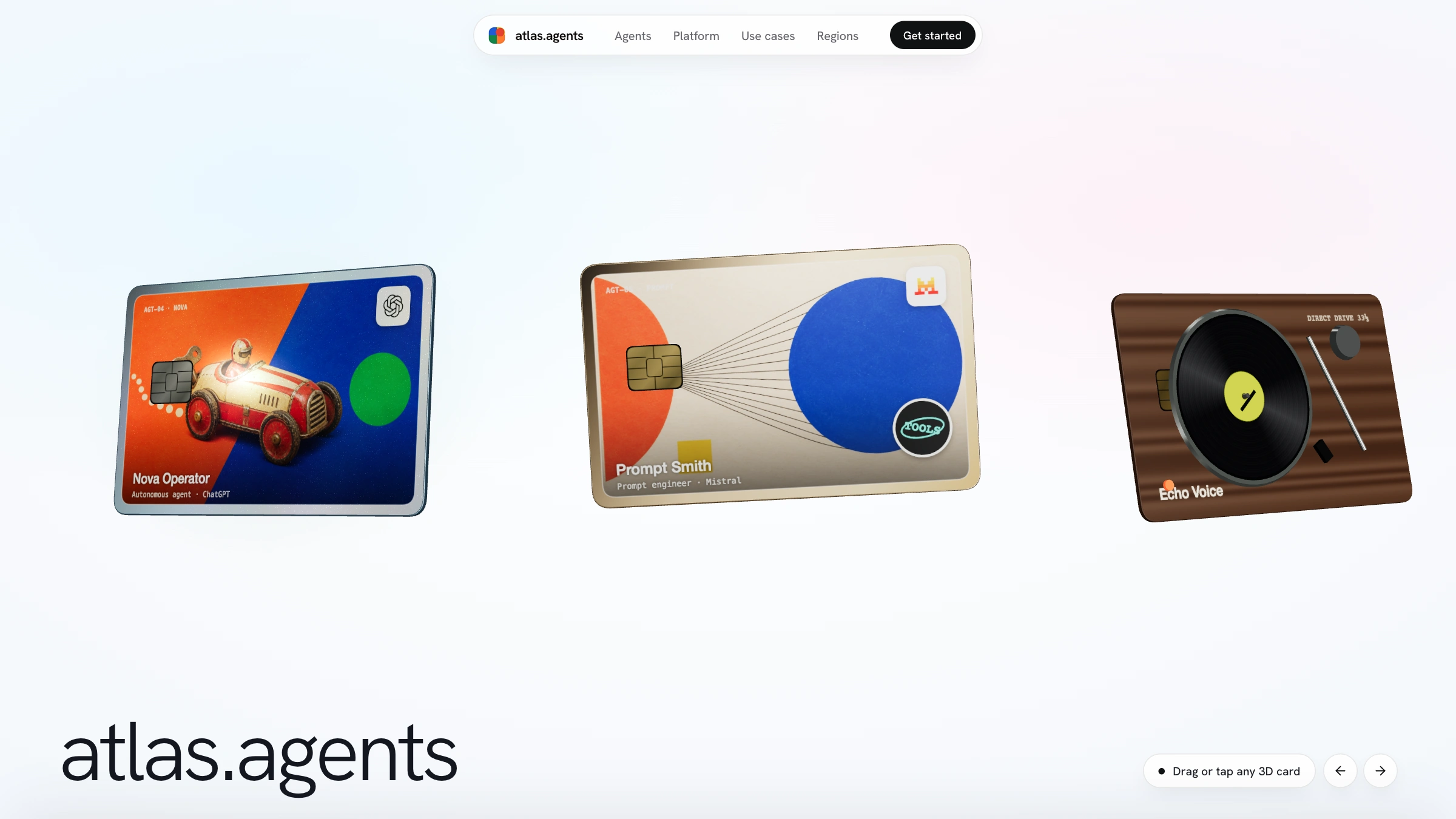
What do I get when I buy this Skill?A website template for AI agent products, opened by a drifting row of 3D cards that visitors can drag, flip and open, one card per agent. Bold collage illustrations, product logo rows and a dark closing call to action follow. Swap in your own agents, pictures and copy while keeping the same polished look.
Picked most often by
Updated Nov 17, 2026
Preview gallery
Similar Skills
View all skills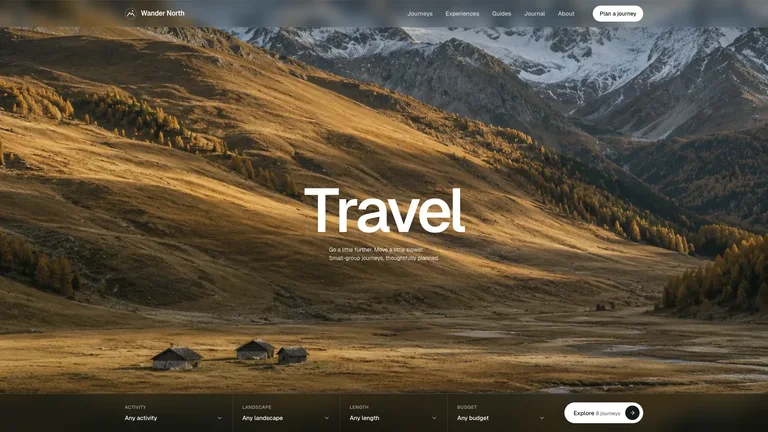
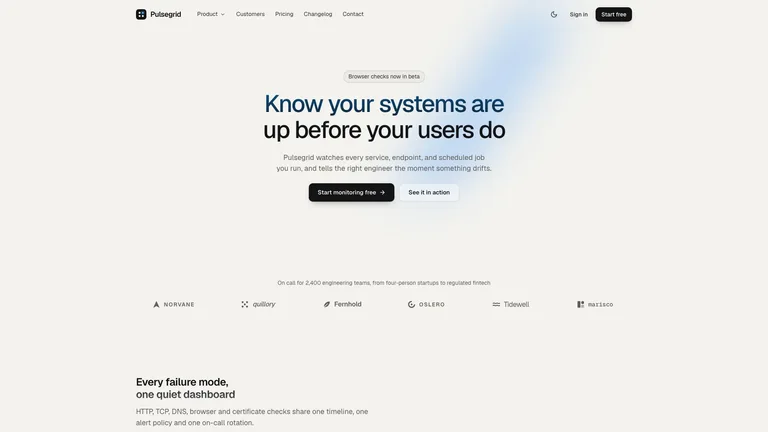
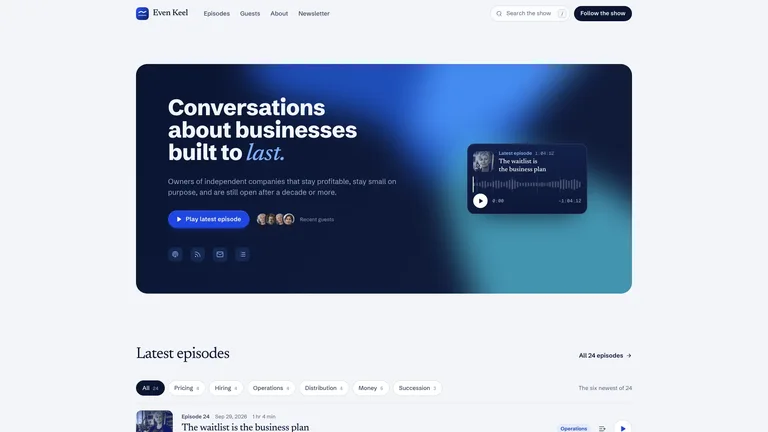
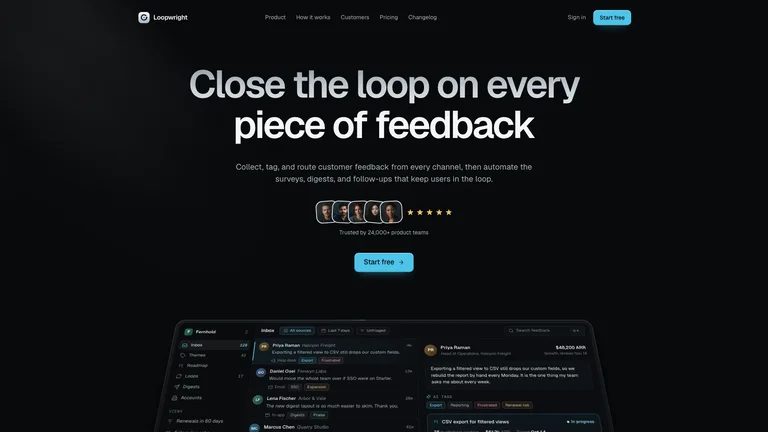
What you get
- A product website led by a row of 3D cards that visitors can drag, flip and open, with your names, roles and pictures on each card.
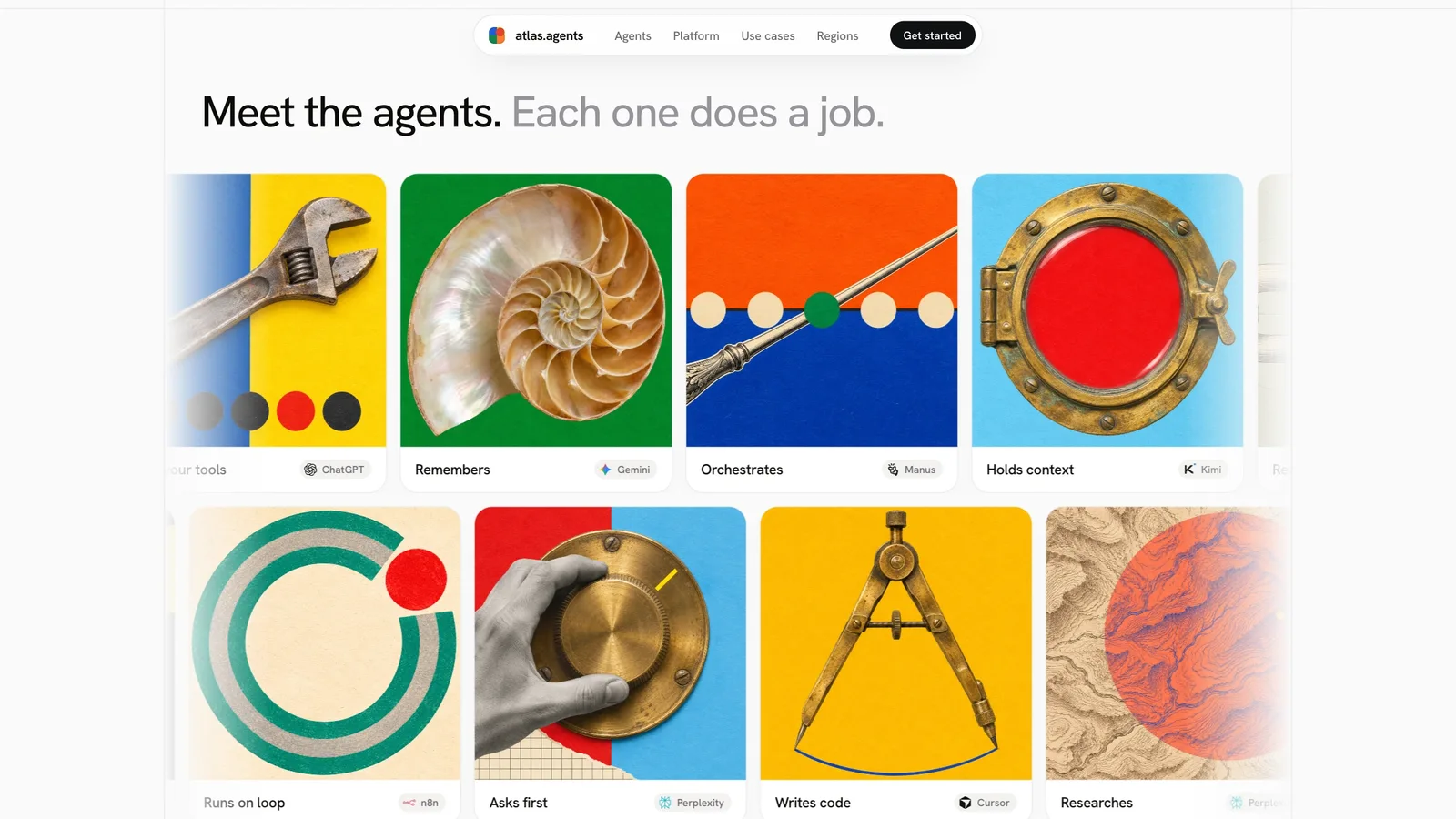
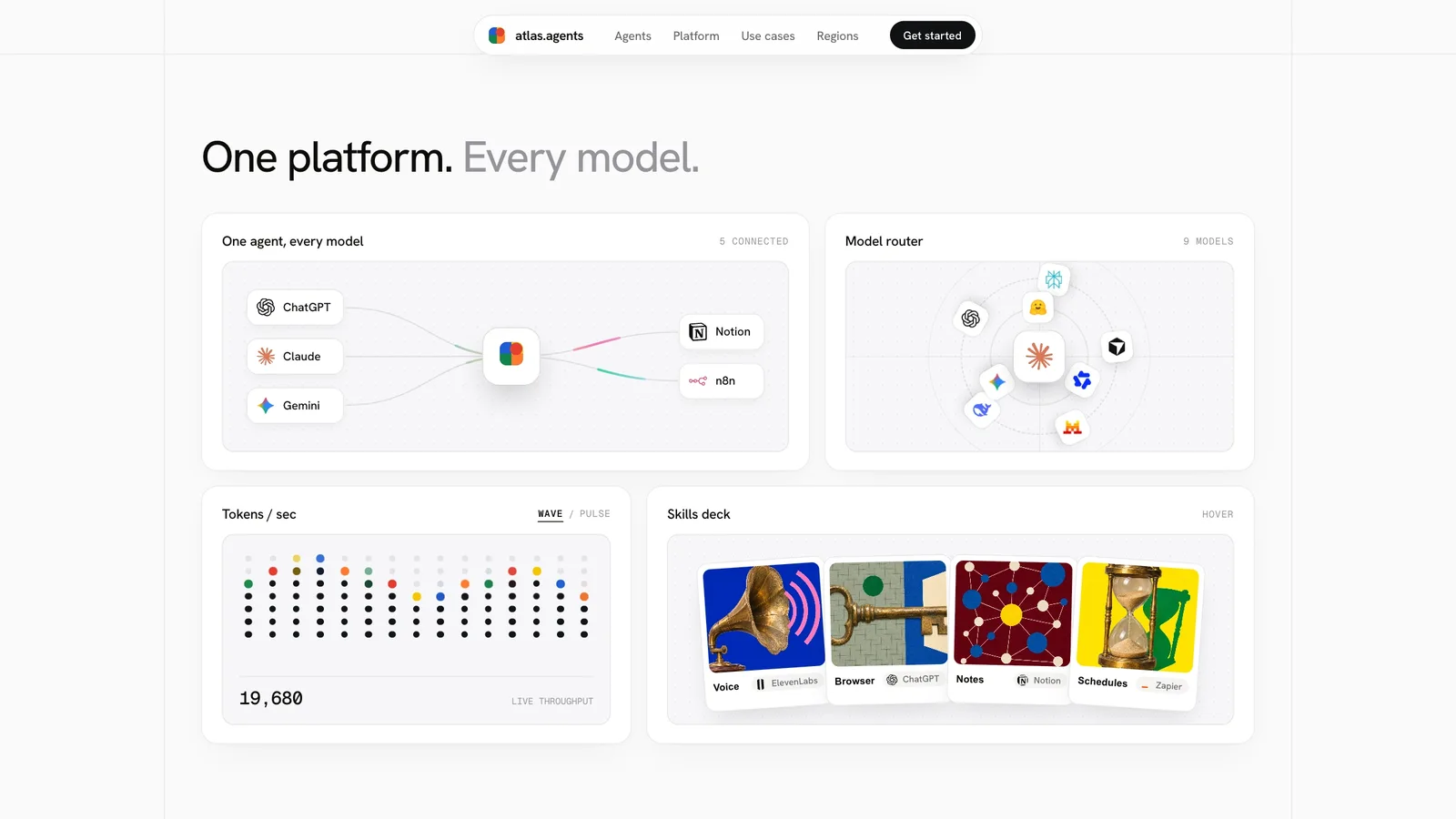
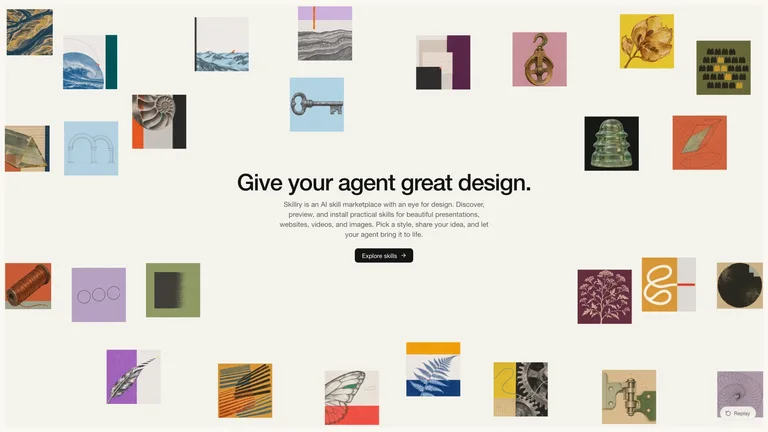
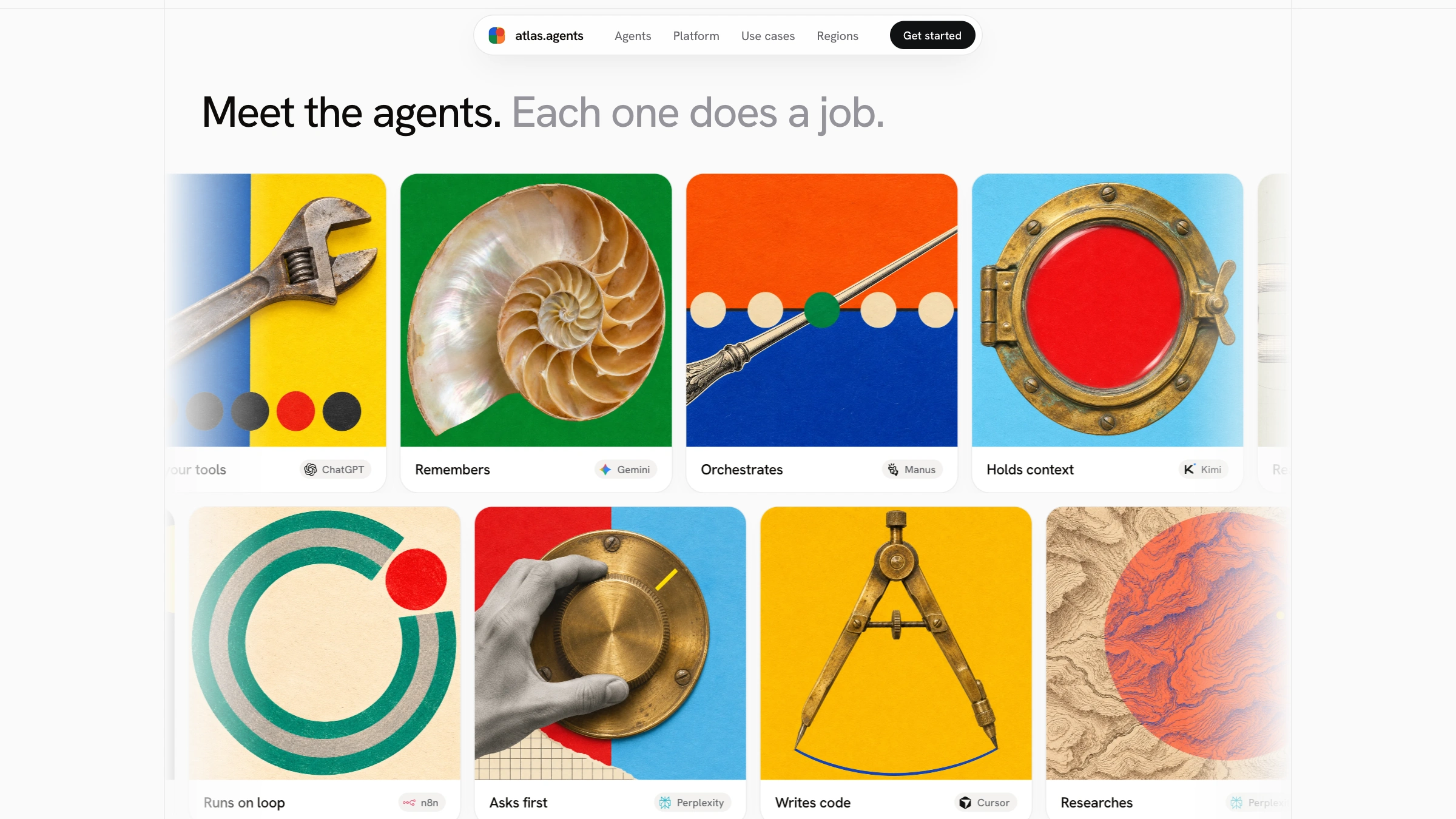
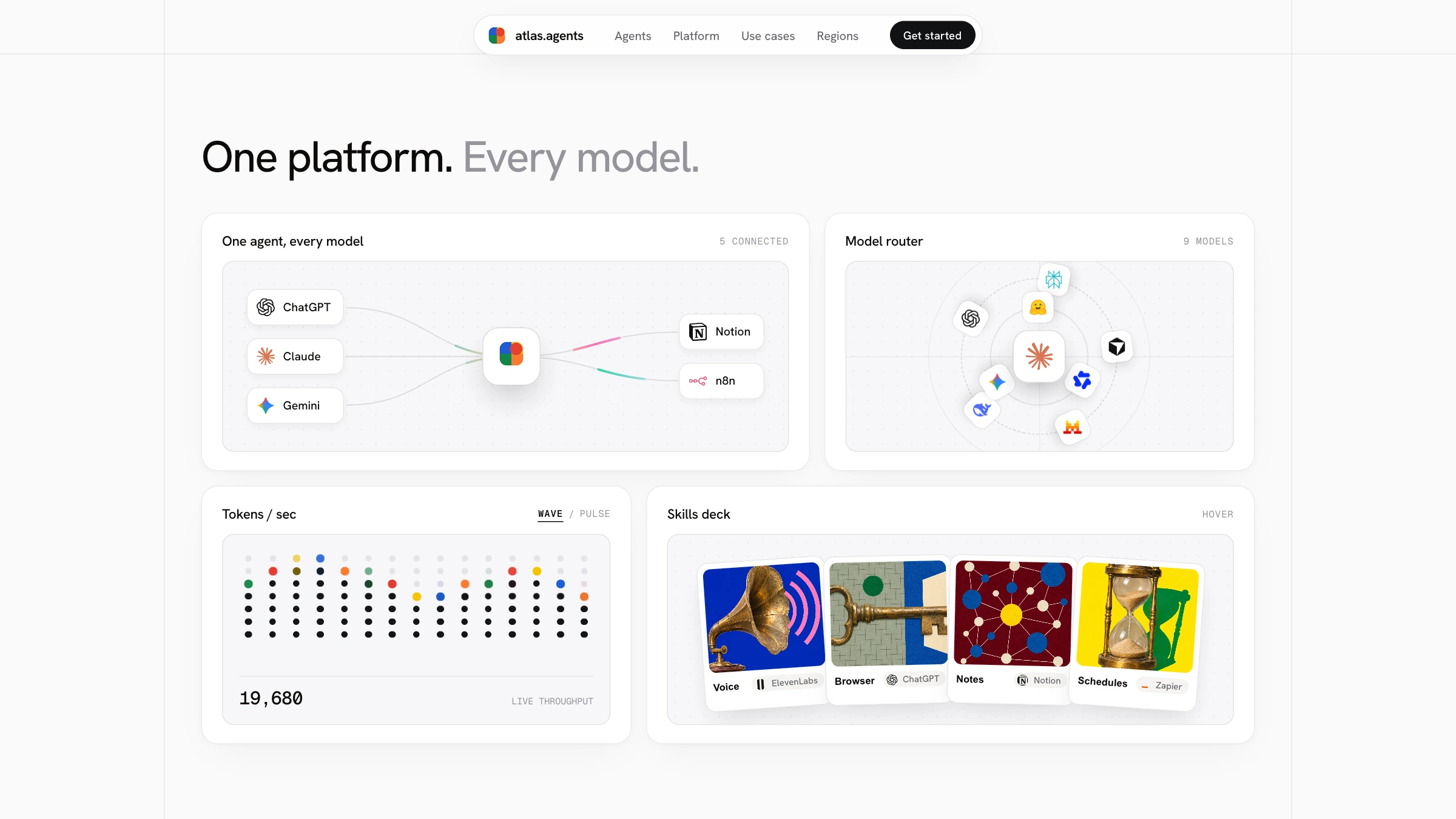
- Bold collage-style illustration rows, an animated feature grid, picture panels and a dark closing section, all in one coordinated style.
- An editable config and builder, so you can change the brand, cards, sections and copy and rebuild an offline page in seconds.
Good fit
- Product launches that need a memorable first screen.
- AI tools, studios and startups with several products, plans or characters to show as cards.
- Teams who want short copy and strong pictures rather than long pages of text.
Not for
- Working sign-up, checkout, login or other back-end features.
- Text-heavy documentation or blog sites.
- Very old devices or browsers without WebGL support.
Brand Identity & Visual SystemsProduct Launch & App GrowthWeb Design & Digital ExperiencesBuild Landing PageStyle-lockedEditable OutputMinimalistEditorial Grid3d CardsPrint Collage
Good forLanding pages
About this Skill
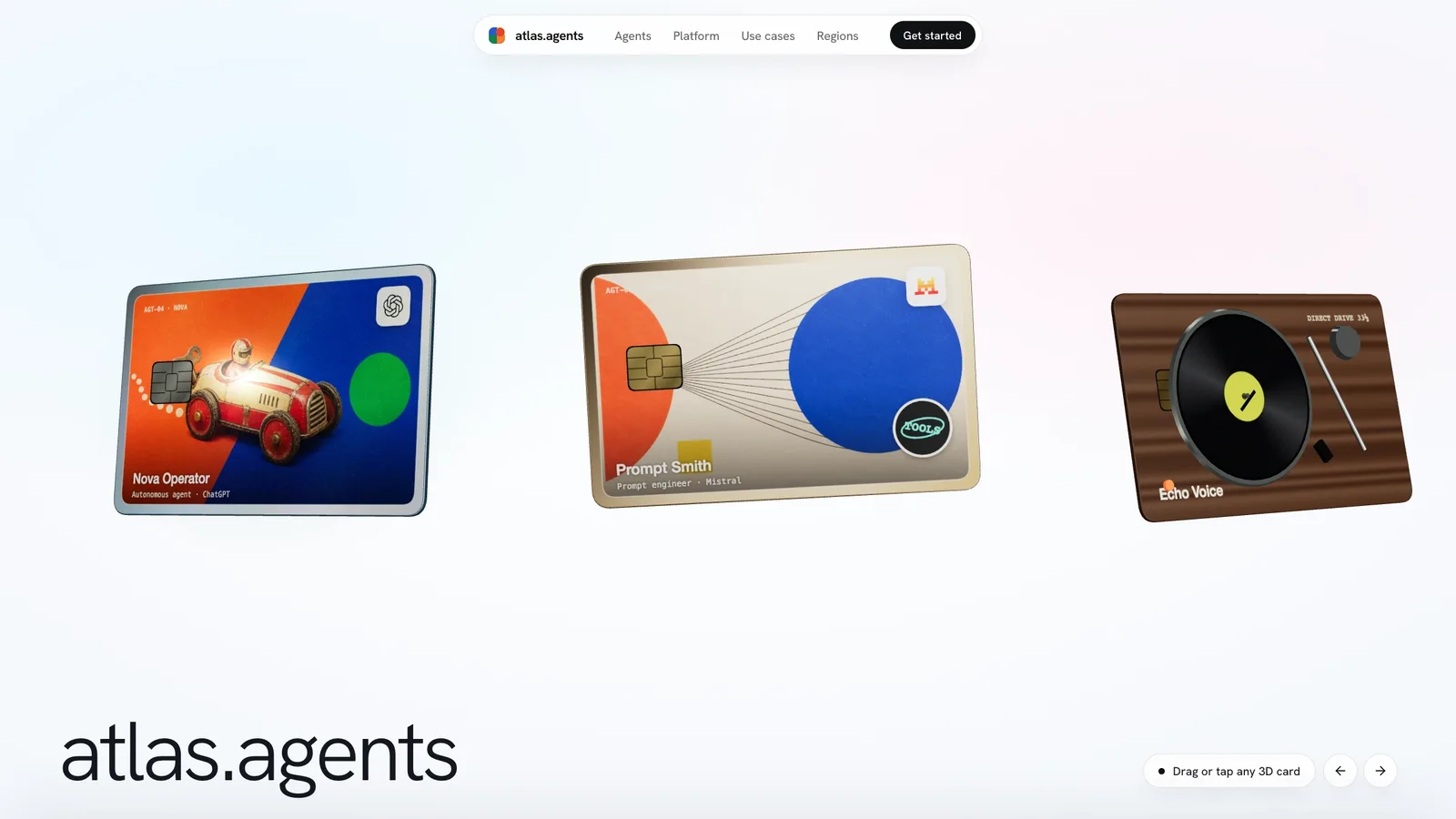
Open your site to a row of glossy 3D cards drifting across the screen, each one carrying your product's name, role and picture, ready to be grabbed, flipped and opened. Below it, bold collage-style pictures, moving card rows and a dark closing panel keep the whole page feeling crafted rather than templated.
What you get
- A first screen people want to play with: drag the cards, flip them over, tap one to stand it up.
- Picture-led sections with very little text, from two rows of illustration cards to an animated feature grid, picture panels and a closing call to action.
- Your own brand, cards, pictures and wording in one place, so later changes take minutes.
How to use it
- Tell your agent what you are launching, who it is for, and what each card should show: a product, an agent, a plan or a character.
- Add your logo and pictures if you have them. If not, start with the included illustrations or ask for new ones in the same style.
- Say which sections to keep. Leave out the logo row if you have no real integrations, and turn off anything that does not fit.
- Open the page, try the cards on desktop and phone, then ask for changes to wording, cards or pictures.
No API key is needed. New artwork may cost extra with the image tool you choose.
What you need before you start
- You bring
- Your brand name, product and intended audience · The cards, sections and short copy you want to show · Optional: logo, your own pictures and the real integrations to feature
- Dependencies
- Node.js 18 or newer - required for the included standalone builder · A modern browser with WebGL - required to view the 3D cards · Your existing project tooling - only for in-project output
- Outside costs
- No API key or paid generation is required: starter pictures are included. New artwork may cost extra with the image tool you choose.
- Last tested
- v1.0.2 — Claude Code / Claude Desktop / Cowork / Codex / ChatGPT
User reviews
Loading reviews…