Launch films
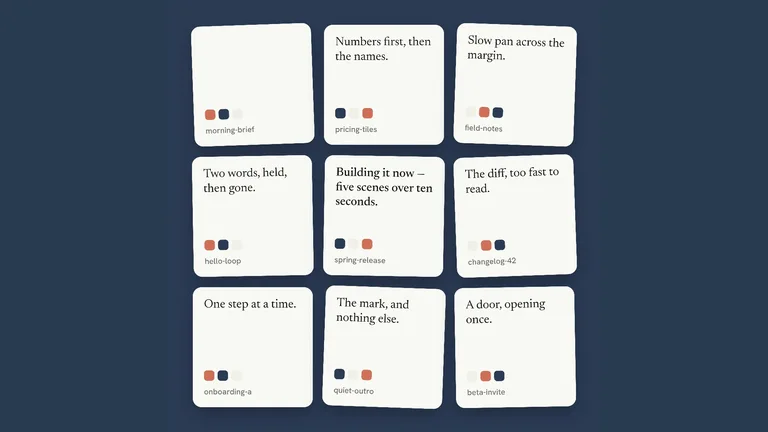
Product films from short stings to two-minute launches, with kinetic type and cuts timed to music.
Launch films, motion graphics and talking-head overlays your agent renders from a script or a product link, with the timing already planned.


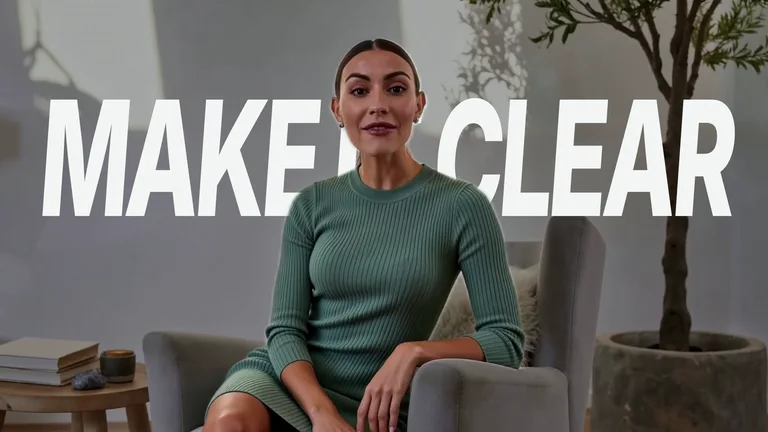


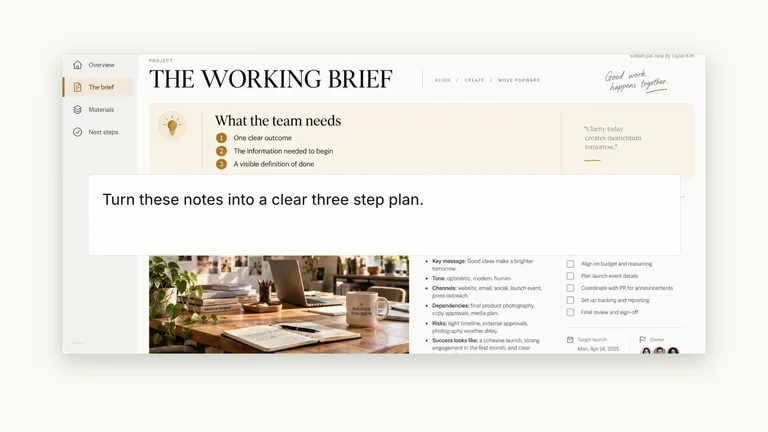
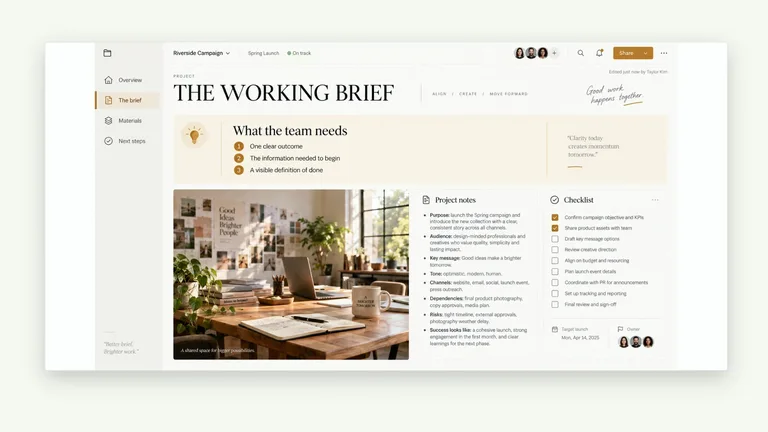
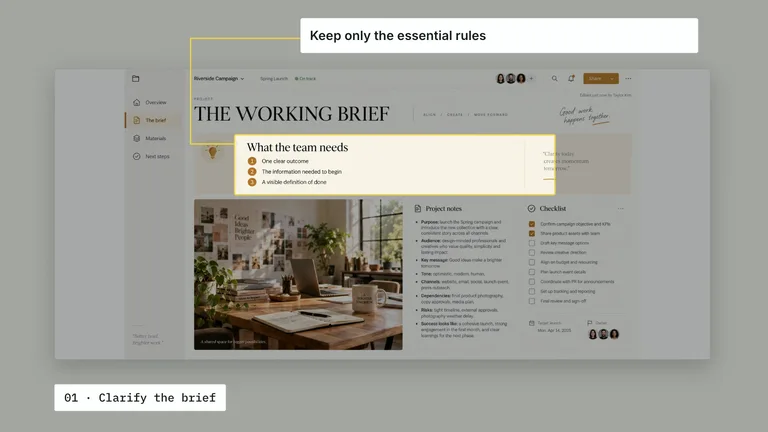
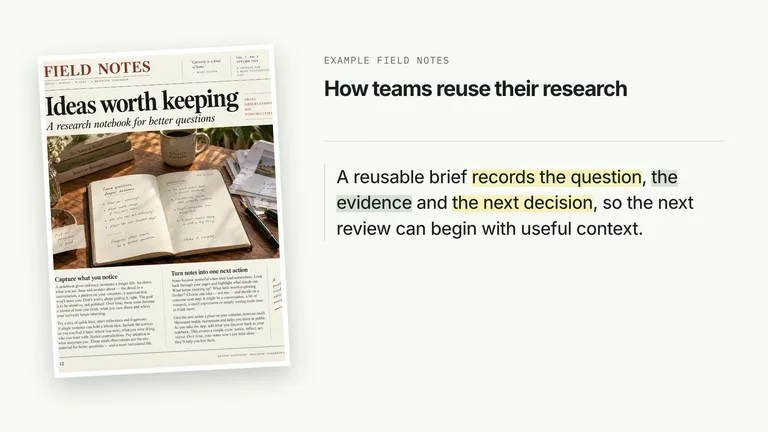
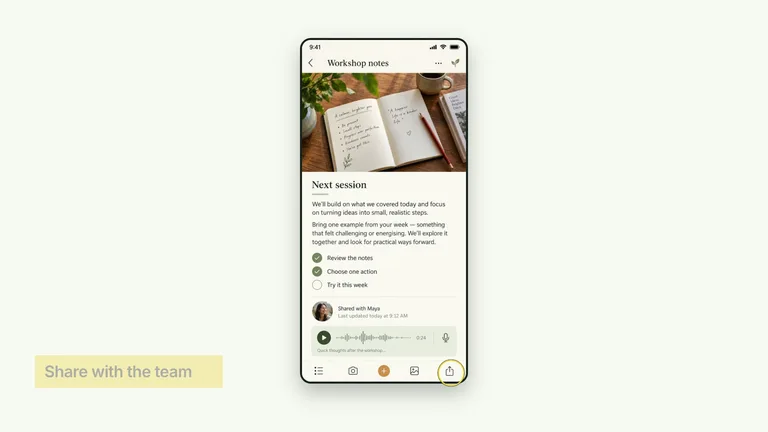
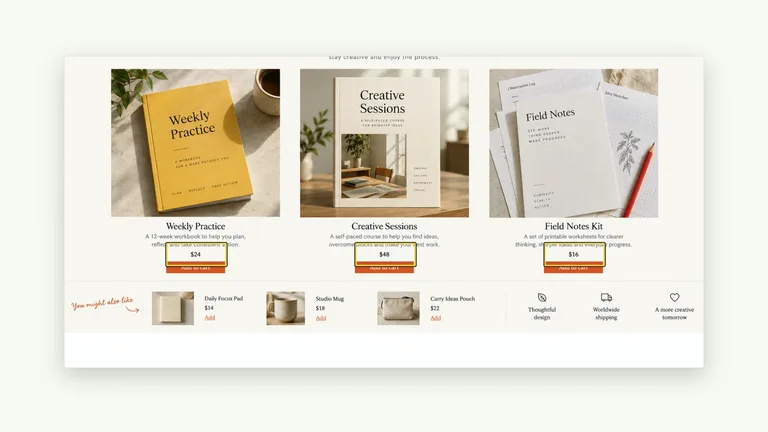
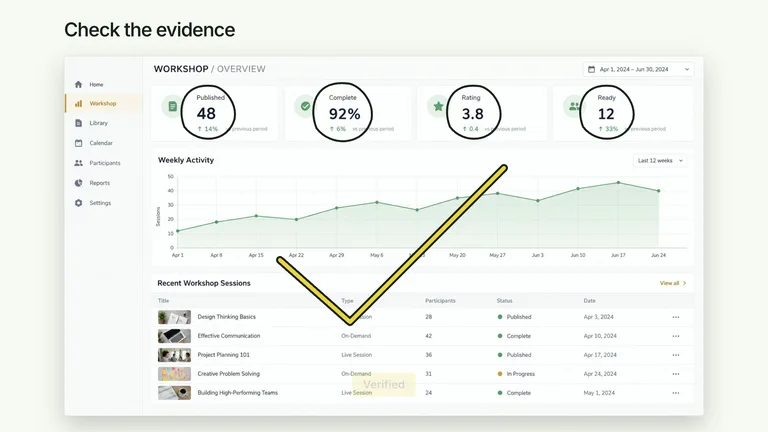
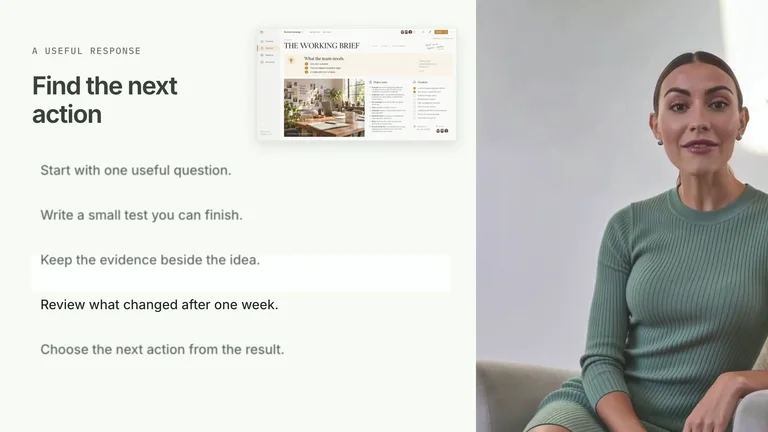
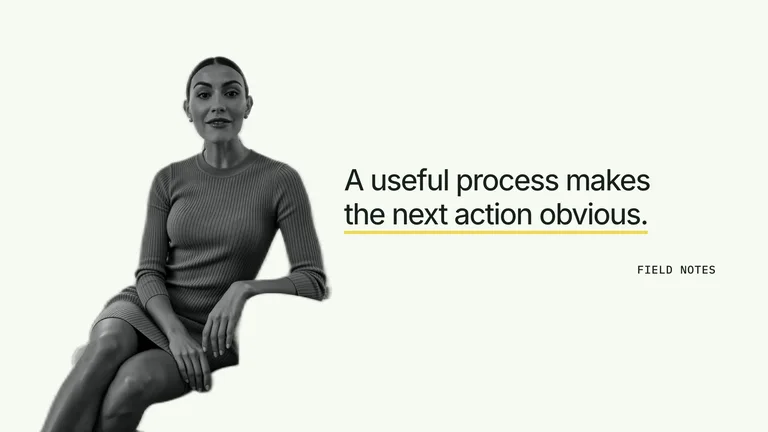
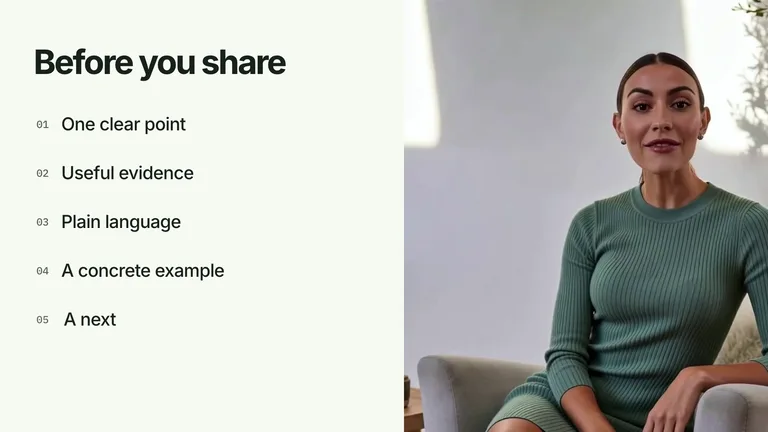
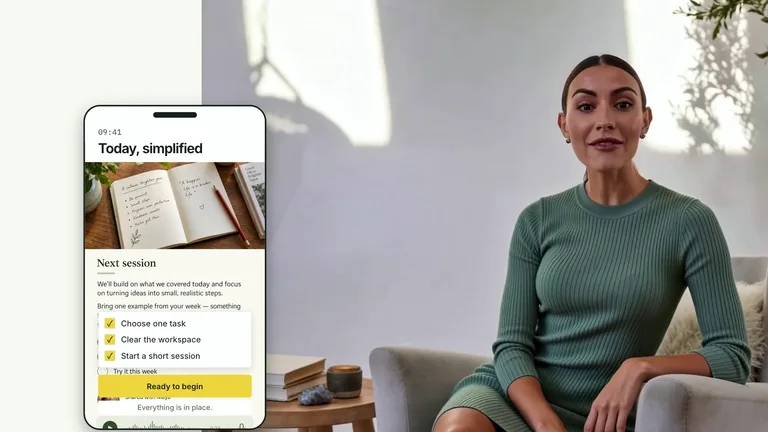
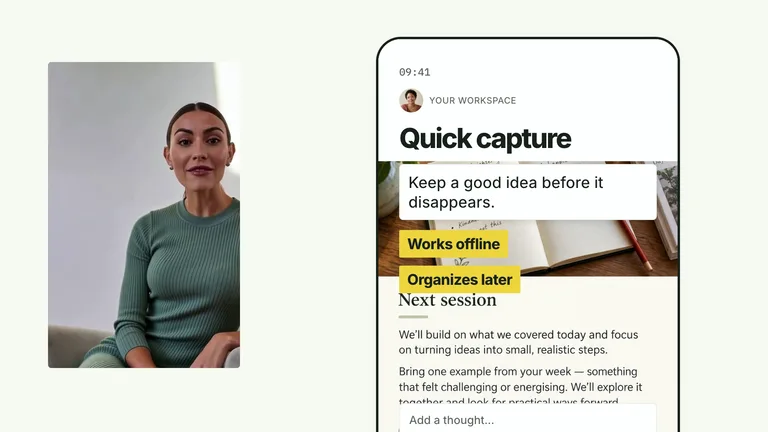
Timing is the hard part of video. These Skills plan it before anything renders.
Product films from short stings to two-minute launches, with kinetic type and cuts timed to music.

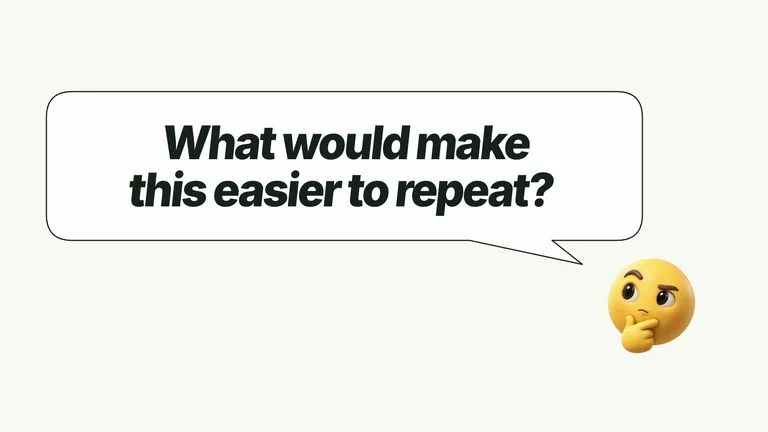
Kinetic type, UI motion and transitions you can edit and reuse.
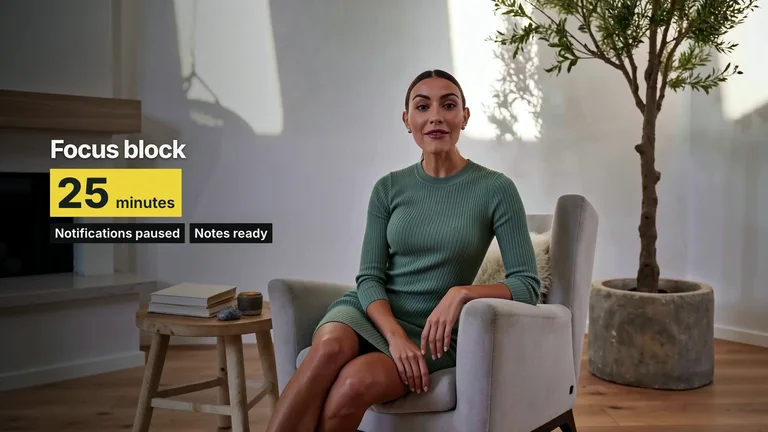
Titles, checklists and quote cards animated around the speaker in your footage.
Each role page picks the Skills that fit that job best.
 For content creatorsCovers, social cards and talking-head overlays in your style.
 For ecommerce sellersStore pages, posters and promo videos for every new product.
 For foundersProduct sites, pitch decks and launch videos before the first hire.
 For designersA design system your agent repeats, so you work on the details.
Three steps in Claude Code, Codex or Cursor. No design app needed.
Copy the install prompt into your agent, or run the command below. The Skill lands in your agent's skills folder.
npx skillry-cli@latest install bs-hyperframes-chat-to-result-launchType a slash and the Skill name, then say what you want in plain words.
/bs-hyperframes-chat-to-result-launch Create a 30-second product launch film with a strong hook and clear reveal.Open the file it made, ask for changes in the same chat, then publish or hand it off.
video.mp4A prompt can make a clip. A Video Skill adds planning, continuity, review, and delivery checks around the render.
| Aspect | A plain prompt | A Skill |
|---|---|---|
| Story and shots | You describe one clip and hope it fits | Plans the beats and shots first, then keeps every scene consistent |
| Sound and text | You add music and captions yourself afterwards | Plans voiceover, captions and music as part of the edit |
| Versions | You rewrite the prompt for every size and cut | Reuses the approved style for each new ratio or cut |
Install any Skill on this page and every new one we add. Cancel anytime.
Cancel anytime
$9.99 / month
Full Premium access, billed monthly.
Save 34% a year
Most popular$79 / year
Full Premium access for a lower annual price.
Pay once · Founding price
Founding offer$169 one-time
Founding price — increases as the library grows.
Cancel anytime. Payments are non-refundable.
Yes. Give your agent a script, a brief or a product link, and the Skill plans the shots and renders the video. Some Skills use a paid service for voice, music or AI footage, and the detail page says which.
No. Voiceover, captions, music and sound effects differ from Skill to Skill, so check each one in the detail page's You get list.
It depends on the Skill. You get an editable project only when the detail page lists project or source files; otherwise expect a rendered MP4.
No. The preview shows the style and the production quality. Your script, footage, length and the model's output all change the final cut.
Promos, explainers and motion graphics your agent renders.
Browse all Skills