



Cancel anytime
50% OFFMonthly
$9.99$19.9 / month
- Access all Premium Skills
- Install through MCP, CLI or the web
- Browser authorization for MCP and CLI
- 50 Skill loads a day
- Ongoing Skill updates
- New Premium Skills included
- Cancel whenever you need
Claude design Skills that hold a design system your agent can repeat, so you spend your time on the details.



A Skill is a design system the agent actually follows.

Type scale, spacing and color written as rules, not suggestions.

Portfolio sites that present your work the way designers expect.
HTML and CSS that keep the details you designed.
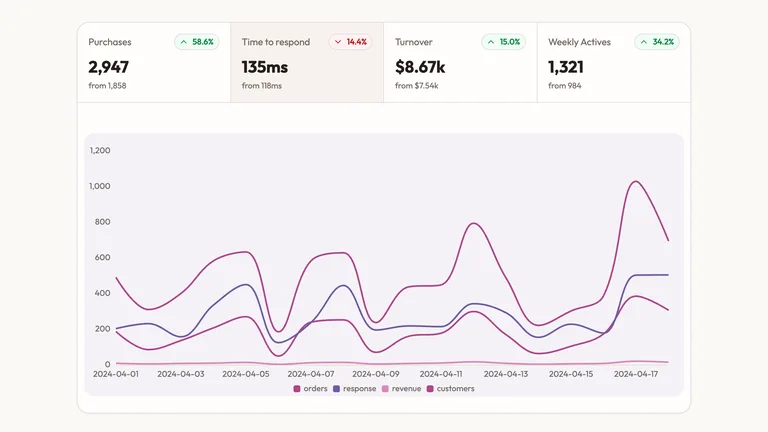
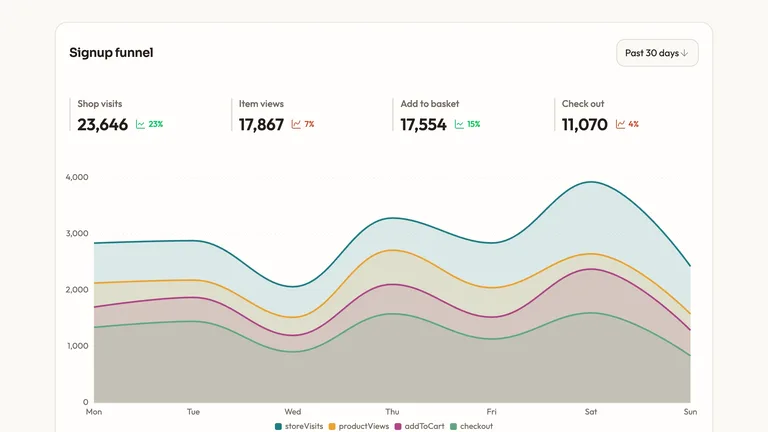

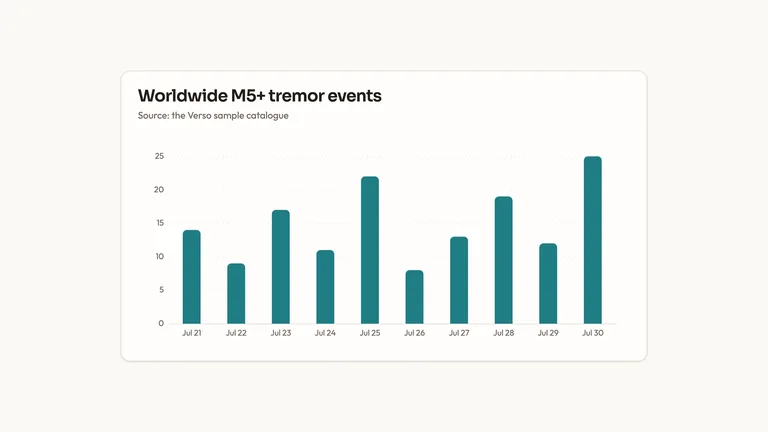

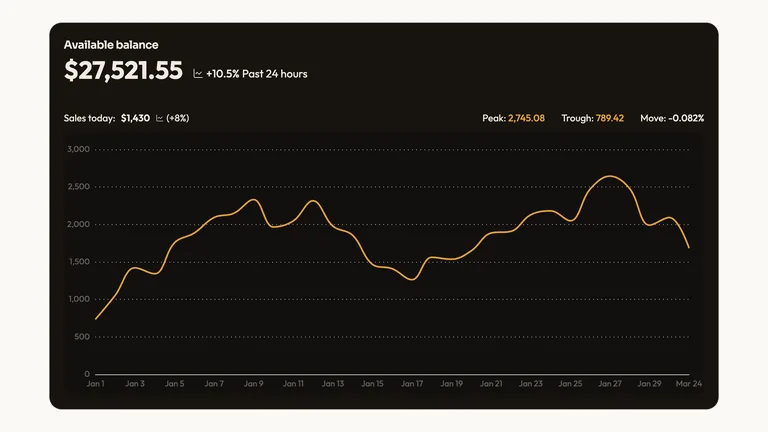
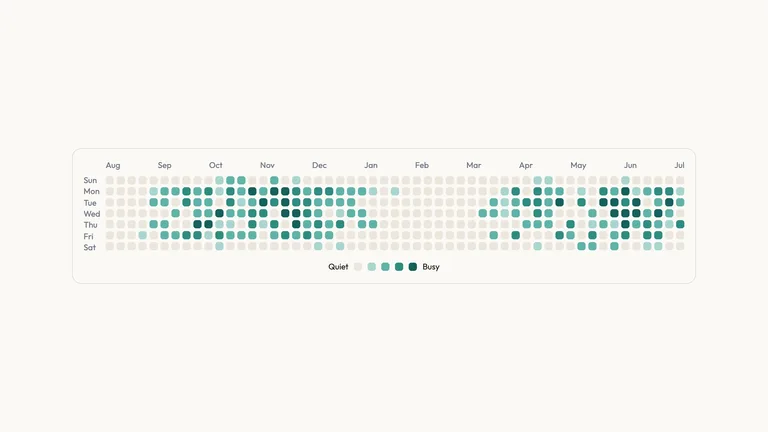
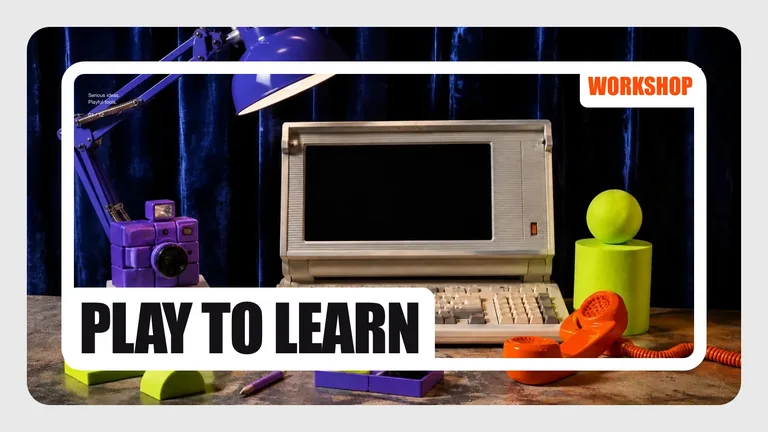
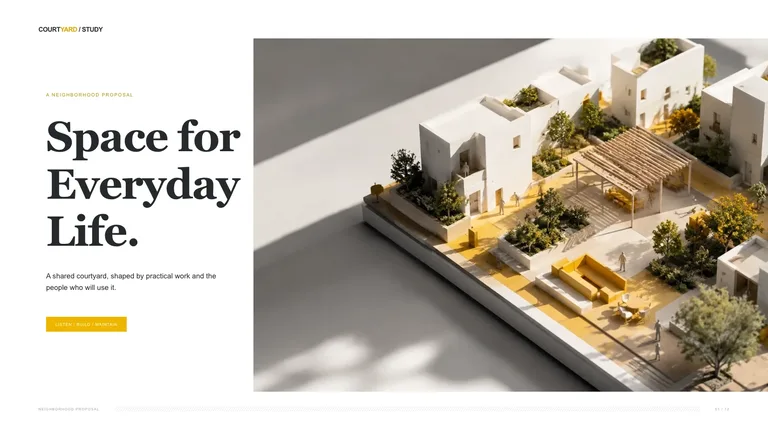
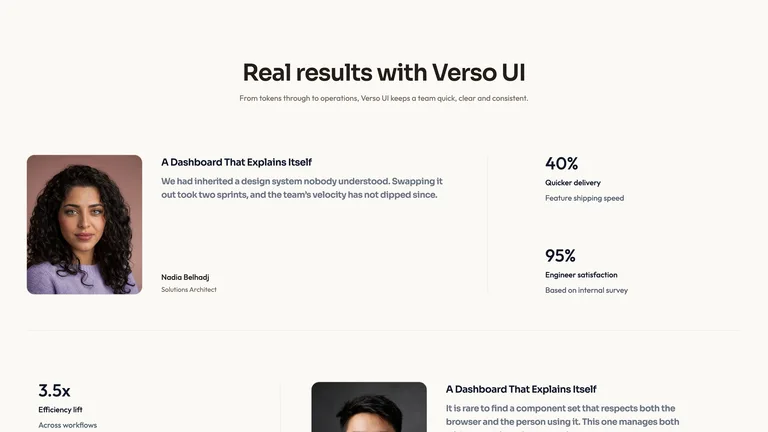
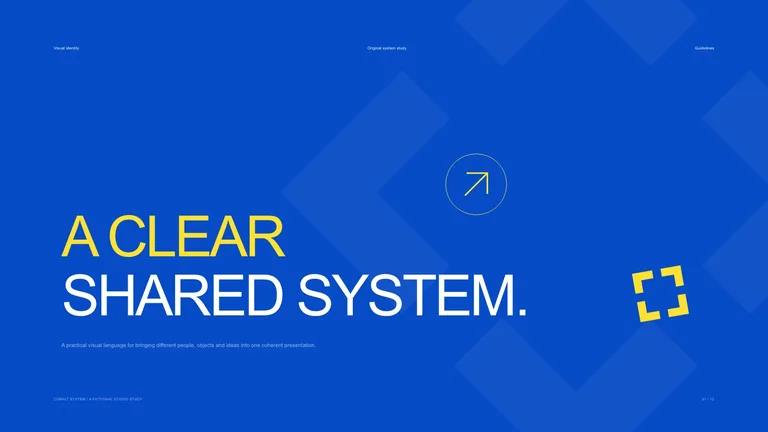
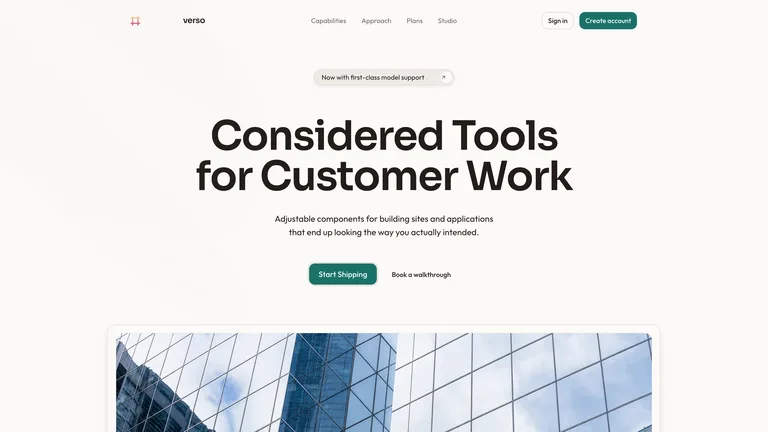
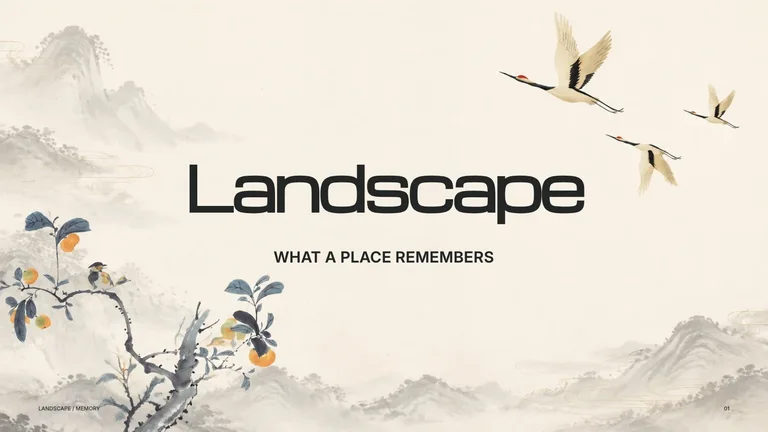
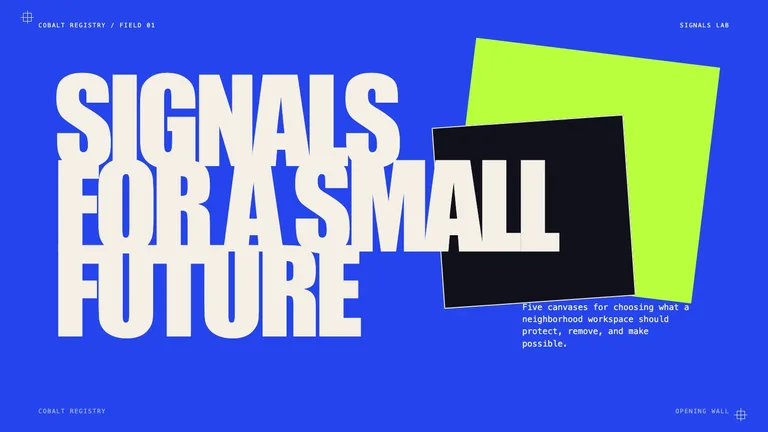

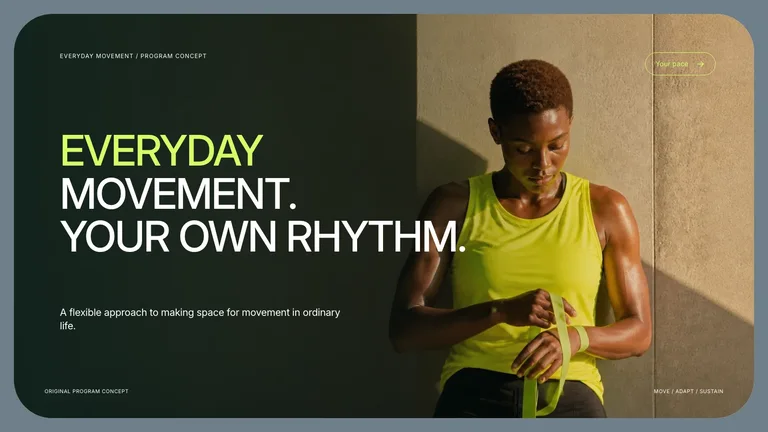
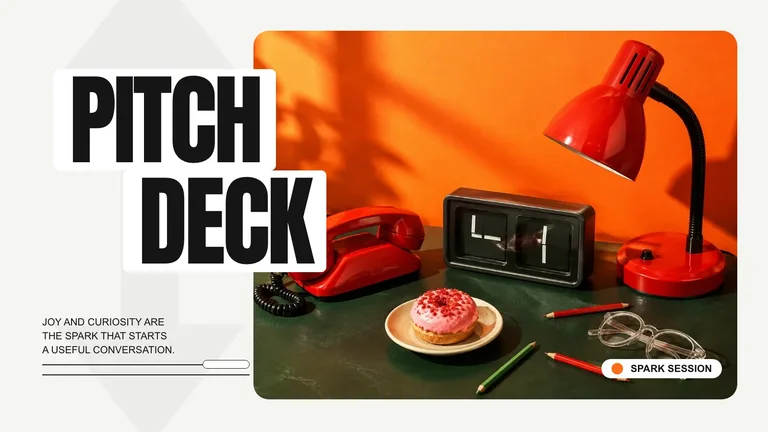
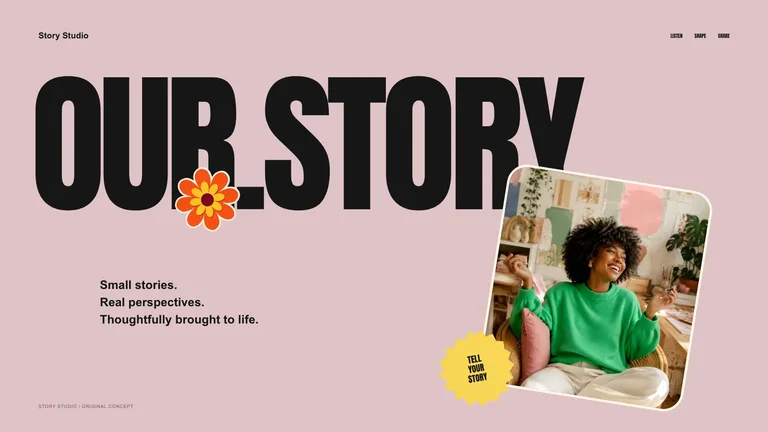


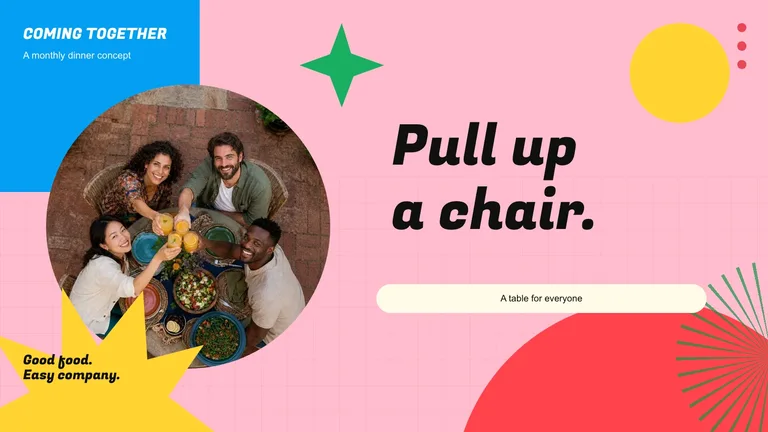
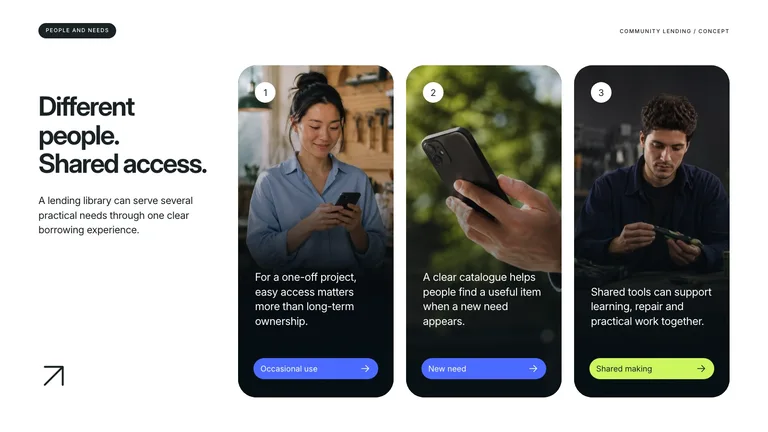
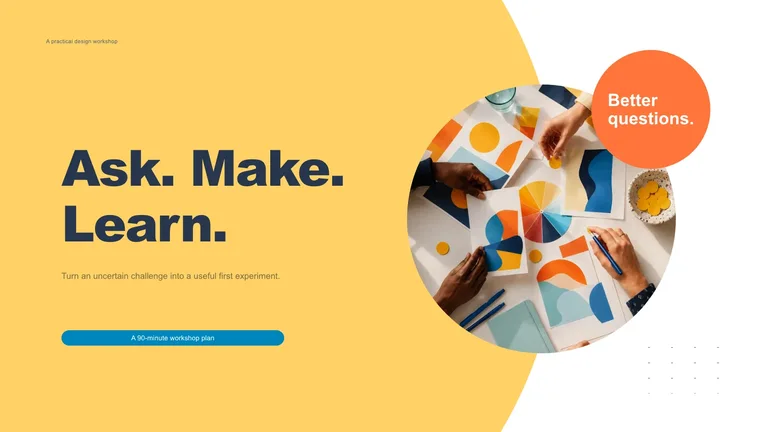
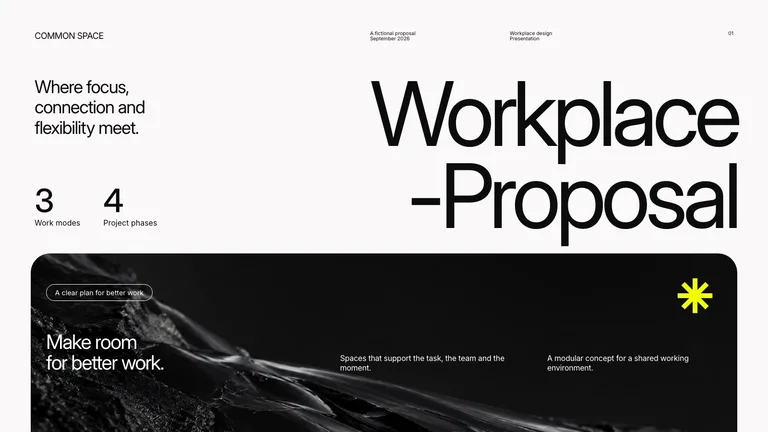
Open a job to see its own Skills, steps and FAQ.
Three steps in Claude Code, Codex or Cursor. No design app needed.
Copy the install prompt into your agent, or run the command below. The Skill lands in your agent's skills folder.
npx skillry-cli@latest install bs-marker-doodle-brand-studioType a slash and the Skill name, then say what you want in plain words.
/bs-marker-doodle-brand-studio Turn this brief into three distinct visual directions with rationale and references.Open the file it made, ask for changes in the same chat, then publish or hand it off.
index.html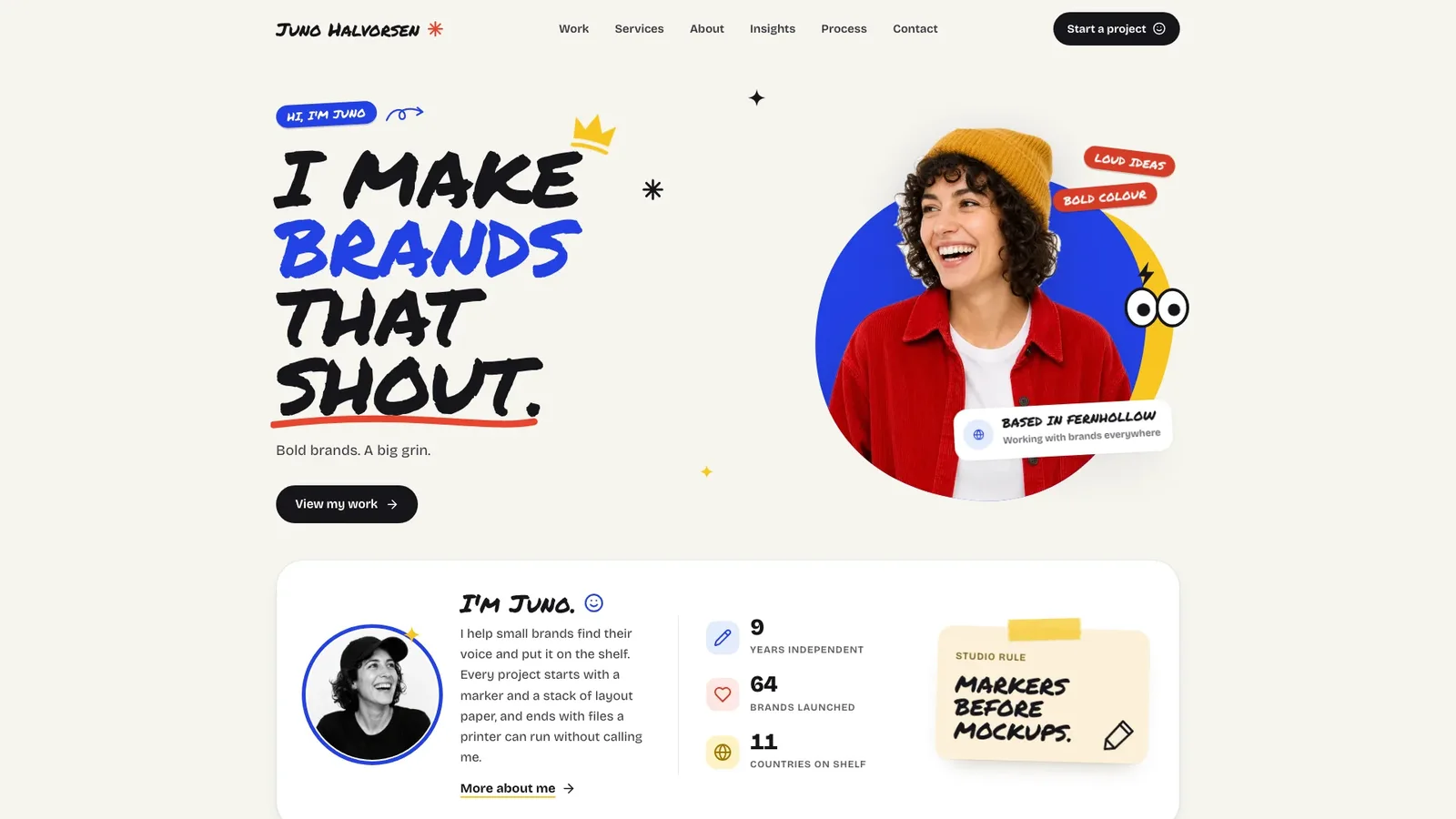
| Aspect | A plain prompt | A Skill |
|---|---|---|
| Starting point | A blank prompt on every run | A tested layout and checklist |
| Style | Changes from run to run | One style you can repeat |
| Consistency | Each asset looks different | Every asset follows one system |
| Output | Whatever the model writes | A checked file in the expected format |
Install any Skill on this page and every new one we add. Cancel anytime.
Black Friday starts early: Save 50% on Pro.
Ends November 30, 2026 at 11:59 PM Pacific Time.
Cancel anytime
50% OFF$9.99$19.9 / month
Most popular
Save 34% a year
50% OFF$79$158 / year
Best value
Pay once · Founding price
32% OFF$169$249 one-time
Black Friday prices on subscriptions cover the first month or year; renewals bill at the standard price.
Cancel anytime. Payments are non-refundable.
Commercial license · Agencies, studios & platforms
Personal plans cover finished client work. Business also lets you showcase a Skill with official media and run it for customers on your own platform.
$399/ year
Cancel anytime
Each Skill is a folder of instructions, layouts and checks that teaches Claude Code, Codex or Cursor to make one kind of deliverable, such as a portfolio site, a brand site or a slide style. Your agent follows a finished design instead of improvising one.
No. The design lives in the Skill. You describe what you need in plain words and review the result.
Claude Code, Codex and Cursor read the same SKILL.md. Each detail page lists every agent the Skill supports.
Some are. Free Skills carry a Free label; the rest are included in Pro or can be bought one at a time.
Brand systems, layouts and visuals, brief to first draft.
Browse all Skills