Black Friday starts early: Save 50% on Pro.Explore plans
Article illustrations · Covers & promo images · Talking-head overlays

Content Publishing Skills for AI agents

Article covers, illustrations, share images and talking-head video overlays your agent makes for every piece, in one editorial look.

Works inClaude CodeCodexCursorGemini CLIGitHub CopilotOpenCodeKimi CodeOpenClaw
Slides
Article Brief Deck
2212

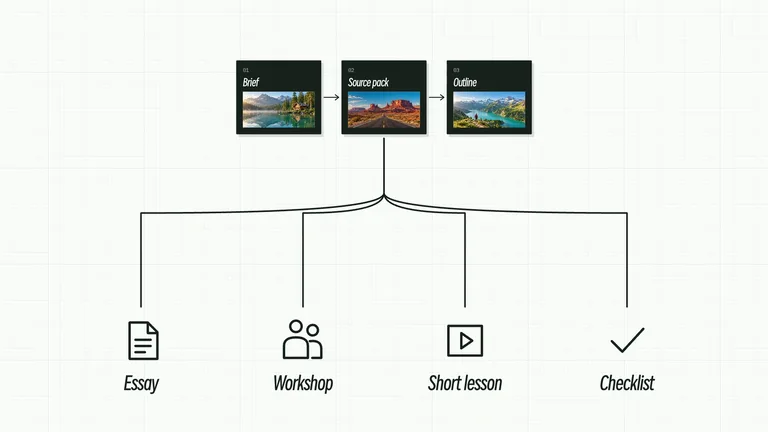
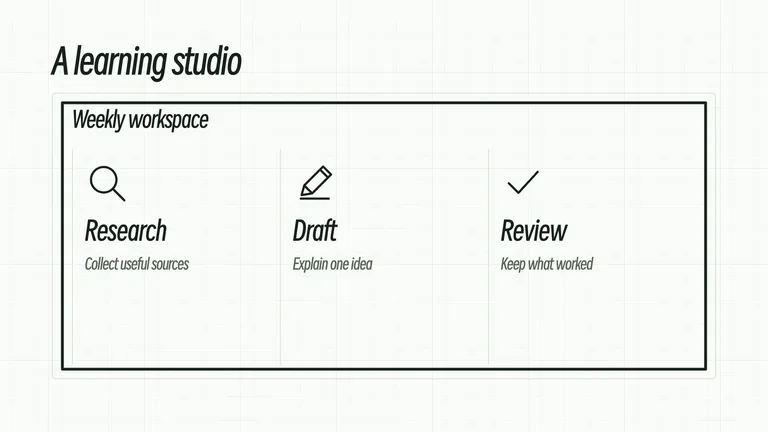
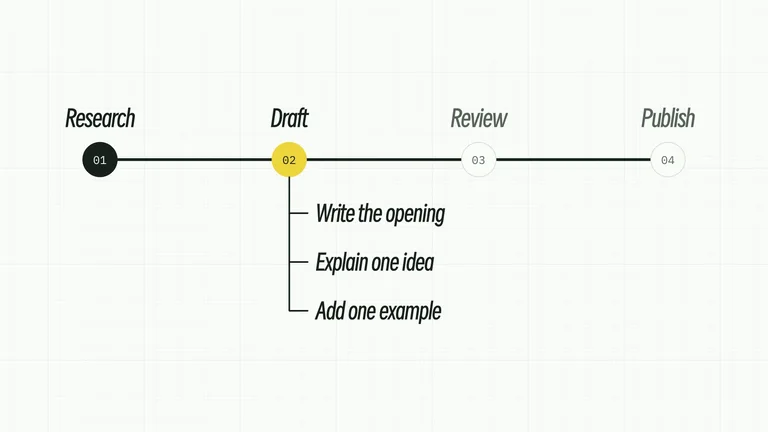
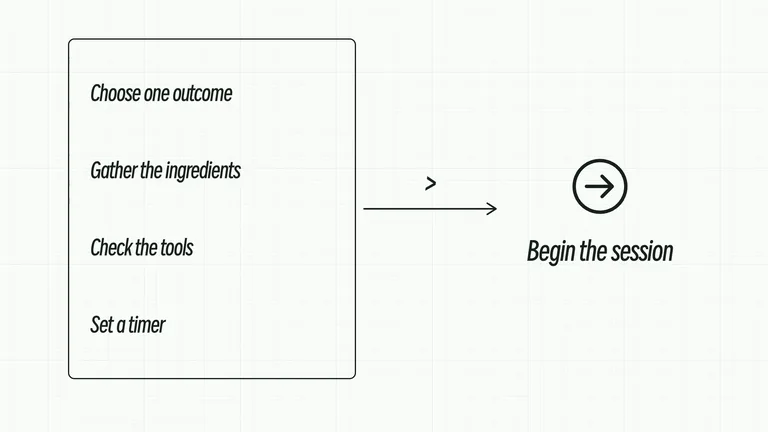
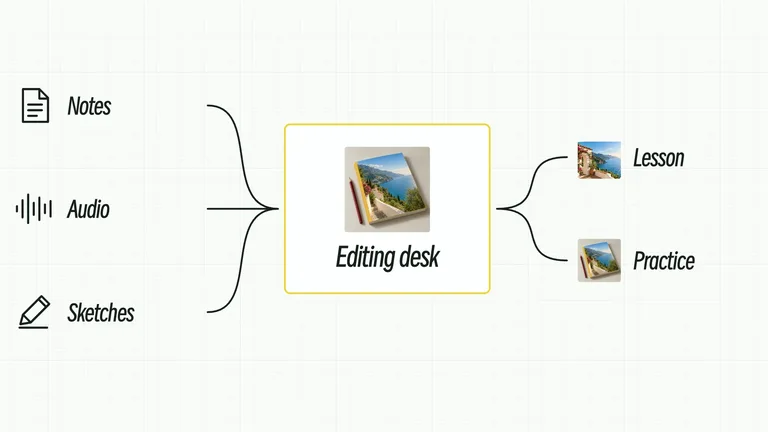
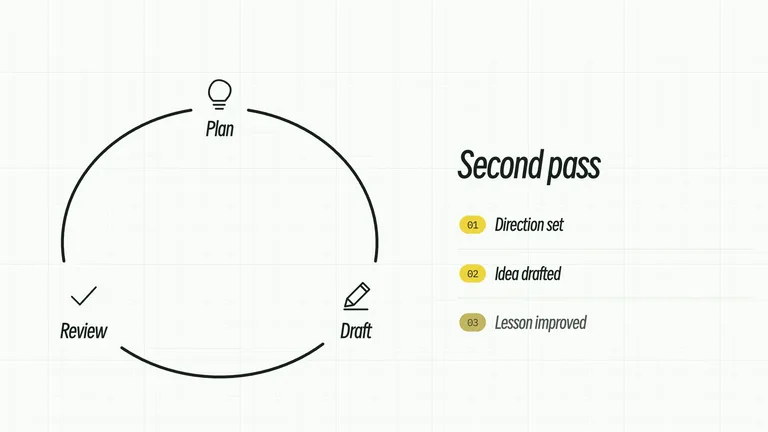
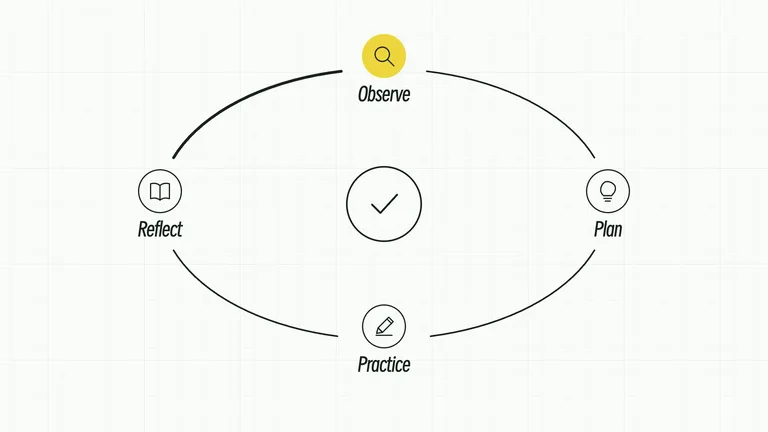
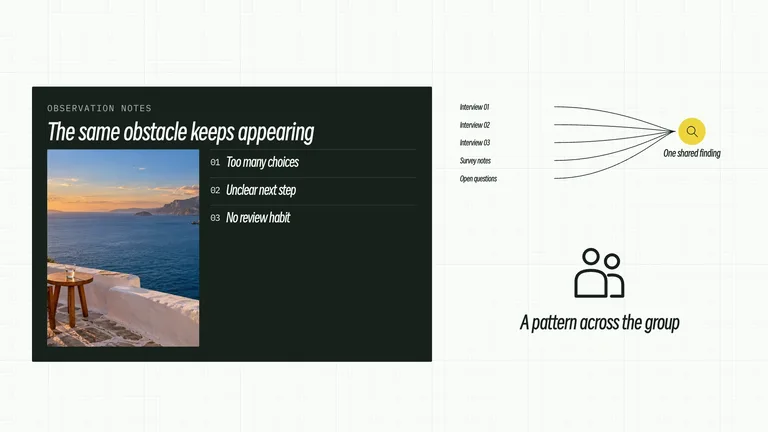
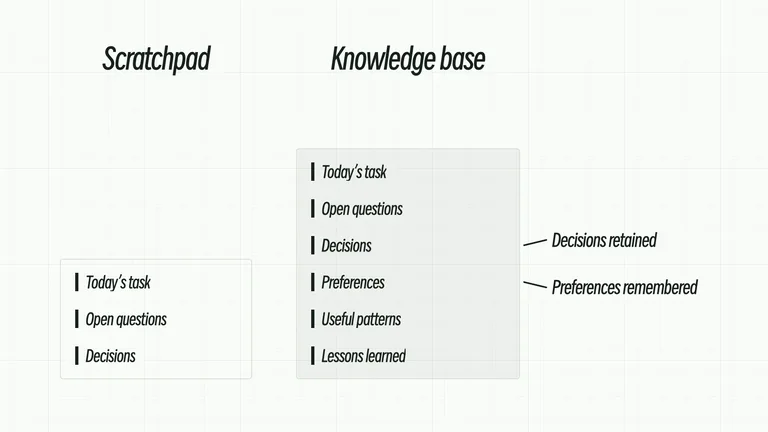
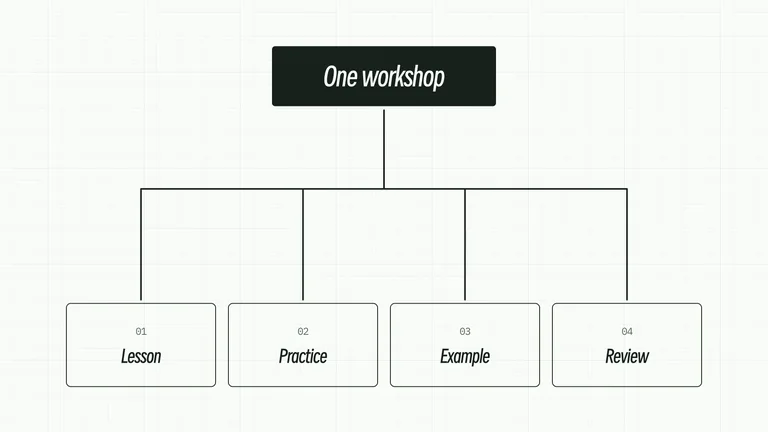
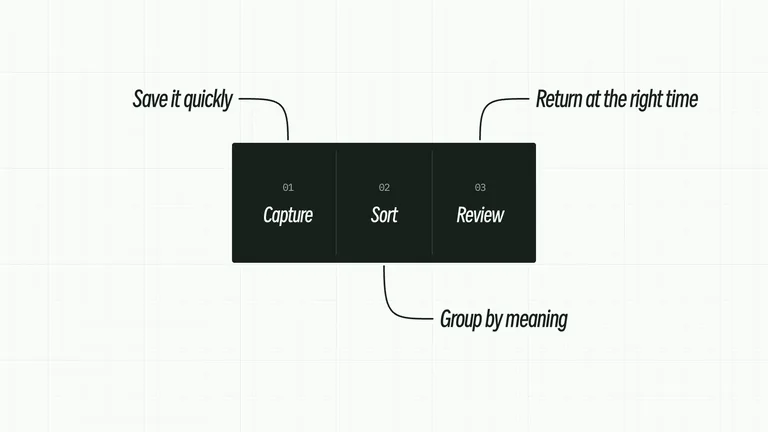
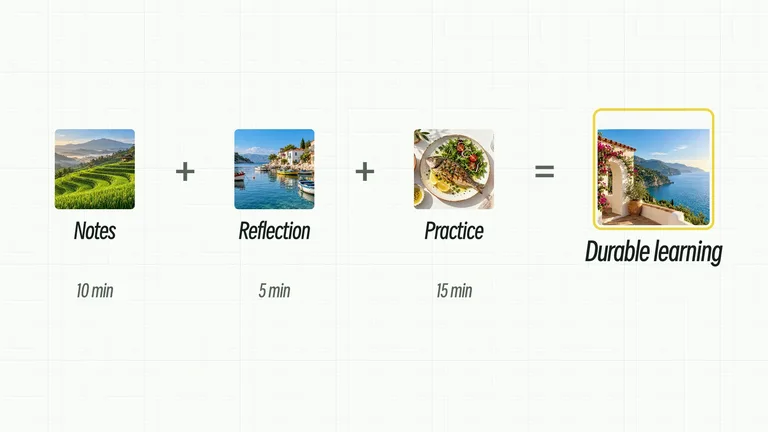
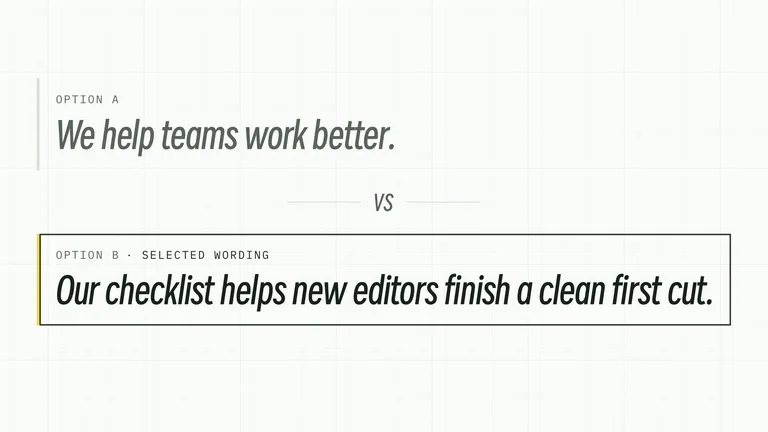
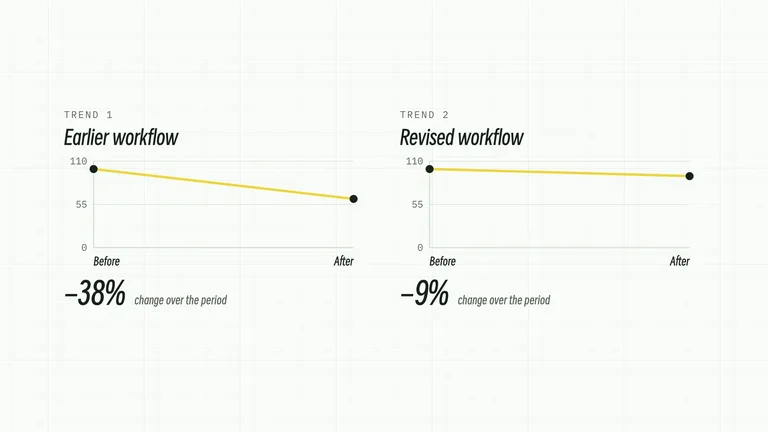
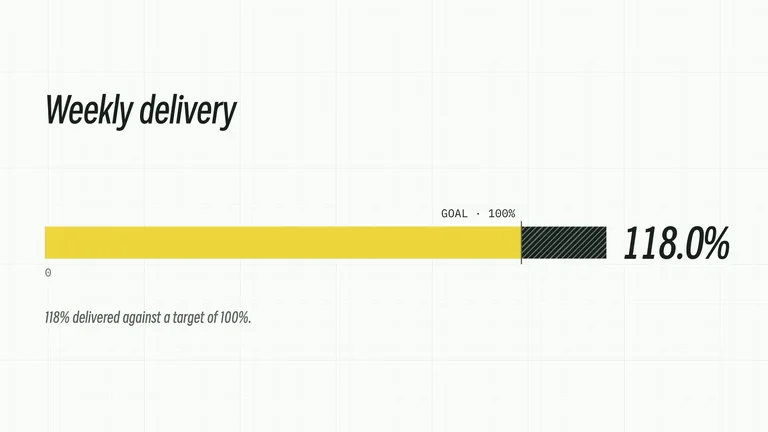
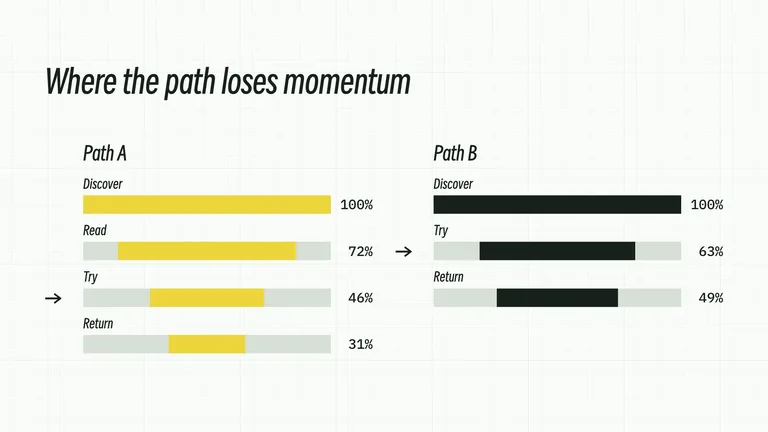
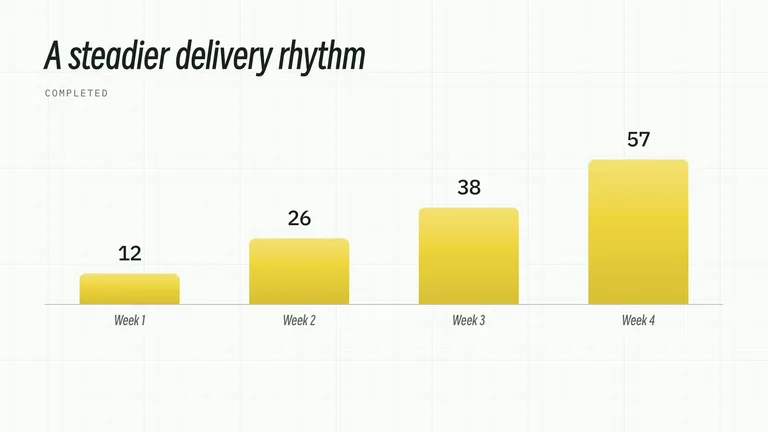
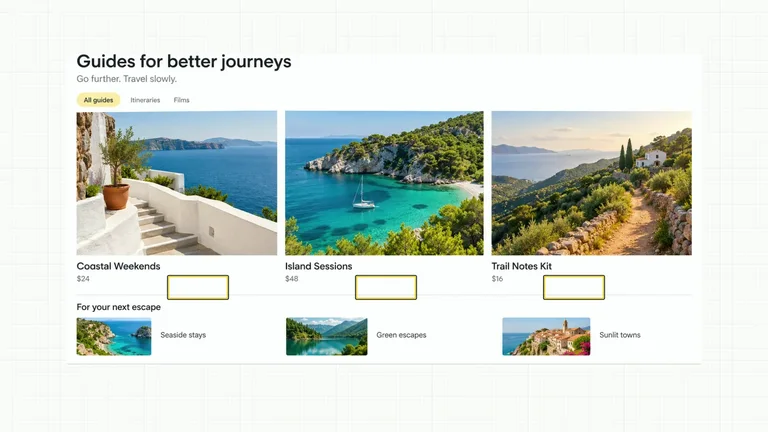
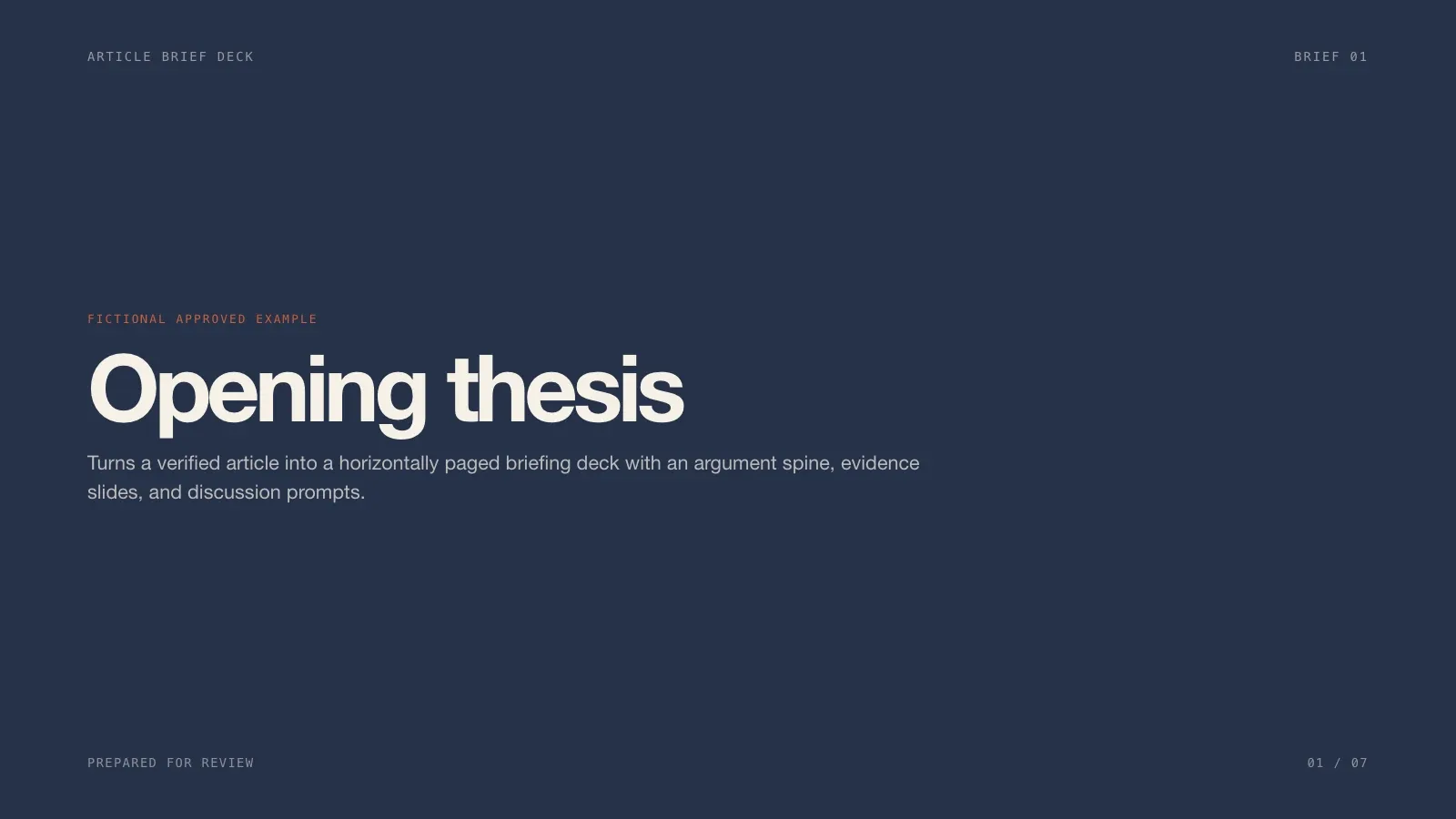
Turns a verified article into a horizontally paged briefing deck with an argument spine, evidence slides, and discussion prompts. It delivers a complete horizontally paged example deck with speaker notes and three finished 16:9 previews. Every deck can be edited in the browser and exported as an editable PowerPoint file.

Before you run a content publishing Skill

What each kind of asset needs before it can go into your next post.

Covers and illustrations
Most generate with a paid fal.ai task. Review the prompt before you submit; failed tasks aren't resubmitted.See Allegorical Engraving Cover
Talking-head overlays
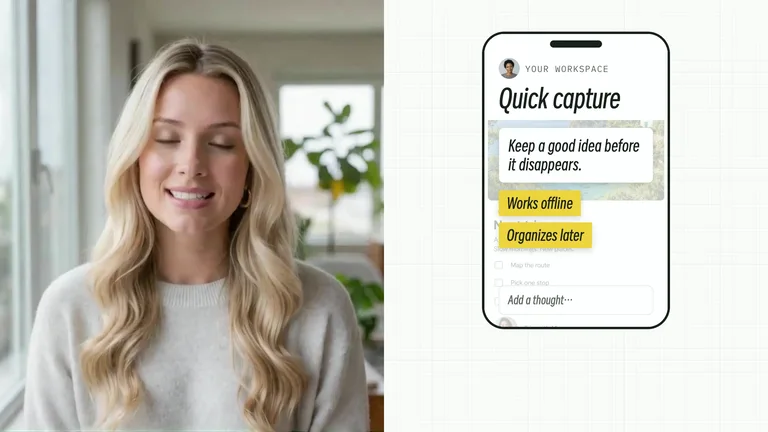
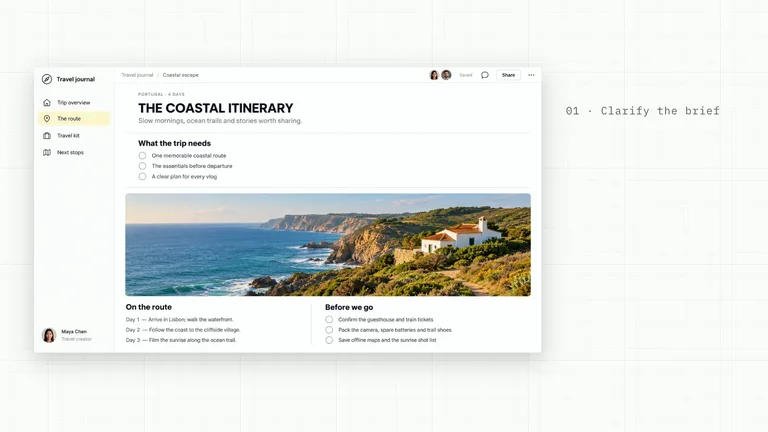
Timed titles, checklists and callouts over your own footage, rendered as video with an editable project. They need FFmpeg, the HyperFrames CLI and Node.js 22.See CreatorMotion · Synchronized Action Checklist
Sizes
Covers and OG images come out at cover and link-preview sizes, ready to upload.
Facts and permissions
A Skill doesn't fact-check. Check claims, sources and image rights before you publish.

What content publishing Skills do

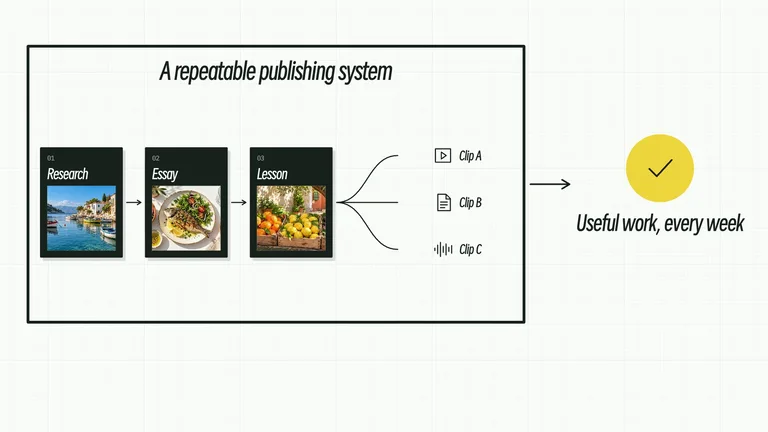
Every post needs the same handful of assets. A Skill makes them in one style, so your feed reads like one publication.

Covers and share images

Article covers and OG images that carry your editorial look to every link you share.

Article illustrations

Illustrations and visual notes drawn around the article's own idea, not stock photos.

Overlays for talking-head videos

Titles, checklists and quote cards animated around the speaker, editable before you export.

How to make article covers with a Skill

Three steps in Claude Code, Codex or Cursor. No design app needed.

  1. 1

    Paste the install prompt

    Copy the install prompt into your agent, or run the command below. The Skill lands in your agent's skills folder.

    npx skillry-cli@latest install bs-article-brief-deck
  2. 2

    Call it with a slash

    Type a slash and the Skill name, then say what you want in plain words.

    /bs-article-brief-deck Turn this source document into a publishable article with supporting visuals.
  3. 3

    Review and ship

    Open the file it made, ask for changes in the same chat, then publish or hand it off.

    deck.html → .pptx

Why use a content publishing Skill instead of a prompt?

A prompt can make one image for one post. A Skill gives every article a matching set, with a cover, inline illustrations and an OG share image in the same style, issue after issue.

AspectA plain promptA Skill
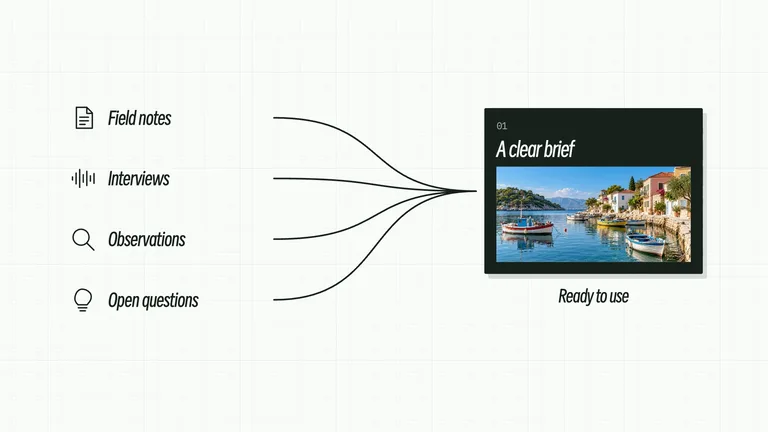
BriefYou restate the article in every promptOne brief from the article feeds the cover, illustrations and share image
House styleEach image looks like it came from somewhere elseThe same illustration style runs through every post you publish
Ready to publishYou resize and rename files before uploadImages come out at cover and link-preview sizes, ready to upload

What is a content publishing Skill?

A content publishing Skill is a set of instructions your AI agent follows for visual content creation around each post. You give it the article or brief; it makes a cover, inline illustrations, a share image or a video overlay in one editorial look.
What you can make with a content publishing Skill

  • 01Blog and article coversA header image that carries the article's main idea.
  • 02Inline illustrationsVisual notes and illustrations drawn around the article's own points.
  • 03OG share imagesLink previews that match your covers.
  • 04Talking-head overlaysAnimated titles, checklists and callouts over your footage.

How to pick a content publishing Skill

  1. 1Start from the articleDecide what the image needs to explain before you pick a style.
  2. 2Look at the exampleEvery Skill page shows a real result.
  3. 3Keep one lookUse the same Skills issue after issue so posts read as one publication.

Every Skill, one plan

Install any Skill on this page and every new one we add. Cancel anytime.

50% OFF

Black Friday starts early: Save 50% on Pro.

Ends November 30, 2026 at 11:59 PM Pacific Time.

Cancel anytime

50% OFF

Monthly

$9.99$19.9 / month

  • Access all Premium Skills
  • Install through MCP, CLI or the web
  • Browser authorization for MCP and CLI
  • 50 Skill loads a day
  • Ongoing Skill updates
  • New Premium Skills included
  • Cancel whenever you need

Most popular

Save 34% a year

50% OFF

Yearly

$79$158 / year

  • Access all Premium Skills
  • Install through MCP, CLI or the web
  • Browser authorization for MCP and CLI
  • 50 Skill loads a day
  • Ongoing Skill updates
  • New Premium Skills included
  • Cancel whenever you need

Best value

Pay once · Founding price

32% OFF

Founding Lifetime

$169$249 one-time

  • Access all Premium Skills
  • Install through MCP, CLI or the web
  • Browser authorization for MCP and CLI
  • 50 Skill loads a day
  • Ongoing Skill updates
  • New Premium Skills included
  • No subscription or renewal bill
  • Contribute Skills, make moneyComing soon

Black Friday prices on subscriptions cover the first month or year; renewals bill at the standard price.

Cancel anytime. Payments are non-refundable.

Commercial license · Agencies, studios & platforms

Business plan

Personal plans cover finished client work. Business also lets you showcase a Skill with official media and run it for customers on your own platform.

  • Showcase services with official Skill covers, demos and previews
  • Integrate & run Skills on your own SaaS or agent platform
  • Receive our Commercial License Agreement PDF by email
  • Unlimited Skill downloads + every Premium Skill & update

$399/ year

Cancel anytime

Content publishing Skills FAQ

How do I make an OG image for a blog post?

Install an OG image Skill, give your agent the post title and a line of context, and it renders a share image at the standard link-preview size. Use the same Skill for every post and your shared links will look like a set.

Will a Skill fact-check my article?

No. Treat any copy it writes as a draft. Checking facts, sources and image permissions is still your job.

Where can I find more cover and illustration styles?

For a wider range of illustration and cover styles, browse image Skills. Stay on this page when several images need to work as one set for a regular publishing schedule.

Is there a Skill for newsletter or email templates?

Not at the moment. The Skills here make the visuals a newsletter needs, such as covers, illustrations, insight cards and share images, and you can drop them into any email tool.

Which Skill should I use for blog graphics?

Use a cover Skill for the header image, an illustration Skill for inline visuals and an OG image Skill for link previews. If you only need a header image, start with blog cover image Skills.

Explore other use cases

Find the right Skill for your next article

Covers, illustrations and OG images, ready to publish.

Browse all Skills