


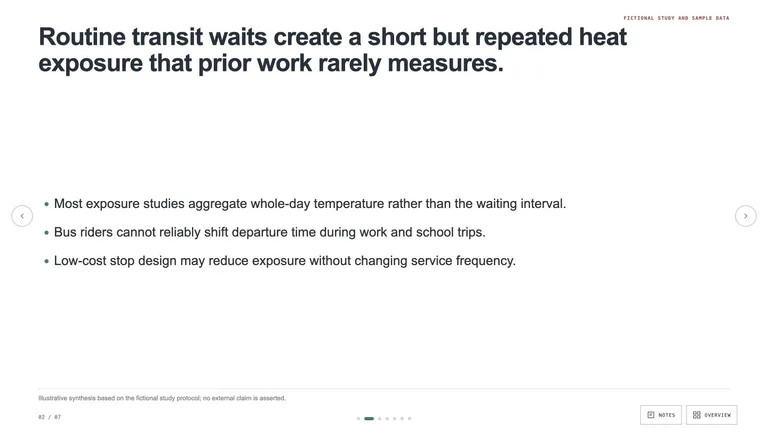

Teaching slides
Calm, readable lesson decks you can edit in the browser and export to PowerPoint.
Teaching slides, infographics and whiteboard-style explainers your agent turns from lesson notes into something students can follow.


Half of explaining well is layout. These Skills handle the layout so you can focus on what to teach.
Calm, readable lesson decks you can edit in the browser and export to PowerPoint.
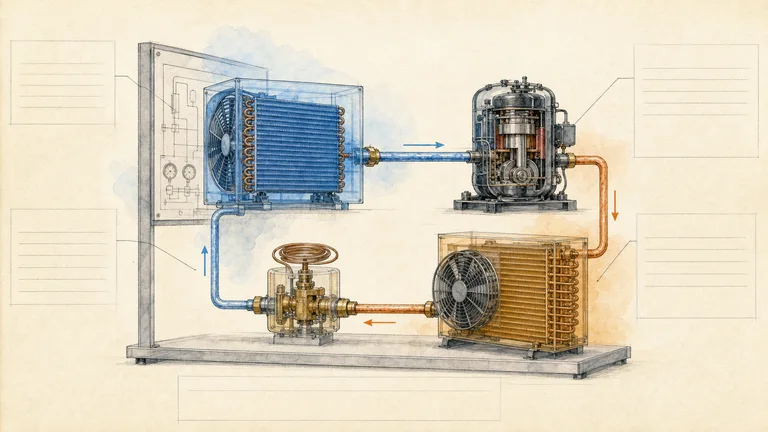
Chalkboard, sketchnote and study-sheet layouts that fit one topic on one page.
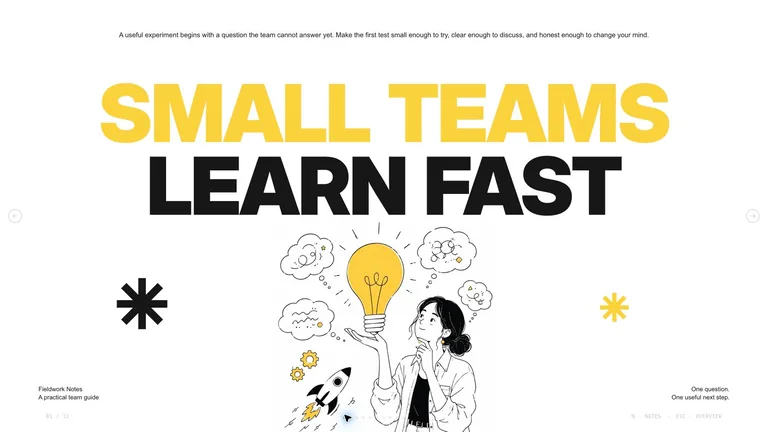
Whiteboard and hand-drawn explainers that walk through a process step by step.
Each role page picks the Skills that fit that job best.
Three steps in Claude Code, Codex or Cursor. No design app needed.
Copy the install prompt into your agent, or run the command below. The Skill lands in your agent's skills folder.
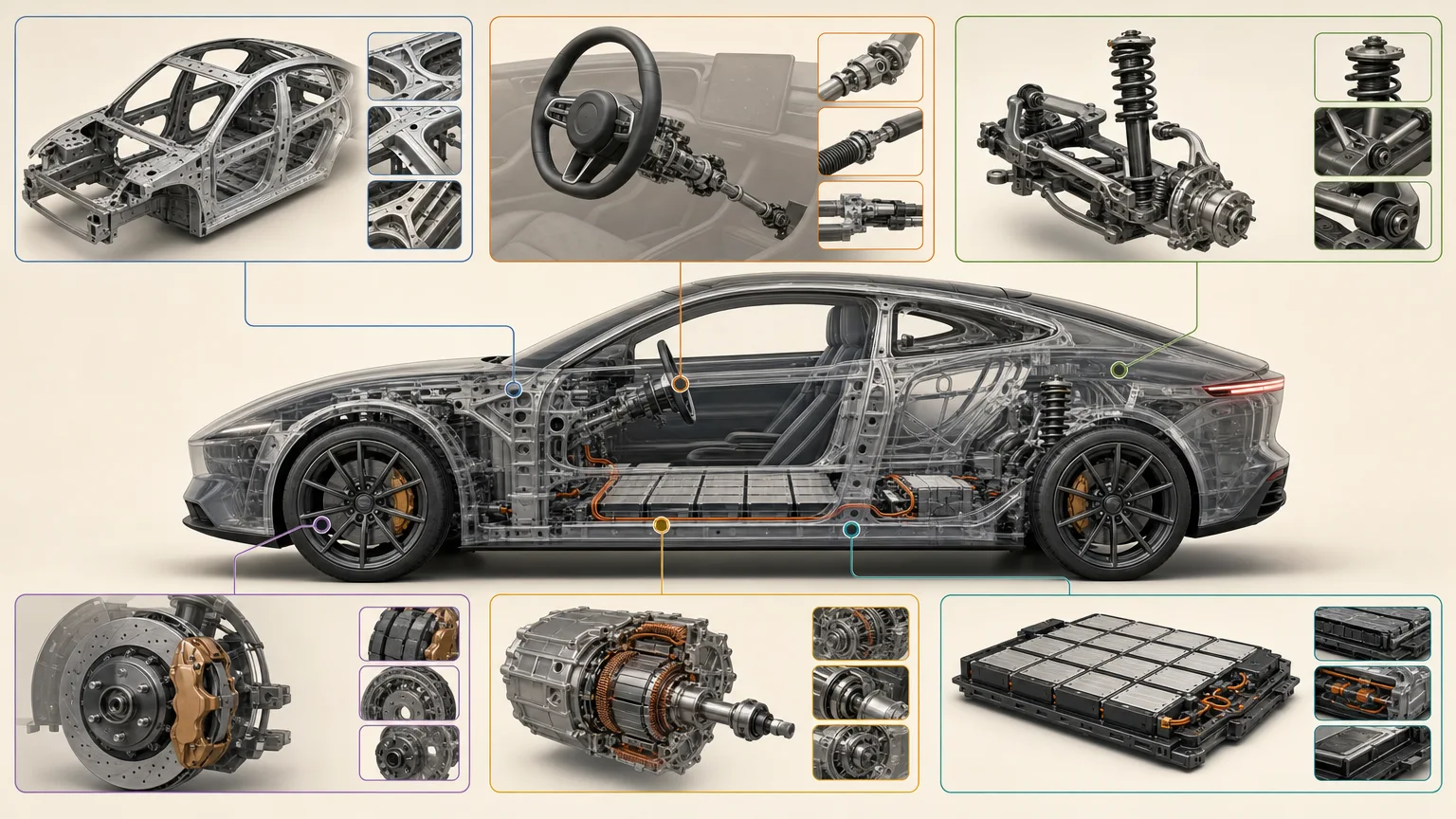
npx skillry-cli@latest install bs-vehicle-anatomy-posterType a slash and the Skill name, then say what you want in plain words.
/bs-vehicle-anatomy-poster Explain this difficult concept with a diagram and three practical examples.Open the file it made, ask for changes in the same chat, then publish or hand it off.
image.pngA prompt can explain an idea once. A Skill turns it into teaching slides, an infographic or an explainer that walks learners through it step by step, and you can reuse it next term.
| Aspect | A plain prompt | A Skill |
|---|---|---|
| Starting point | A general explanation aimed at no one in particular | Pitched at your learners' level and what they already know |
| Sequence | Whatever order the first answer happens to use | Example, diagram and recap in an order planned in advance |
| Classroom use | You turn the answer into slides yourself | Teaching slides or an infographic you can project or print |
Install any Skill on this page and every new one we add. Cancel anytime.
Cancel anytime
$9.99 / month
Full Premium access, billed monthly.
Save 34% a year
Most popular$79 / year
Full Premium access for a lower annual price.
Pay once · Founding price
Founding offer$169 one-time
Founding price — increases as the library grows.
Cancel anytime. Payments are non-refundable.
Yes. Tell your agent the topic, the age or level of your students and how long the lesson runs, and a teaching slides Skill builds the deck. Check the facts and examples before class.
Install an infographic Skill, such as Chalkboard Infographic, and give your agent the concept plus the three to five points learners must remember. It lays them out on one page you can print, project or share.
No. It structures and produces the material, but a teacher or subject expert still checks that it is accurate and right for the class.
Use slides to walk a class through an idea step by step, and an infographic when learners need the whole picture on one page. If you mainly need a deck, browse presentation Skills.
Explainers, diagrams and infographics that make ideas clear.
Browse all Skills