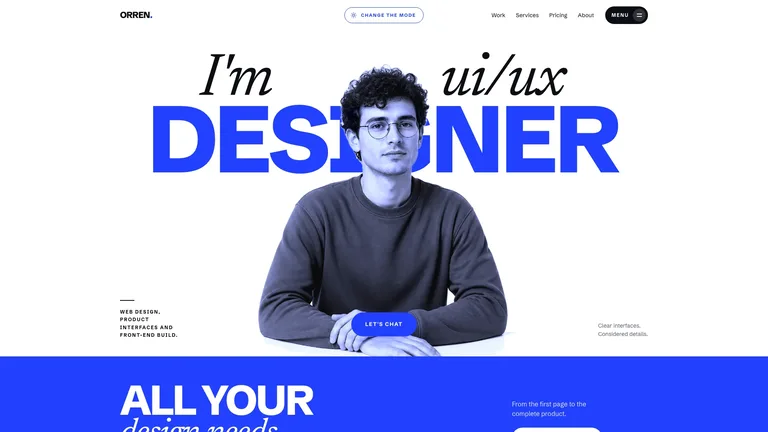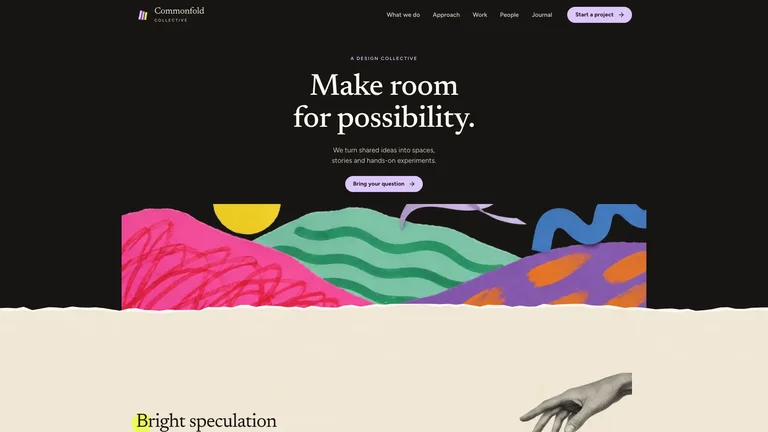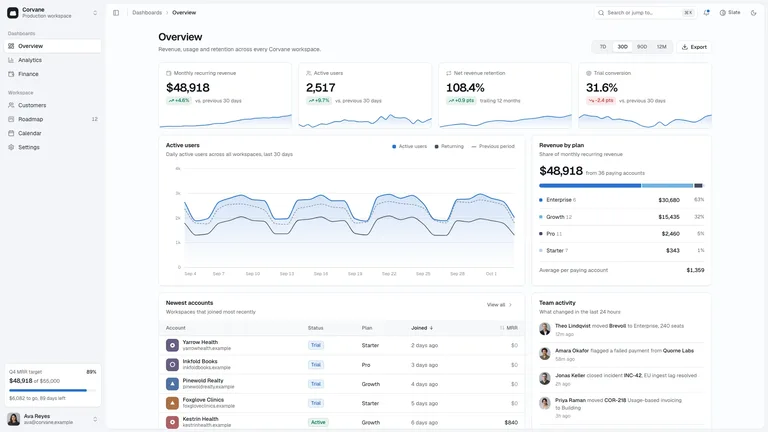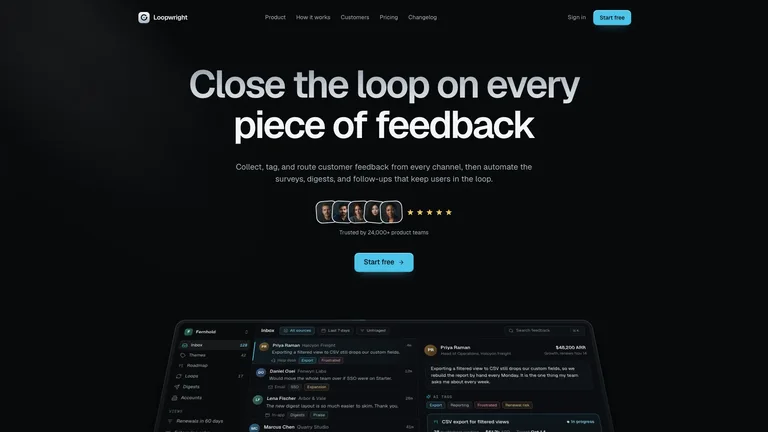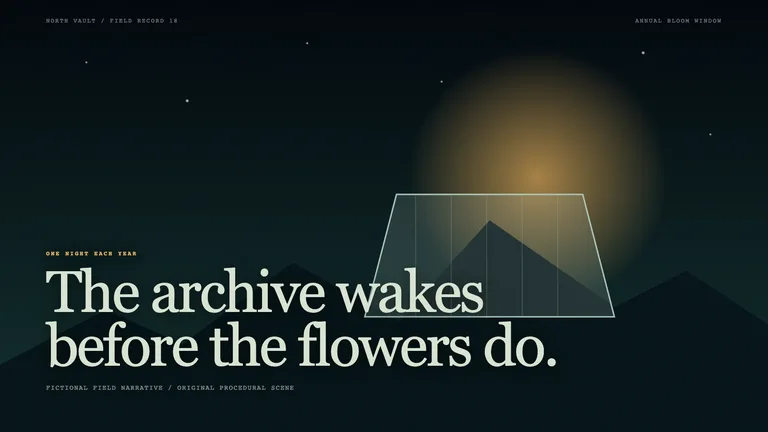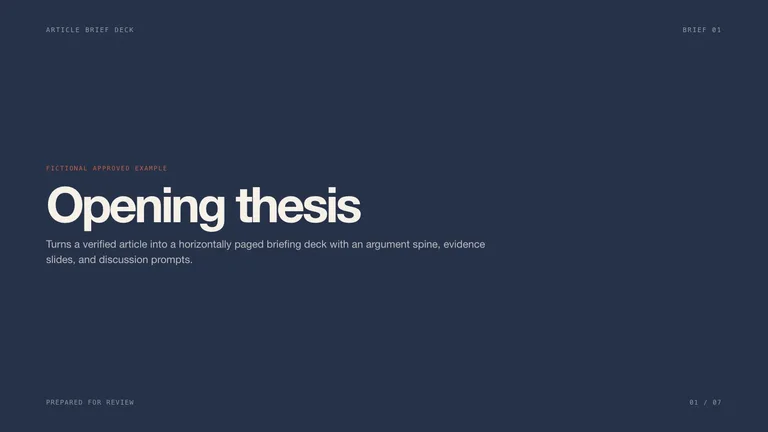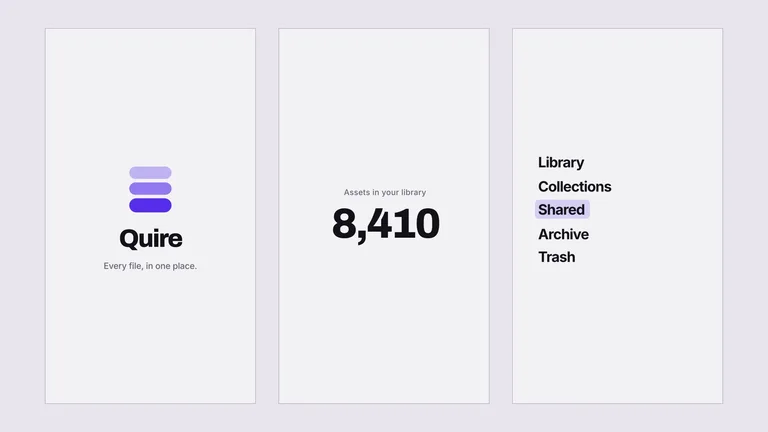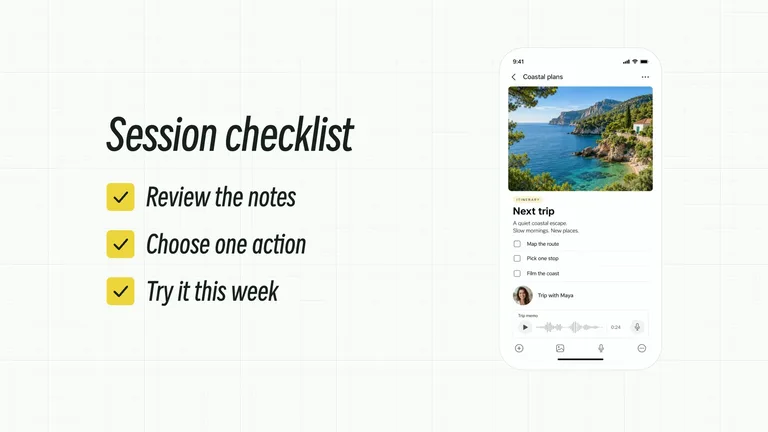




























Anthropic Report Illustration Style


 +7


New from our studio. Every Skill here is designed, written and tested by the Skillry team.
Install one, run it end to end, keep what it makes. No card, no trial timer.
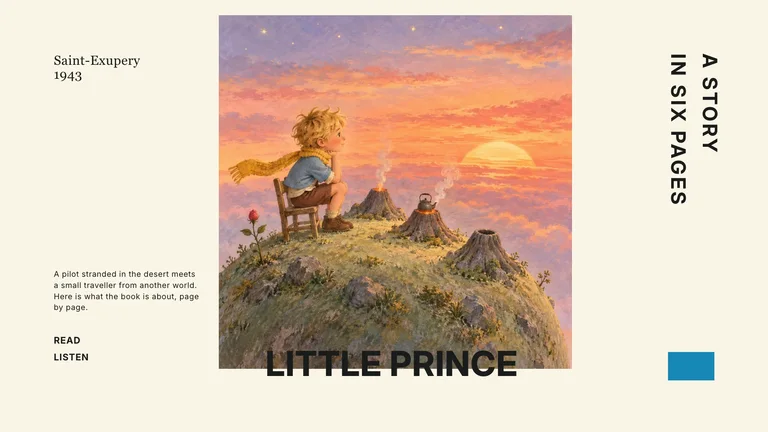
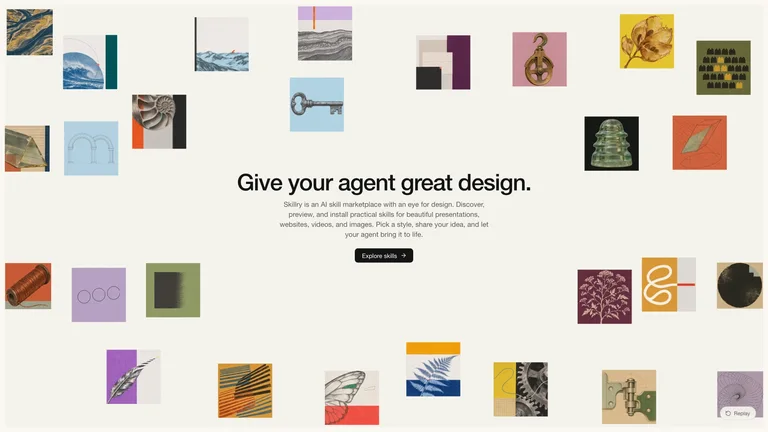
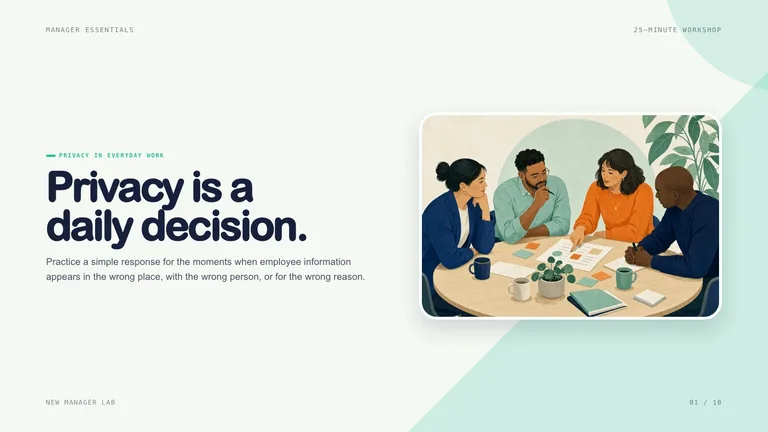
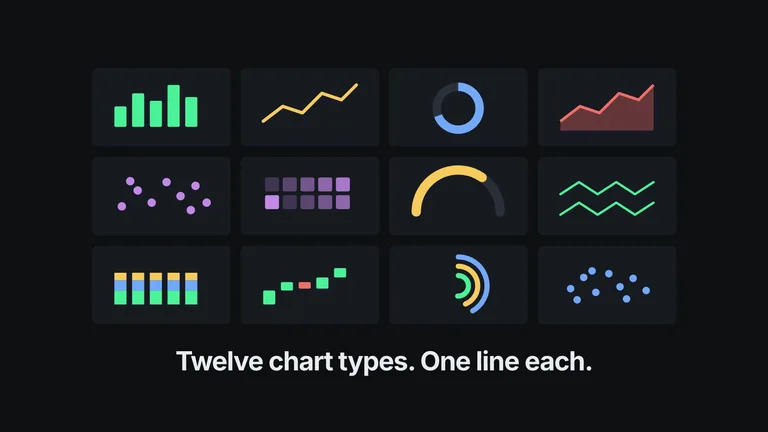
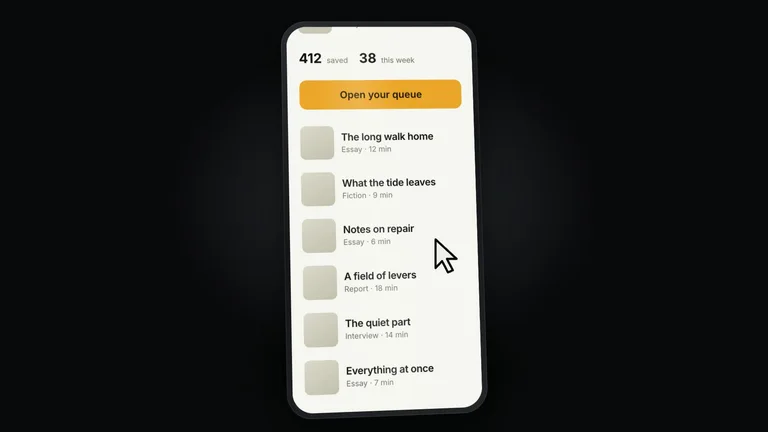
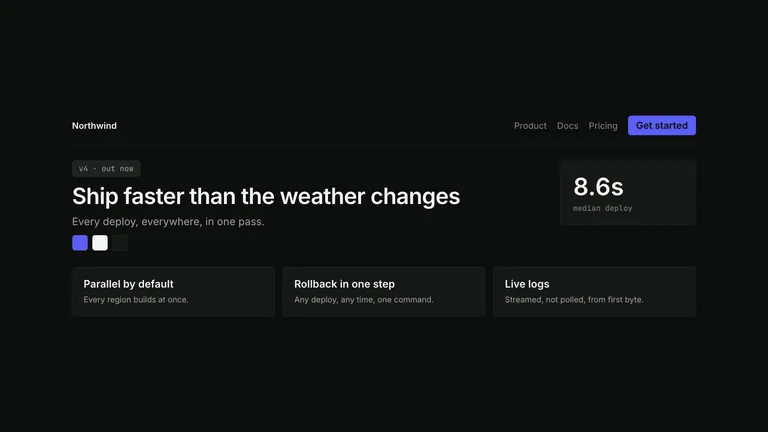
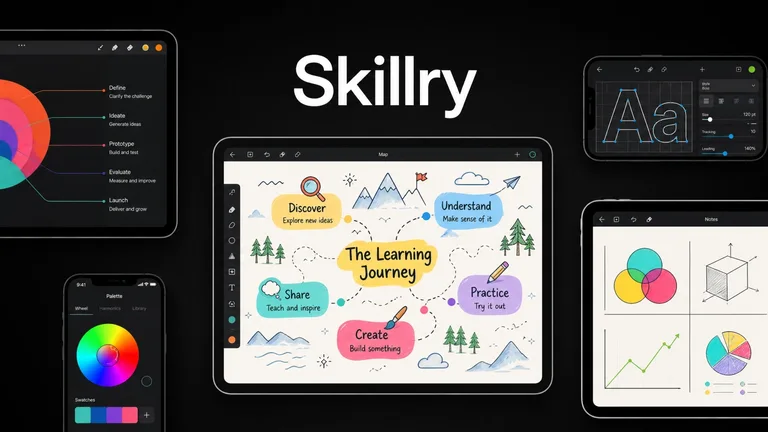
400+ Skills so far, and new ones land all the time. Each one starts as a finished piece of work we design ourselves: a deck, a page, a film. Then we write the instructions, templates and scripts that let your agent make it again.

How a Skillry Skill is made

Design the result
We art-direct the finished output first: layout, type, color and motion.

Write the workflow
Original instructions, templates and scripts, packaged as one SKILL.md.

Run it for real
Each Skill page shows a real result it made.

Keep it current
The same team updates each Skill as agents and models change.
Give your AI agent practical, reusable workflows for real tasks.
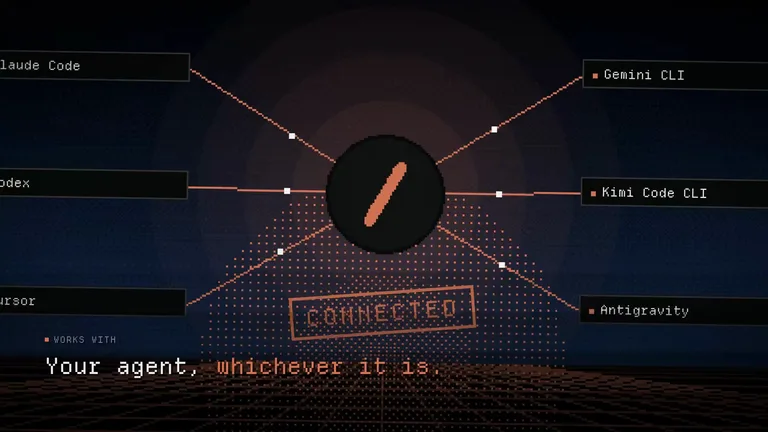
Read the installation guideClaude CodeCodex Kimi Code CLI
 Gemini CLI
 AntigravityCursor
Read https://skillry.dev/install/agent.md and follow the instructions to connect the official CLI, then help me discover the right Skill.
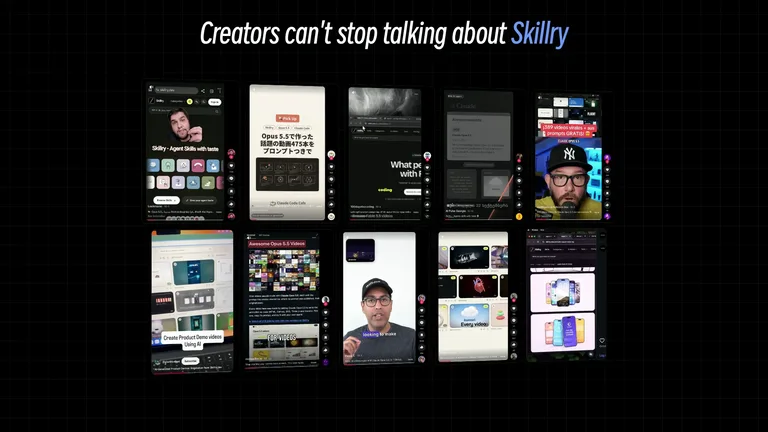
What people on social media are saying about Skillry's Skills and video library.
 Marc Lou@marclou · The fastest-growing startup of the week on TrustMRR is from China 🇨🇳
@yihui_indie built a curated directory of AI skills and charges a subscription for full access.
$0 → $3K/mo in 10 days.1K
 숙이@sook_ee_ · Skillry라고, 약간 AI 영상계의 핀터레스트 같은 곳이래
직접 영상을 만드는 툴은 아니고 프롬프트나 레퍼런스 모음집인데, 고퀄 3D나 모션그래픽 결과물 옆에 실제로 쓴 프롬프트가 다 있음!
더 좋은건 원본이랑 프롬프트로 만든 결과물을 나란히 두고 비교해 주더라고
나중에 홍보 영상이나 자료 만들 때 여기서 원하는 무드 먼저 고르고 프롬프트 응용하면 작업 시간 엄청 줄어들 듯…2K873
 kento iv@0xKento_ · alguien junto 389 videos virales creados con Opus 5.5
pero lo mejor no son los videos
guardaron el PROMPT de cada uno
motion graphics
3D
juegos
explainers
animaciones
y puedes ver el original al lado de una recreacion funcionando en vivo…
este repo es literalmente el mapa69244
 Logits crew@Logitscrew · Skillry collects ~400 AI-video examples with the original clip, recreation, and prompt. The useful part isn’t copying templates—it’s seeing how visual ideas are translated into instructions, then adapting them to your own product.
 Shio@Shioh4u · 元のプロンプトが保存されているのは学習用途として本当に強いですね。オリジナル動画と再現版を見比べられれば、どの指示がどこに効いたか逆算できて試行回数も減らせそうです。2
 おかぴ@okapi_fukugyo · Claudeで作られた「やばい動画」はどこから生まれているのか。調べていたら、こんなサイトを見つけました。
Opus 5.5で作られた動画が475本、1か所に集められています。
注目したいのは、1本ずつ「元のプロンプト」が保存されていること。…
さらに、オリジナル動画と、ブラウザ上で動く再現版を見比べられます。50235
 Aksonvady@aksonvady · AI inspiration libraries are becoming the new moodboards except now your agent can actually build from them. Easy bookmark.41
 HeeDing@_hxx_ceo · Waittt, everyone’s making motion graphics with Opus 5.5 so I had to try it too.
This is actually insane — it made this from a single prompt.
I found a reference prompt on Skillry and adapted it for this.
Such a useful site, highly recommend 👍🏻
 Nett0@nett0eth · tem 475 prompts de vídeo do Opus 5.5 abertos de graça num site só.
usei um deles de base, troquei logo, cor e fonte pela minha marca, e saiu esse vídeo.…184
 Celine Yu@celineycn · 我觉得自remotion/hyperframes出来之后,应该有非常多人想到了这个idea。就是把复刻动画原子化的代码整理出,但做的这么有taste的,执行的很好的,目前看到最强的就是yihui的这个skillry4
 Sunil Kumar@sunilkumar_ai · Skills was all there on Github for free, but Skillry give value for money as curation.1
 冰河@binghe · 这个网站,有很多做漂亮 OG 图的内容,赶快收藏起来吧。
让 Agent 自己去学习,然后把你的网站整个漂亮的脸面。…9
 Melch@MelchBD · Beautiful & useful product…1
 テツメモ@tetumemo · Claude Opus 5.5でモーション作りたい人、このサイトは普通に保存推奨
Opus 5.5で作られたモーショングラフィック、解説動画、3D、ゲームなどの事例が大量にまとまっている
面白いのは「完成動画を見るサイト」で終わっていないこと
元動画とOpus 5.5によるリメイクを並べて比較できて、実際に使ったプロンプトまで公開されている…2.6K274
 AYi@AYi_AInotes · 兄弟们,Opus 5.5做视频真的封神, 这个网站我真要吹爆,它竟然把全网用 Claude Opus 5.5 做出来的爆款视频,475 个,一条不落全收了, 而且每一条,都附上创作者当时用的那段完整 prompt,免费,直接复制。…想做视频的,这一个站顶十个教程。317
 水族店刘老板@leo_xiaolei · WOW!!这个网站值得收藏啊!!
Opus5.5 做视频的最佳实践集合,
目前见过最全的了,全部可以直接查看
提示词和 Skill 都是提供的…423
 Deborah Folloni@dfolloni · esse site tem uma biblioteca de quase 500 videos gerados com o opus 5.5 + os prompts por trás de cada um deles.
de nada 👍1.4K120
 Kevin@KevinVaghasiya5 · someone built a whole site for those “Opus 5.5 made this” videos.
browse the clips, grab a prompt, try your own version.
went in for inspiration. left with 12 new projects 😭3
 AllenLei@opc_8838 · 不得不说@yihui_indie 大佬的skillry.这个manus风格skill的厉害,能读懂cell motion个动效的逻辑,随意修改,不变形,并且完完全全做到基本复刻到。…64
 Rudra Satani@rudraxx13 · those little pastel skill icons make it feel way more premium than a normal directory. 10 days is crazy, curation really is the product
 三个三@3three_AI · 想用 AI 做短视频的,这个网站必收藏!
近 500 个 Opus 5.5 生成的视频,画面效果和对应提示词全给你放好了。
拿来找抖音选题、拆视频效果、学提示词,素材够研究一阵子了79
 Sourasith@titepommee · If you’re experimenting with motion using Claude Opus 5.5, save this 👀
So many great examples with the actual prompts behind them — GSAP, Three.js, SVG, Canvas and more.
Such a good resource for learning how to prompt better motion.9
 Able Varghese@AbleEmergence · Curated beats complete for skill directories. Anyone can scrape a thousand skills, but paying for the forty that actually work is an easy yes.…
 MACKDAMER@mackdamer · Best part: each one comes with the original, a remake, and the exact prompt you can copy and tweak for your own project
So it's not just a gallery for inspiration – it's basically a ready-made cheat sheet for recreating the stuff you like1
 Leon S.@leonTheEighth · It's a very well-made product!…1
One plan unlocks every Skill we design, plus each new one we ship.
Black Friday starts early: Save 50% on Pro.
Ends November 30, 2026 at 11:59 PM Pacific Time.
Cancel anytime
50% OFF$9.99$19.9 / month
Most popular
Save 34% a year
50% OFF$79$158 / year
Best value
Pay once · Founding price
32% OFF$169$249 one-time
Black Friday prices on subscriptions cover the first month or year; renewals bill at the standard price.
Cancel anytime. Payments are non-refundable.
The essentials for choosing, installing, and using your first Skill.
A Skill is a reusable set of instructions and resources that helps an AI agent complete a specific kind of work.
Our own team. Every Skill is designed, written and tested in-house, from the example on its page to the templates and scripts inside the package, and we keep updating it after release.
Browse the catalog, choose a Skill and use its install prompt or ZIP download. You can also connect Skillry MCP to search and inspect Skills from your agent. Authorize your account in the browser to install; your agent runs the installed workflow.
The catalog works with agents that can read and install Agent Skills. Start with the supported examples on this page, then follow your agent's normal Skill installation flow.
Connecting Skillry MCP or CLI needs no Skillry API key. Approve account access in your browser; credentials are stored in the OS keyring. Some image or video Skills require your own provider key and external fees. Check the Skill's requirements before running it.
Skills cover focused work across Slides, Web, Images, and Video. Each Skill page explains the result it helps your agent create before you install it.
With MCP, ask your agent to check installed Skills for updates, then approve the selected version before upgrading; the previous directory is preserved as a backup. With the terminal CLI, explicitly reinstall using --force, or download the latest ZIP from the Skill page.
Connect once, then install any Skill from our studio straight from your agent.