Almost every founder or maker hits the same wall right before launch: motion agencies charge $3,000–$10,000 for a 30-second teaser, raw screen recordings look tiny and sluggish on social feeds, and AI video generators turn software screens into garbled alien text.
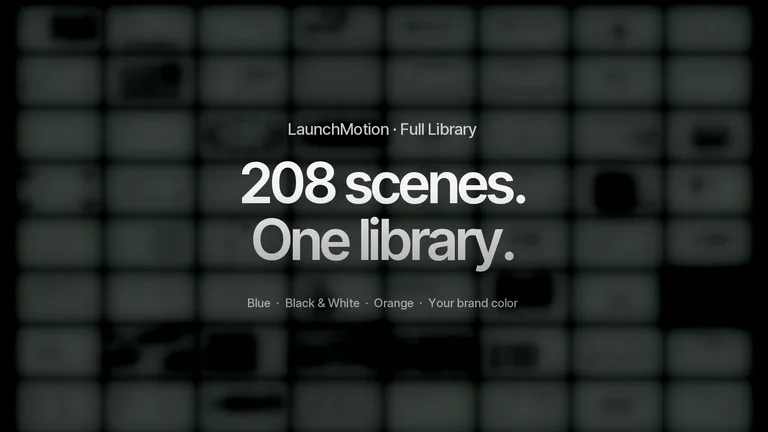
To figure out why great YC-style launch videos hold your attention from second one, we broke down 208 high-converting product video scenes into a dead-simple 30-second formula anyone can follow using just 5 real screenshots—no After Effects required.
The short answer
- Show your real product in the first 3 seconds: Skip dramatic “Are you tired of…” text slides. Nearly half of all effective launch scenes show the actual product right away.
- Pick just 5 highlights for a 30-second video: Cramming 15 features into 30 seconds means viewers remember none of them.
- Use the “2s action + 3.4s result” rhythm: Zoom in tight on the click or prompt for 2 seconds, then cut straight to the finished full-screen result for 3.4 seconds with zero loading spinners.
- Never use text-to-video AI to fake your app UI: Drop your own crisp product screenshots into a motion template like LaunchMotion so every button and word stays 100% real.
| Part of the video | What viewers see on screen | Duration | Why it works |
|---|---|---|---|
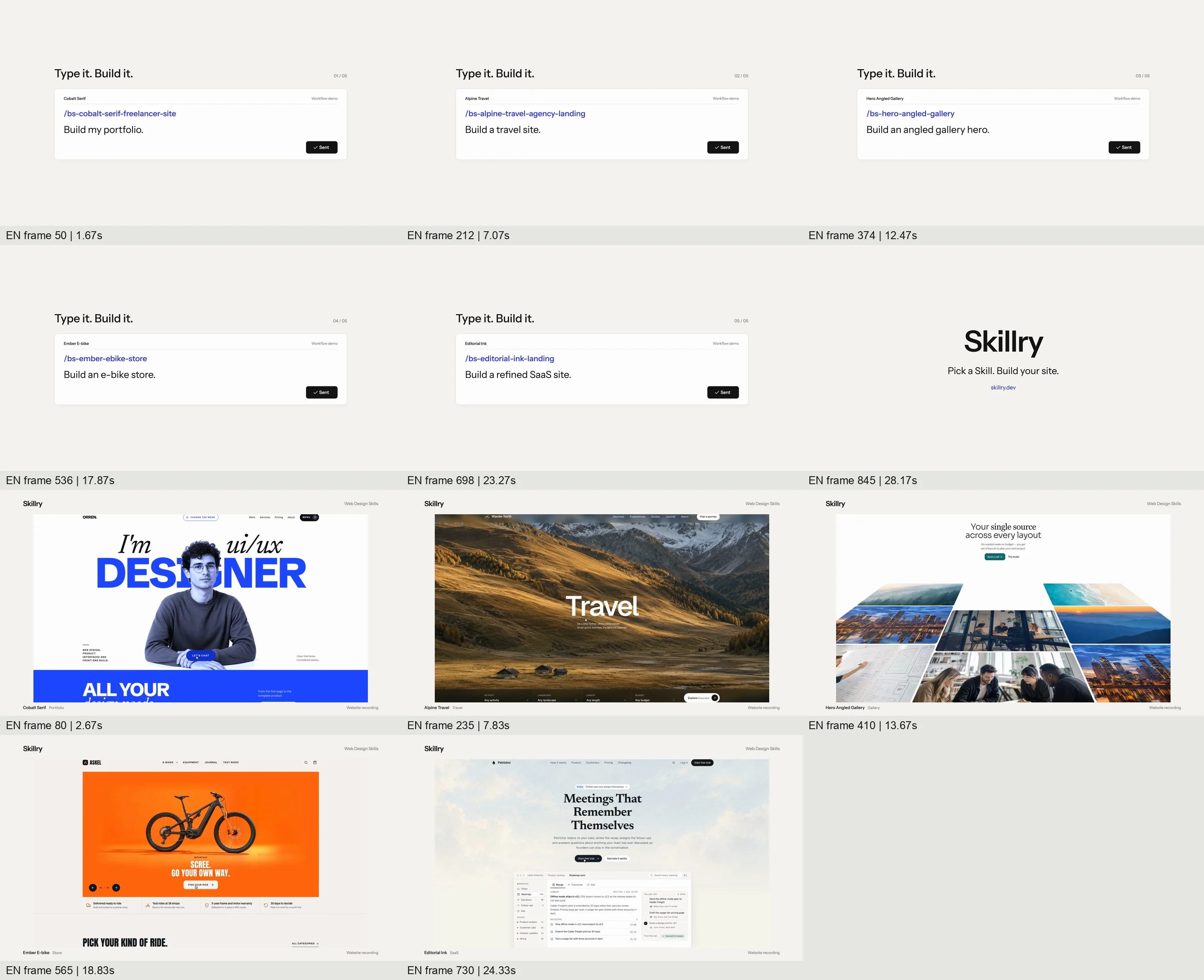
| 5 highlight cycles | First 2.0s: Tight zoom on typing a prompt or clicking a button Next 3.4s: Full-screen reveal of the finished result | 5 × 5.4s = 27s | Viewers instantly see how it works and why the result is impressive—zero dead air |
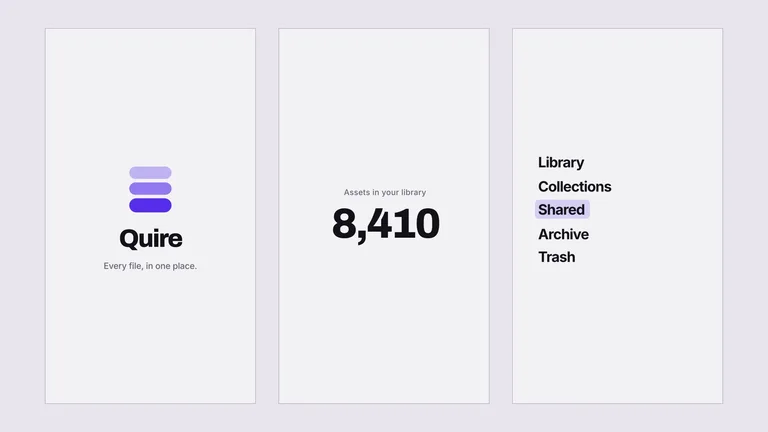
| Closing card | Clean brand name, one-line pitch, and website URL | 3s | Gives interested viewers enough time to read and type your URL |
1. Rule #1: Show the real product in the first 3 seconds—skip the slogan slides
The most common rookie mistake in a product video is spending the first 10 seconds on black-and-white text slides: “Work is broken. Meet the future of productivity…”
On X, LinkedIn, or Product Hunt, 90% of people have already scrolled past before your product ever appears.
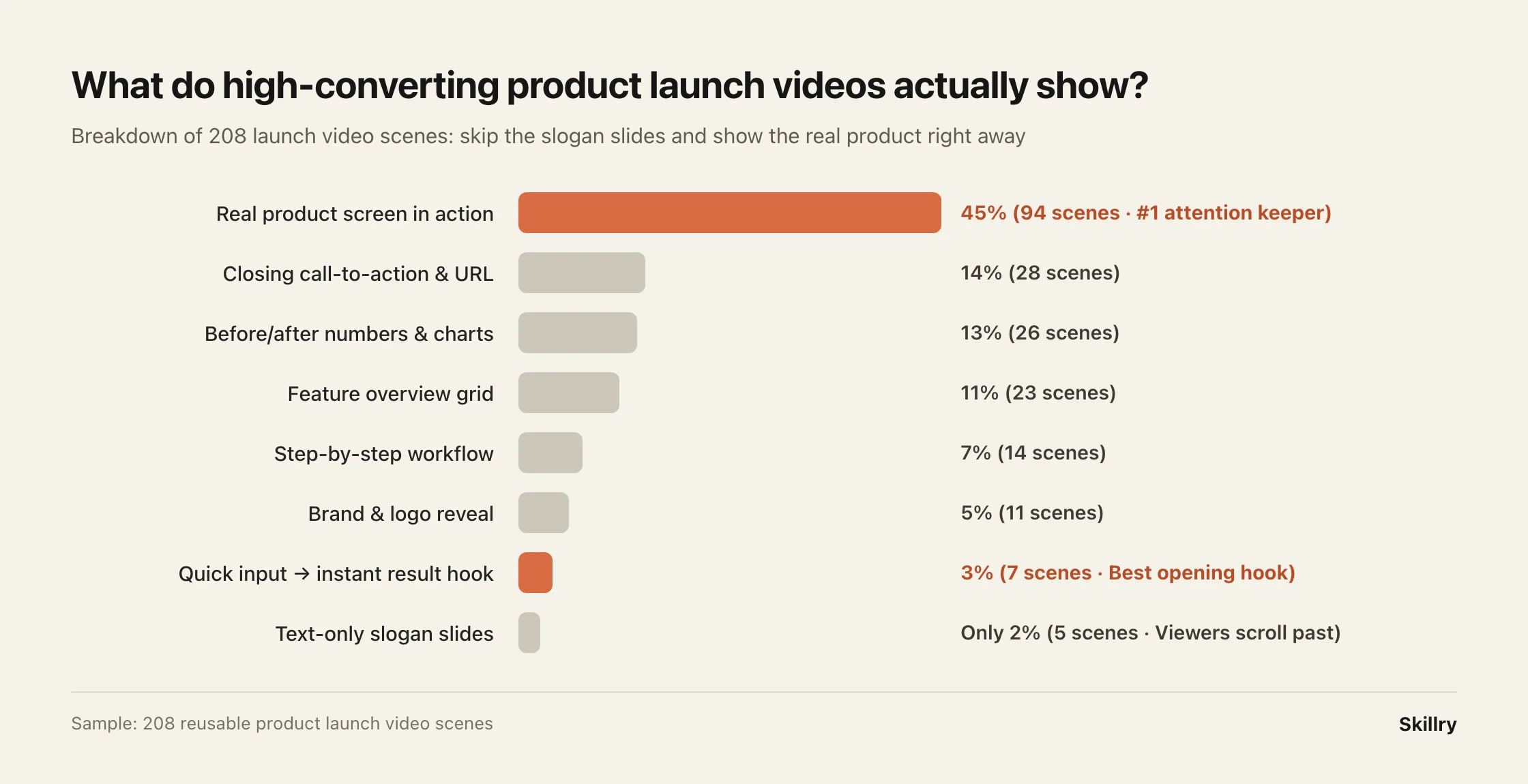
Across 208 proven launch scenes, 45% show the real product screen in action, followed by closing calls-to-action (14%) and real before/after numbers (13%). Text-only slogan slides make up just 2%.
Quick fix: Delete your intro slogans. Start second one zoomed right into your product’s main input box or hero action.
2. Ditch raw desktop recordings: use “2s zoomed action + 3.4s full result”
Why do raw screen recordings feel so underwhelming? Because on a phone or social feed, a full laptop screen makes text microscopic—viewers squint to find your mouse cursor while waiting for pages to load.
Great 30-second teasers split the clock cleanly:
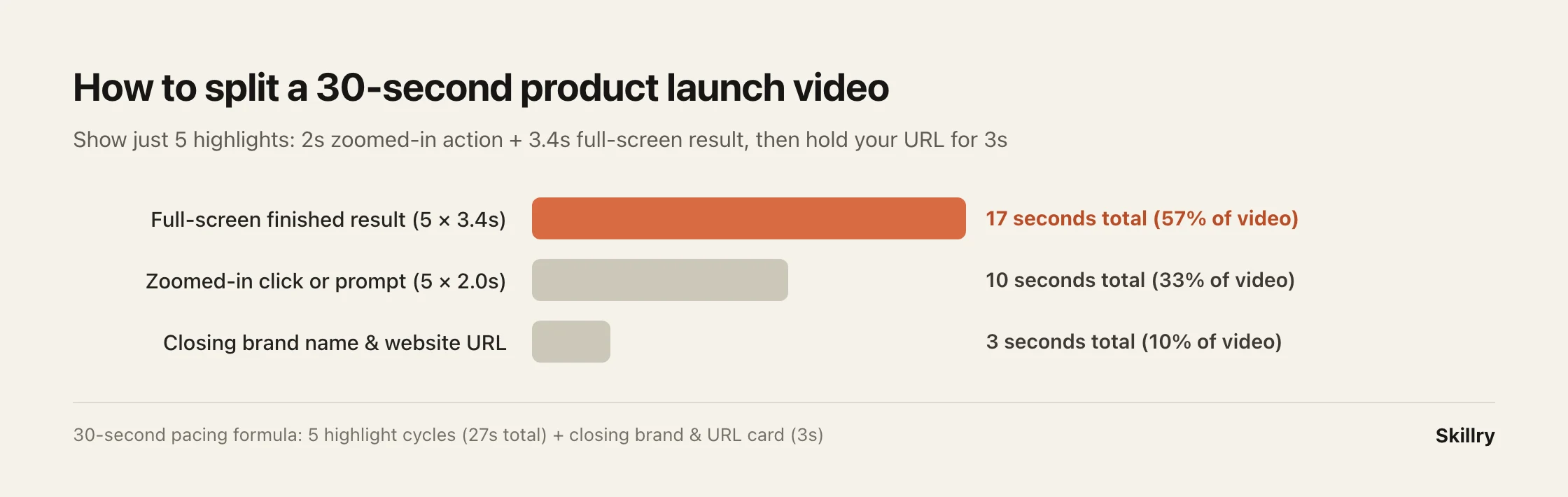
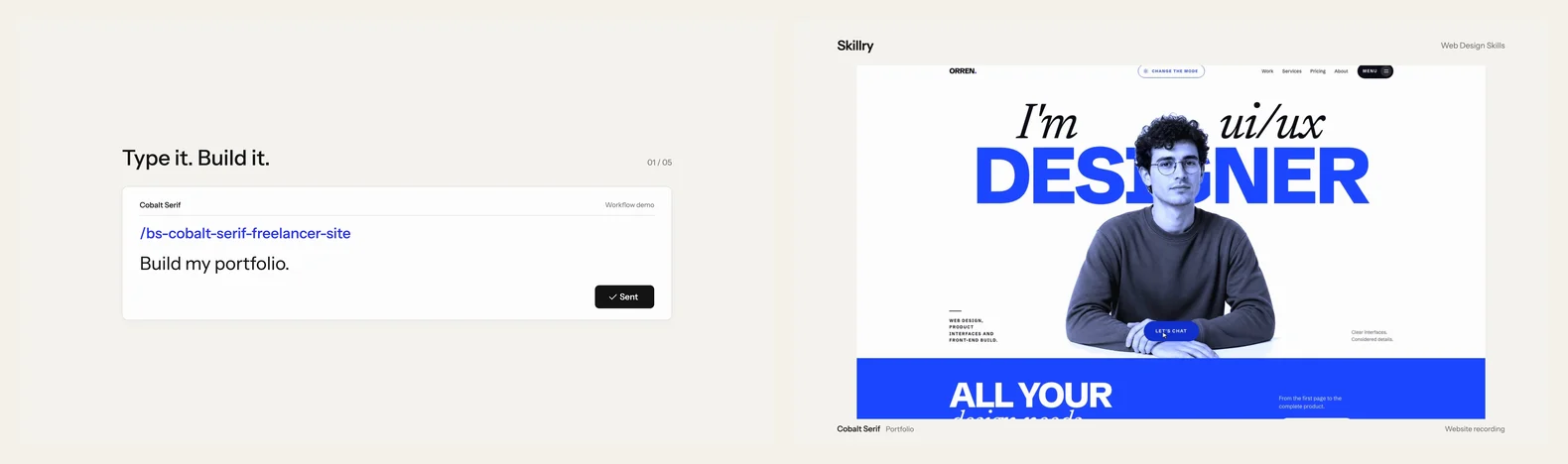
Instead of one long screen recording, repeat this crisp 5.4-second cycle five times (see side-by-side below):
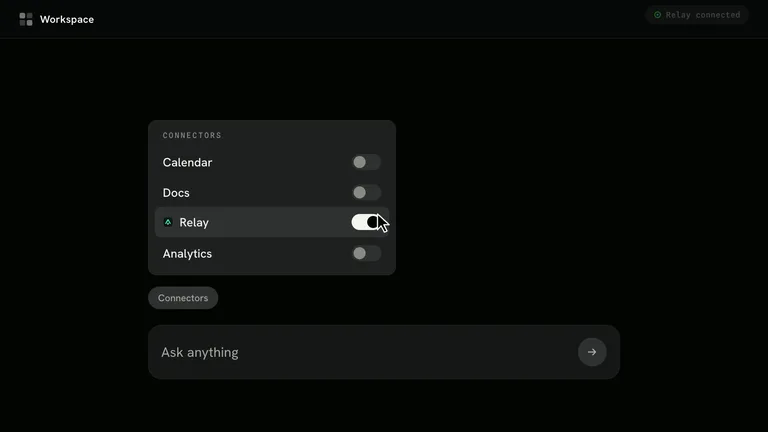
- First 2 seconds (zoomed-in action): Crop tight on the exact input box or button in the center of the frame so anyone on a phone can read what you typed or clicked.
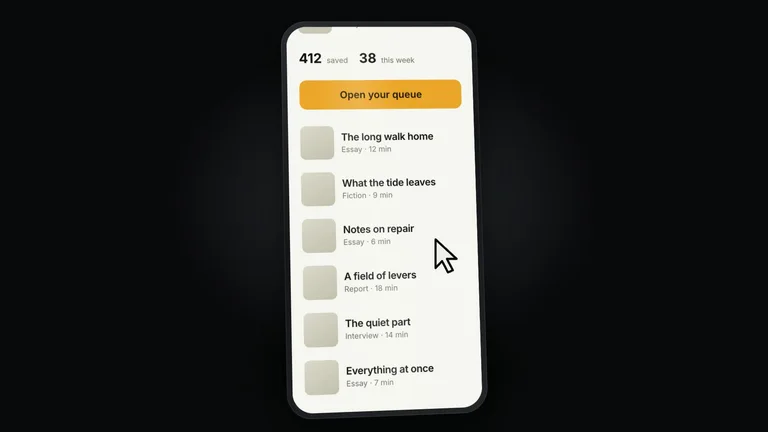
- Next 3.4 seconds (full-screen payoff): Cut out all loading time and jump straight to the finished page or result in full high resolution.
String five of those cycles together (27 seconds) and hold your product name and URL for the final 3 seconds:



3. Don’t use Sora or Runway to hallucinate your software UI
Generative AI video models are great for cinematic B-roll, coffee shops, or nature shots—but terrible at rendering software interfaces. Buttons warp, labels turn into gibberish, and sharp-eyed users immediately spot that the product isn’t real.
For apps, websites, and SaaS tools, the cleanest approach is real screenshots + smooth camera motion: capture crisp screenshots of your actual product, then let a motion template add clean pans, cursor clicks, and beat-synced music.
4. How to make yours in 30 minutes (and export multiple languages for free)
You don’t need After Effects or timeline keyframing:
- Take 3 to 5 crisp screenshots of your product’s best moments.
- Install the LaunchMotion Skill in Claude Code or Cursor (2-minute setup guide).
- Describe your 5 highlights in plain English. It assembles the camera zooms, click animations, and music automatically and exports a crisp 4K MP4. Even better, if you launch globally, you can swap the captions into another language and re-export in minutes without re-editing anything. Browse more examples in our AI Product Launch Video collection.
FAQ
Do I need video editing experience? None. You supply screenshots of your product and short captions; the template handles pacing, zooms, transitions, and music.
Is 30 seconds really better than a 2-minute walkthrough? For launch posts on X, LinkedIn, or Product Hunt, 30 seconds gets far higher completion rates. Save the 2-minute step-by-step tutorial for your docs or onboarding page.
Fastest way
Ask your AI to do it
Paste this into the AI agent you already use:
I want to make a 30-second launch video for my product. Ask me what my product does and the 3 to 5 best moments to show, then write a simple 30-second storyboard using the "2s zoomed-in action + 3.4s full-screen result + 3s closing URL" formula so I know exactly which screenshots to capture.
Product launch video templates you can ship today
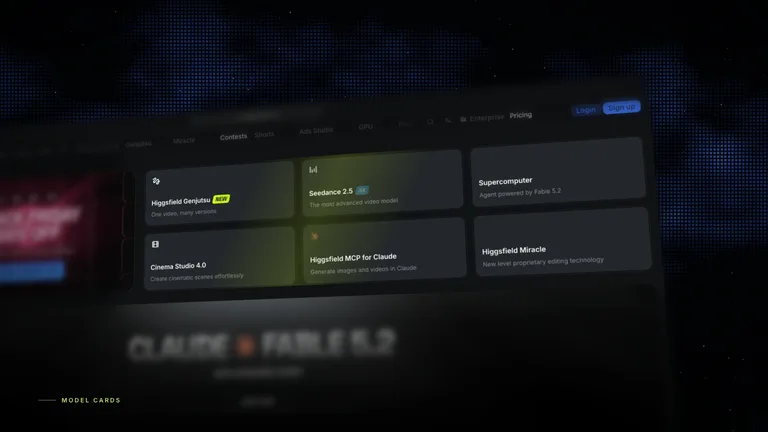
Preview live outputs right on each card, then install in Claude Code, Cursor, or Codex in minutes.