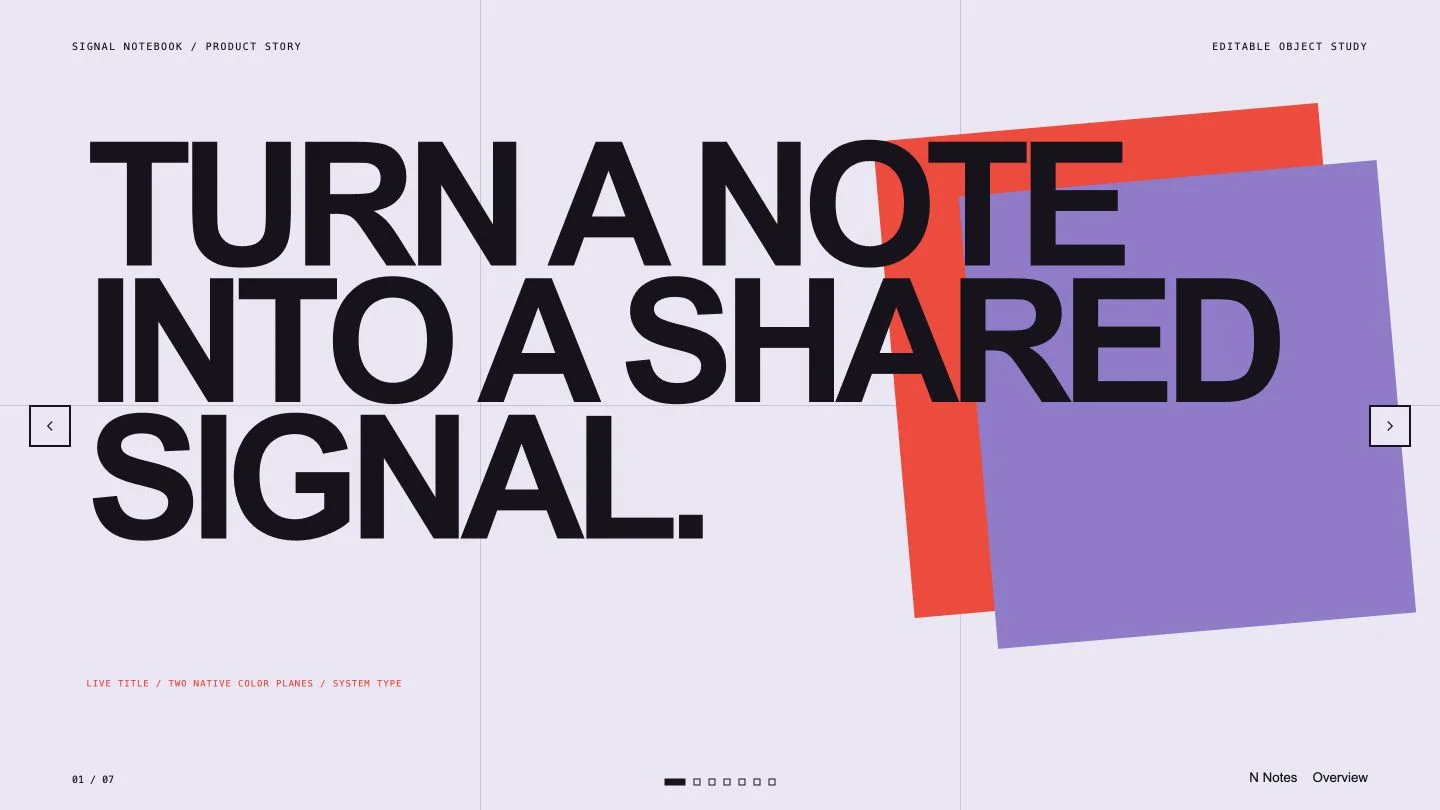
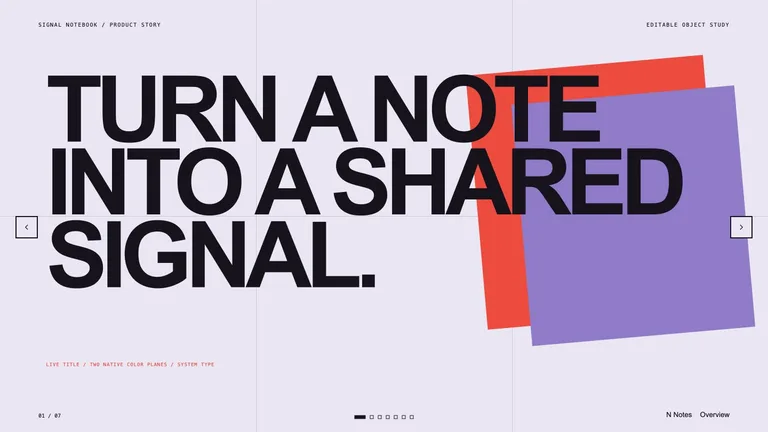
Turn a product, strategy or launch story into a deck that gets its look from bold type, flat color blocks and clean diagrams rather than photos. Every title, label and chart value stays real text, so the wording can keep changing long after the first draft.
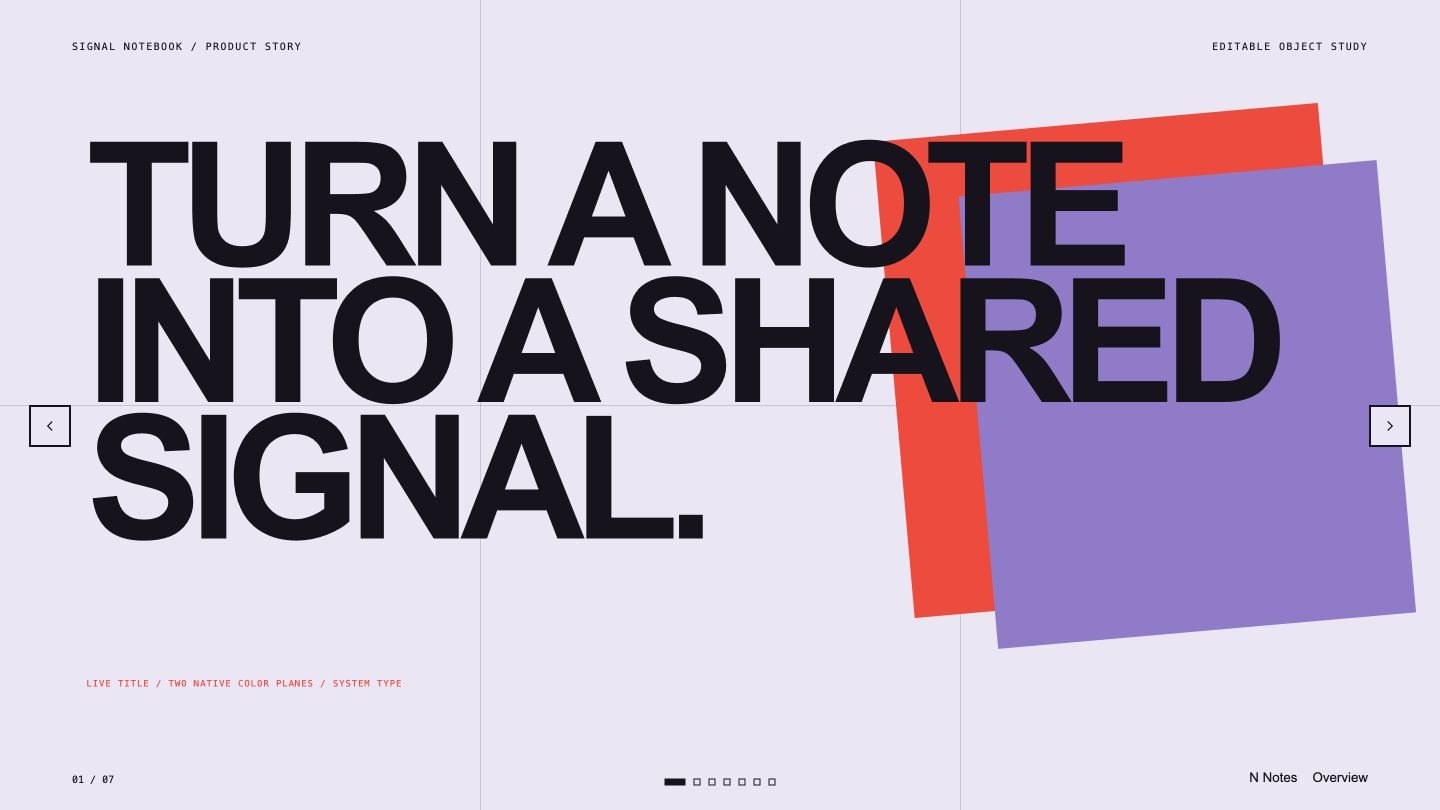
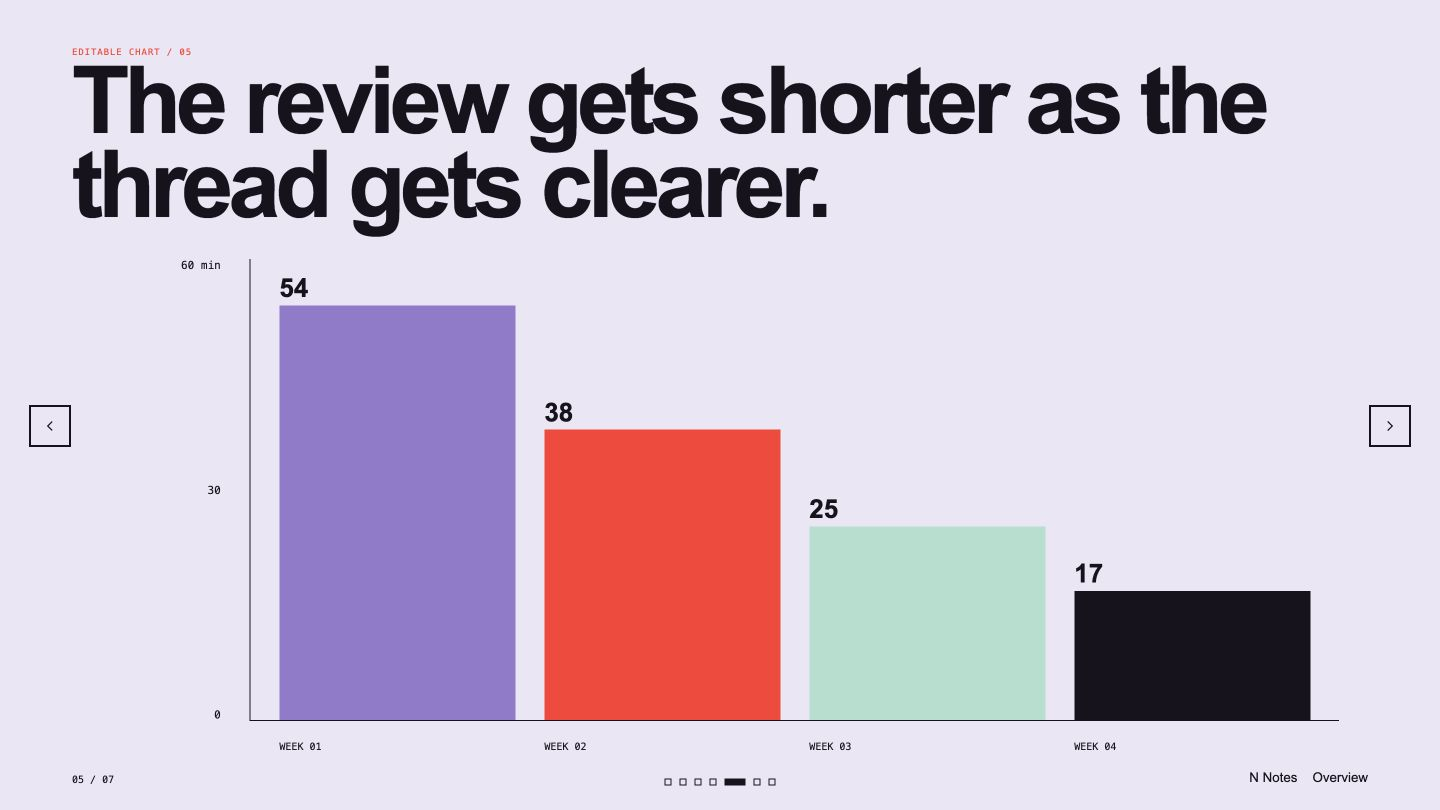
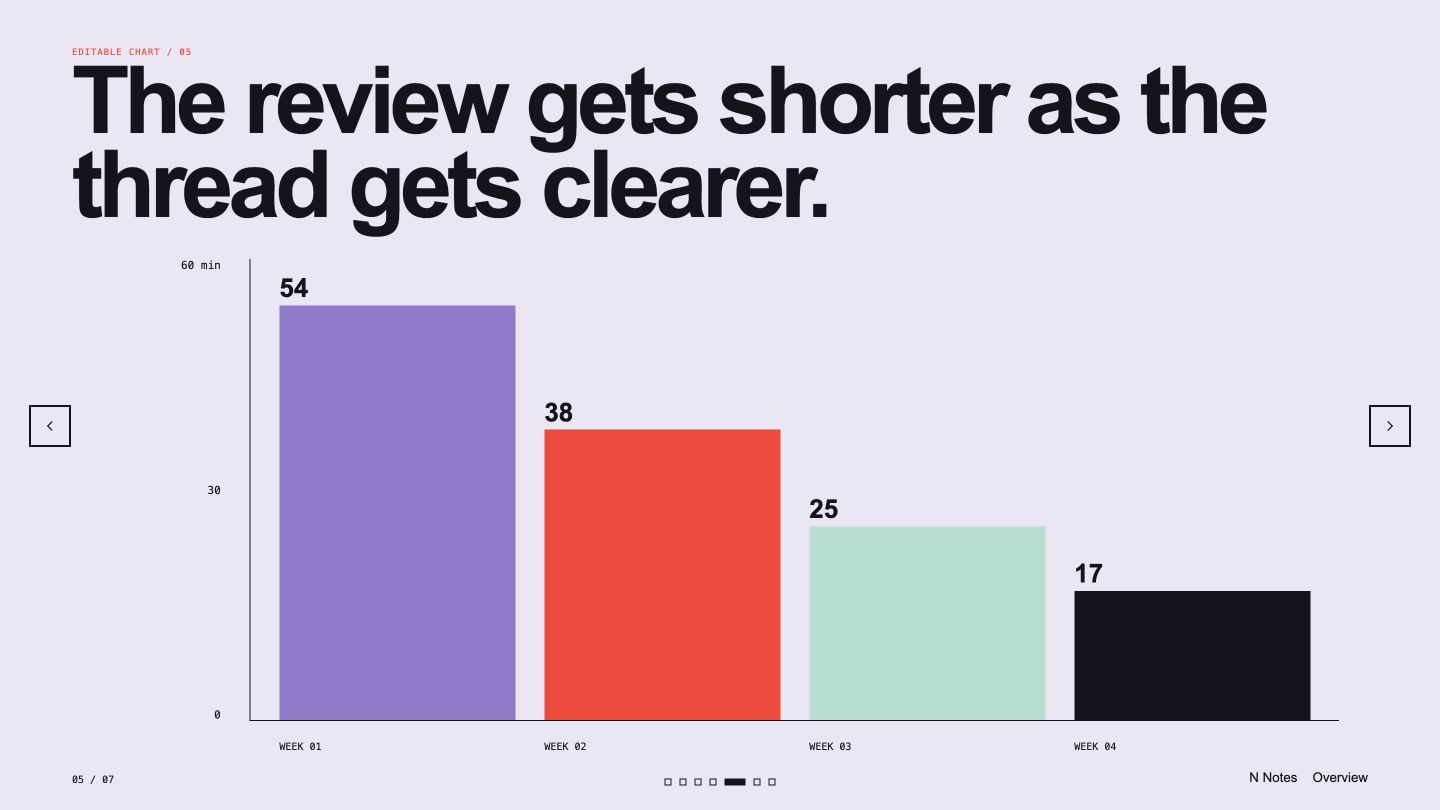
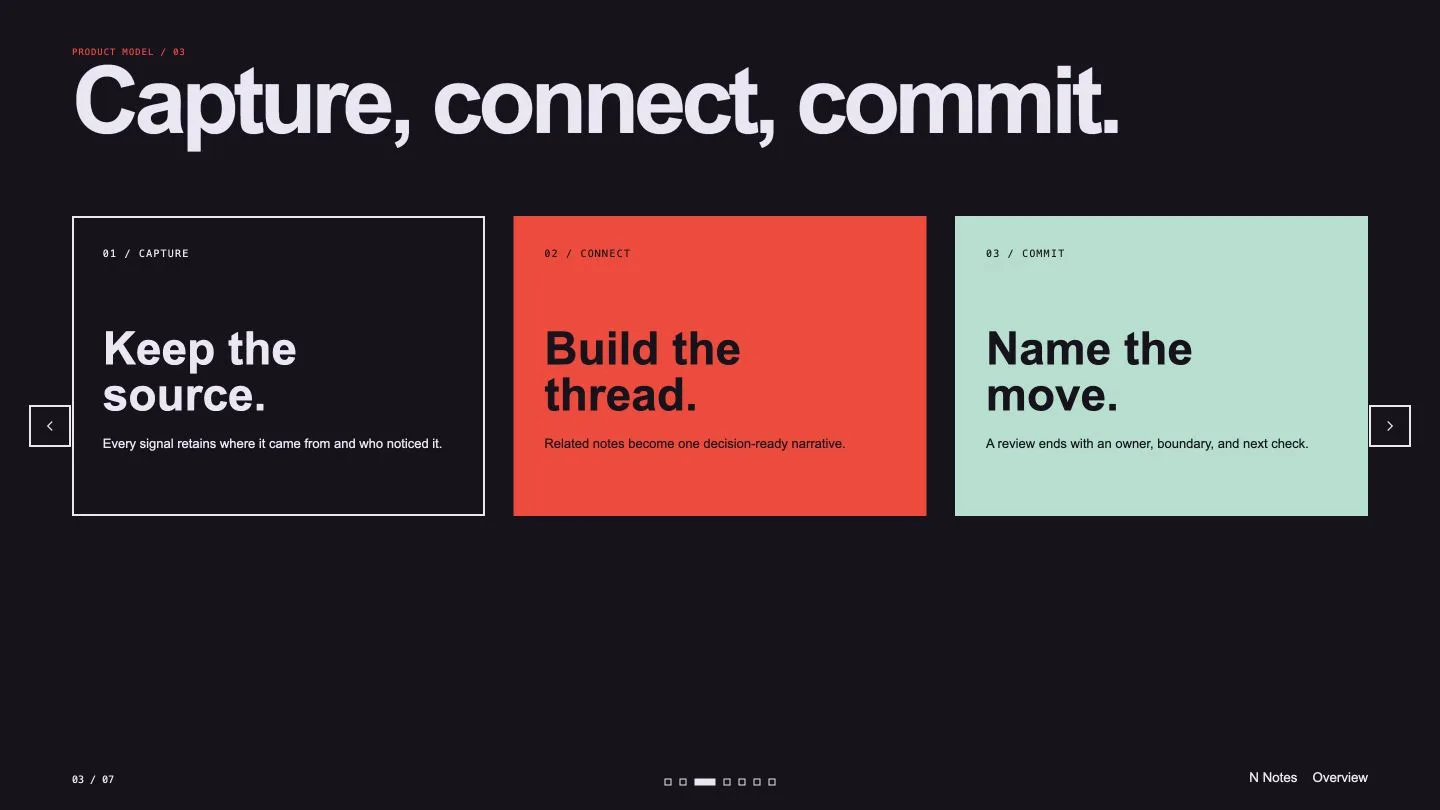
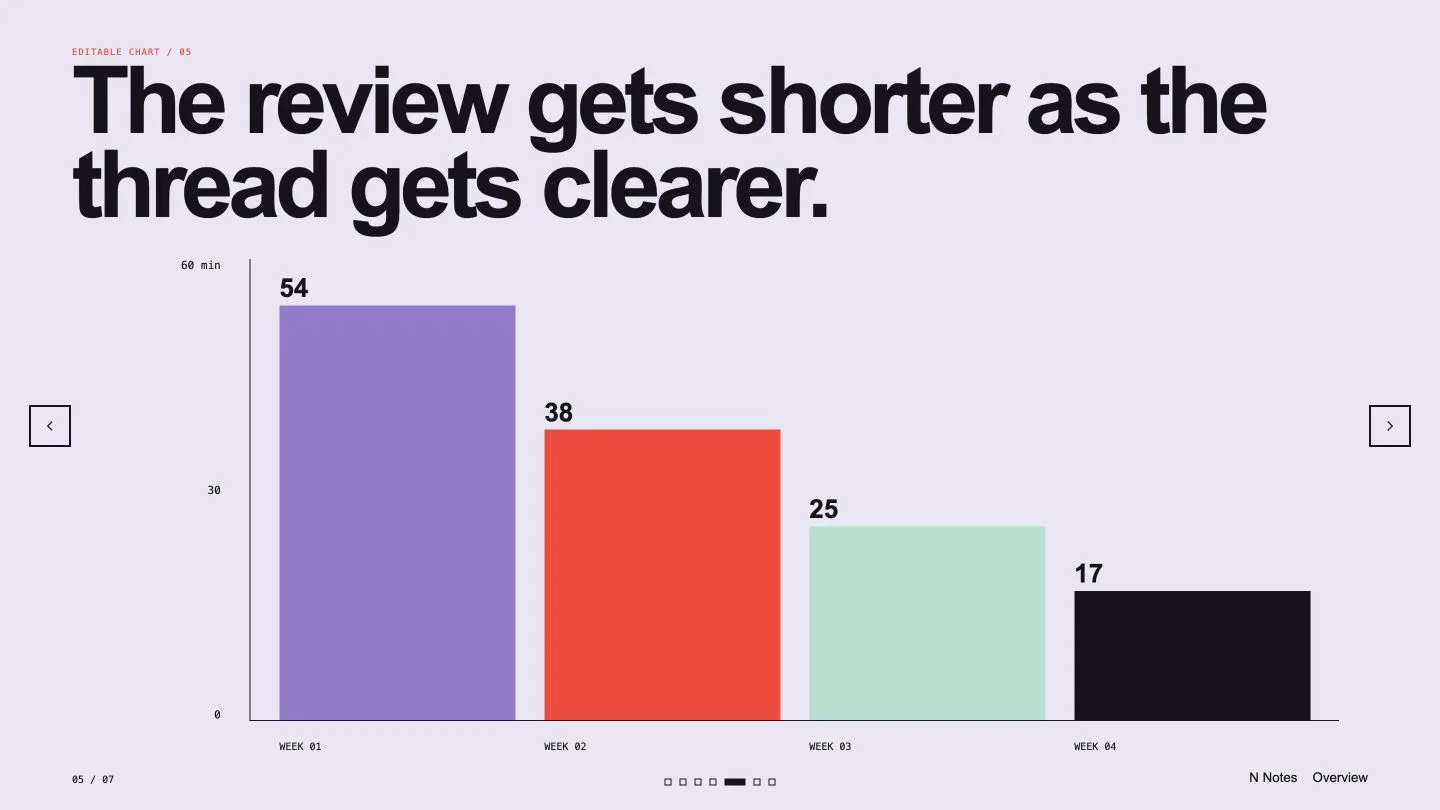
- Slides such as a bold cover, a three-step product model, a flow of states, a bar chart and a small table, in one of three color themes
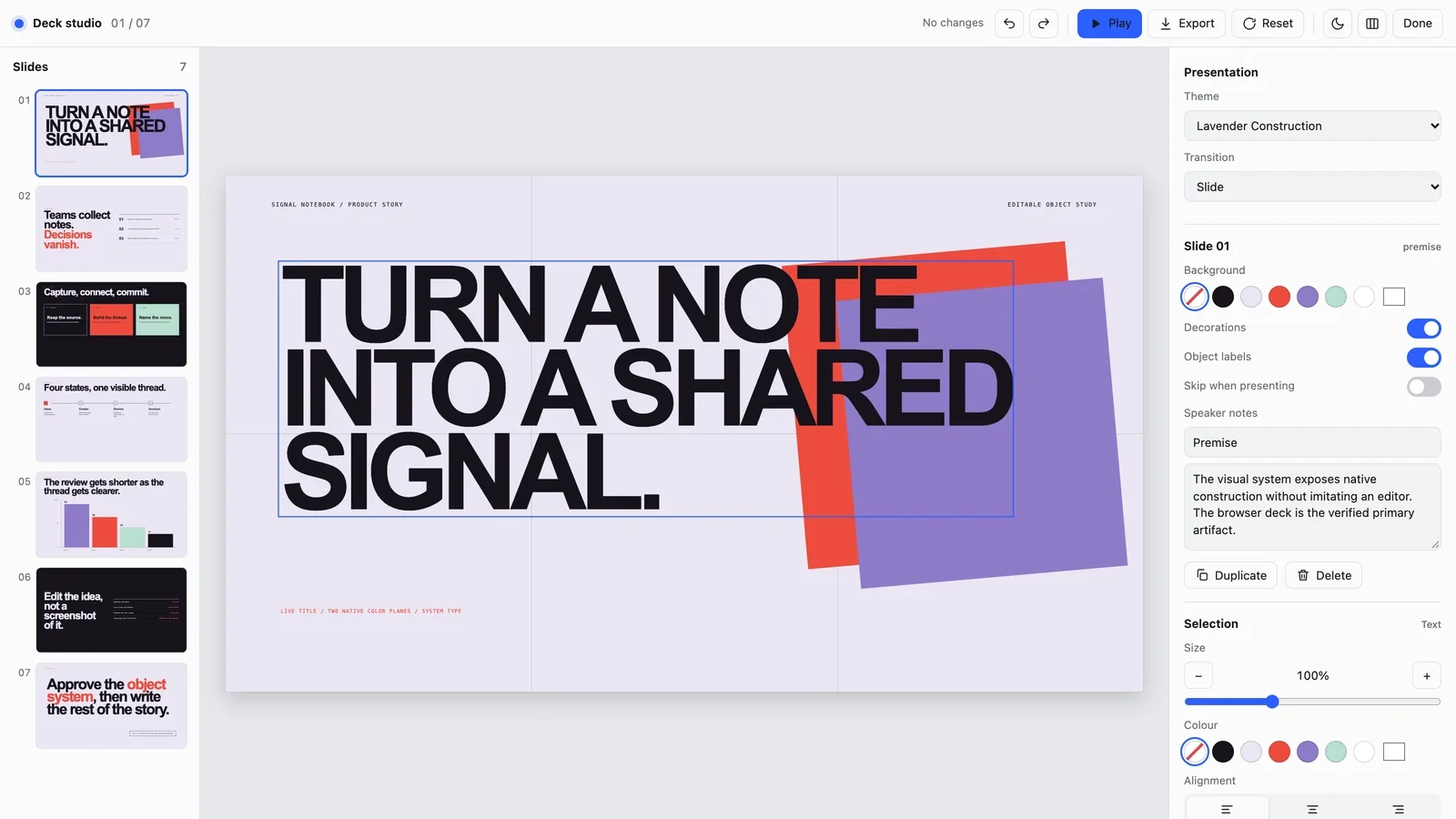
- An editor in your browser for retyping text, replacing pictures, reordering slides and switching themes, with export to an editable PowerPoint file or a PDF
- A plain handoff note listing what stays editable, what became a picture and which fonts were swapped
- Share your topic, audience, the decision you're after, your approved copy and numbers, and any visual references or brand rules.
- Ask for speaker notes if you want them; they are left out unless you do.
- Open the deck and press E: click any text to retype it, double-click a picture to replace it, drag slides to reorder, or duplicate and skip them.
- Export a PowerPoint file or a PDF from the editor, or ask your agent. Titles, labels, chart values and table cells arrive as ordinary text boxes; shapes and chart bars arrive as pictures, and fonts are swapped for close system fonts.
Slides are in English unless you ask for another language.
What you need before you start
- You bring
- Topic, audience, and decision goal · Approved copy, data, and visual references · Slide count, animation needs, and editable-export expectations
- Dependencies
- Modern browser — required · Node.js 20 or newer — required for validation · Chrome, Chromium or Edge plus Node.js 20 or newer — required only for PowerPoint export
- Last tested
- v1.0.2 — Claude Code / Claude Desktop / Cowork / Codex / ChatGPT




 +6
+6