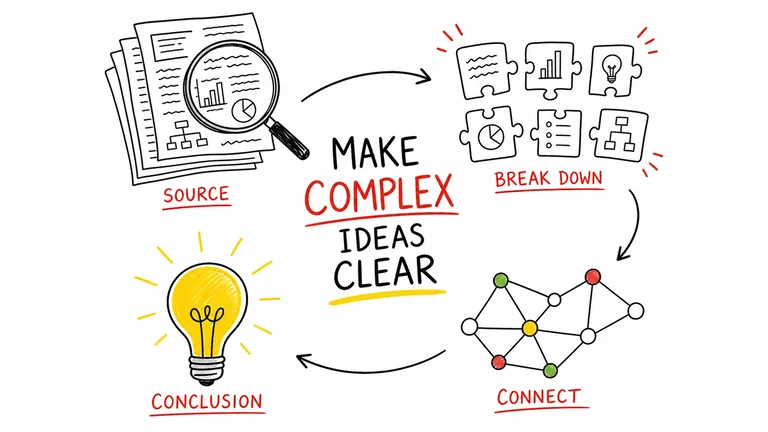

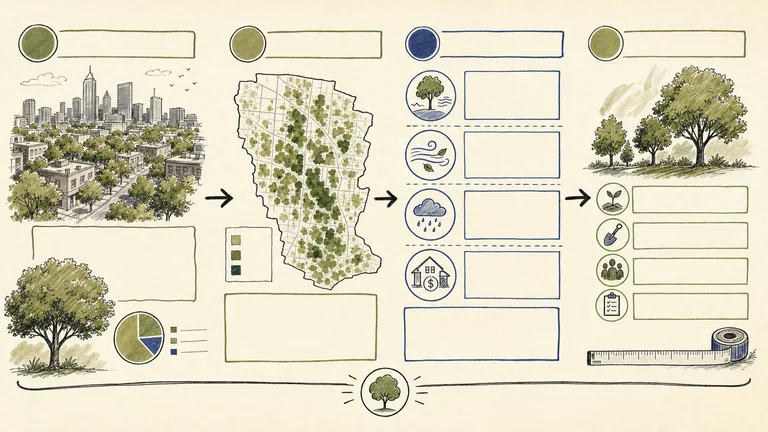
Hand-Drawn Visual Notesv1.0.5
Use this Skill to create explainer graphics.
Popular
5.0488 downloads19 likes18 saves
$4.99
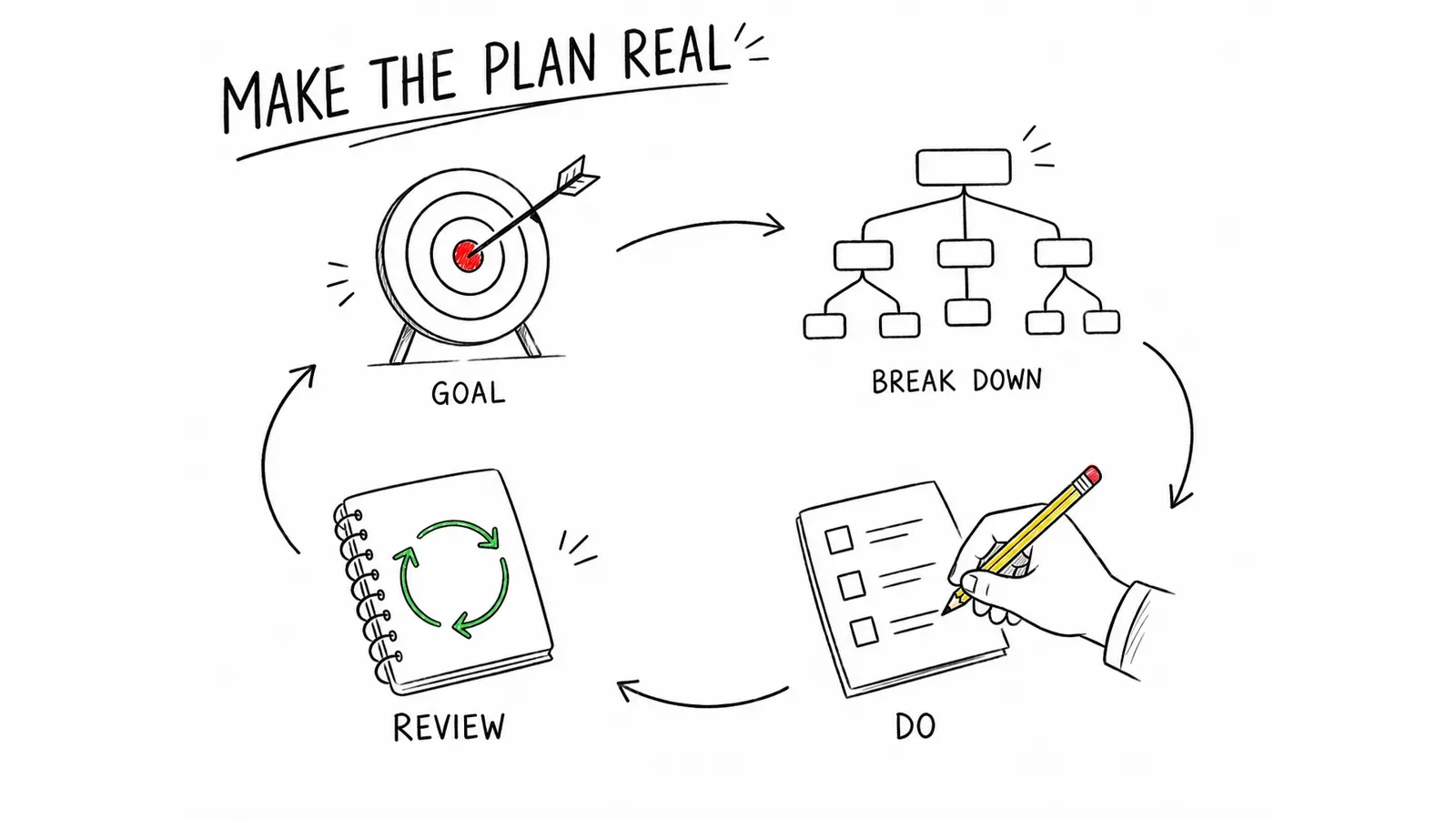
What do I get when I buy this Skill?Turn source material into one focused 4:3 visual note, using hand-drawn illustrations, a strong English title, and a small set of accurate labels. It helps educators, creators, and teams make a process or idea easier to understand at a glance without reducing it to a dense slide.
Picked most often by
Updated Nov 28, 2026
Preview gallery
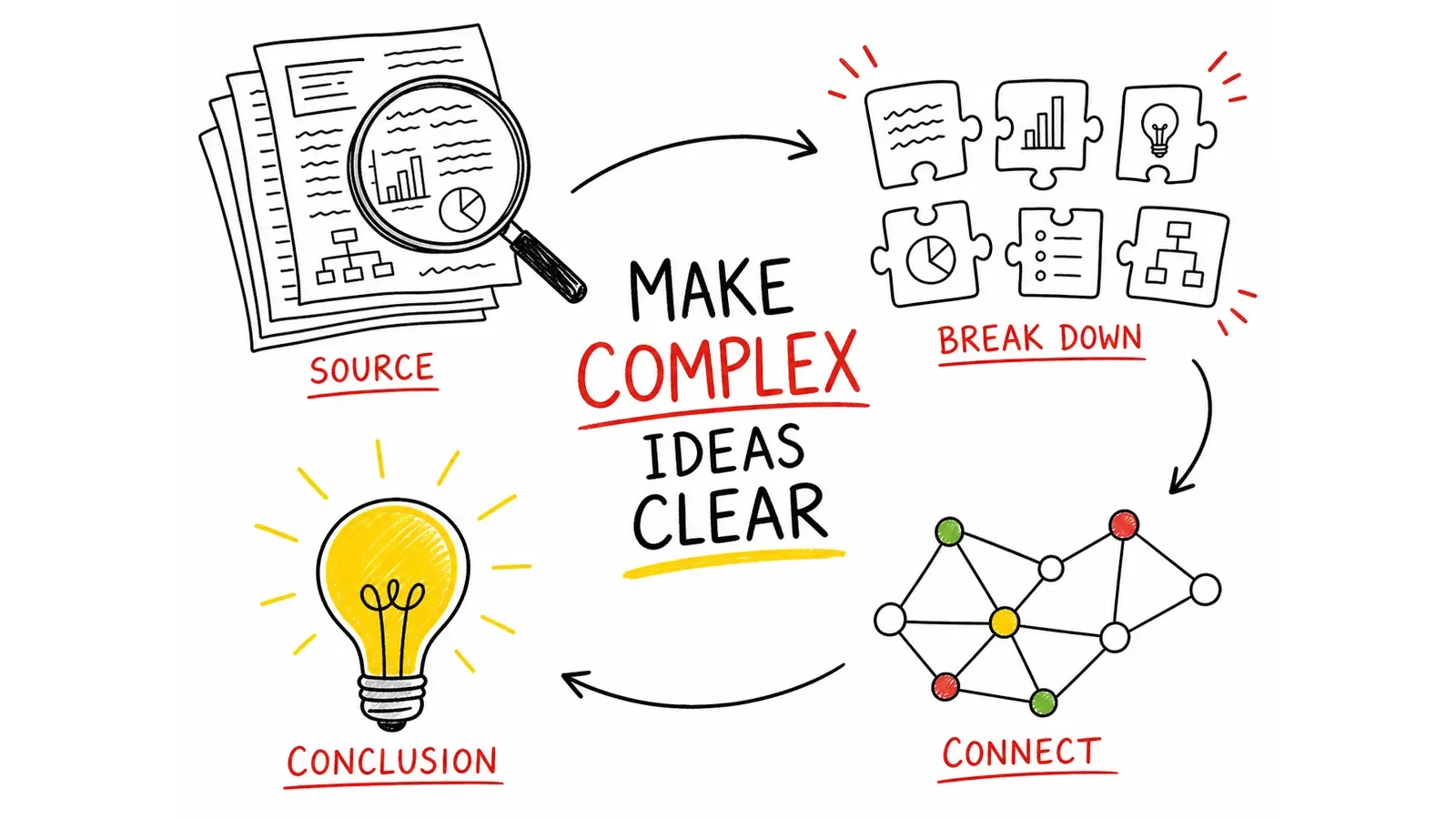
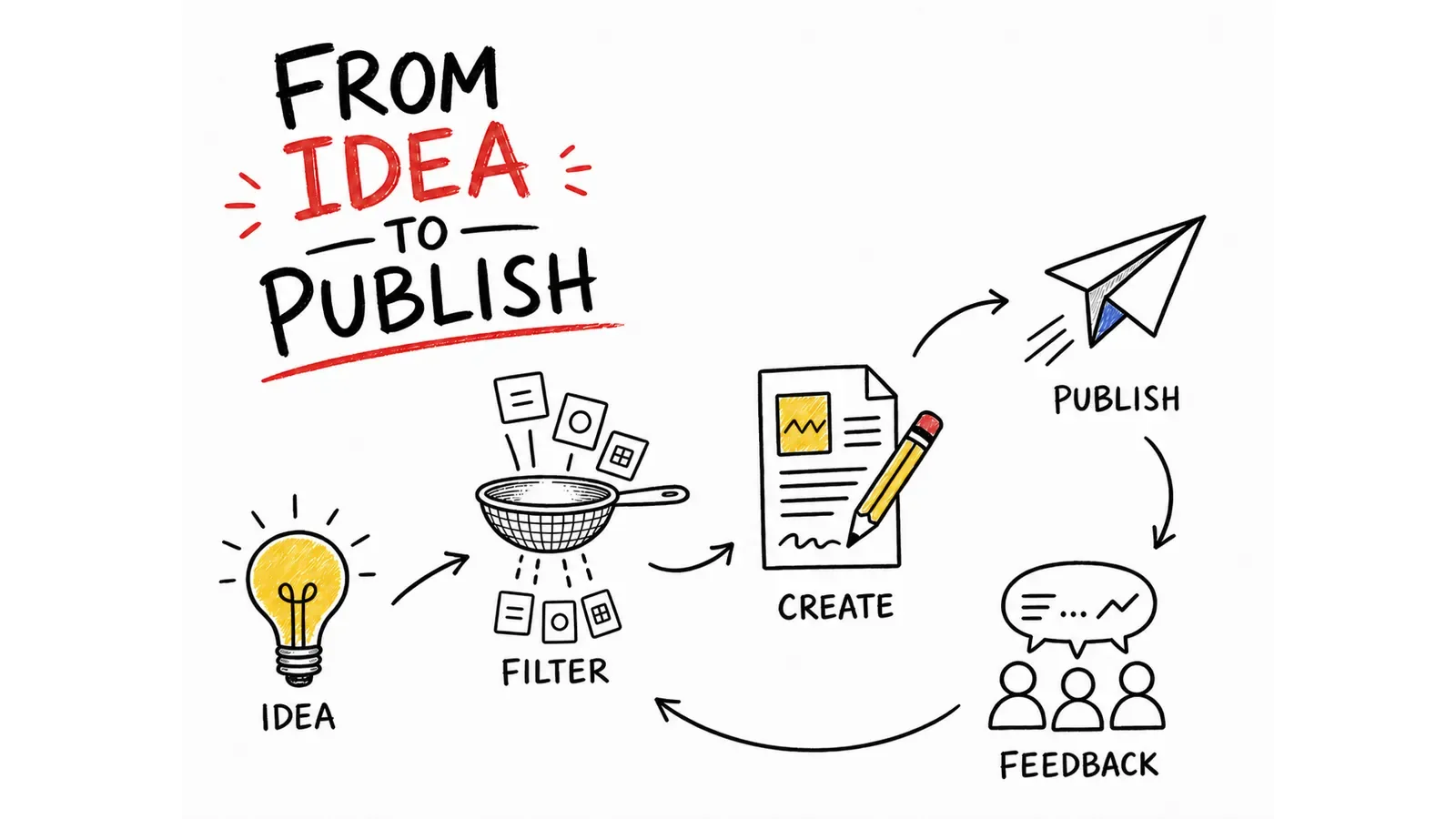
Runs in


Install guides
Generates with
GPT ImageClaude Fable 5.2Similar Skills
View all skills

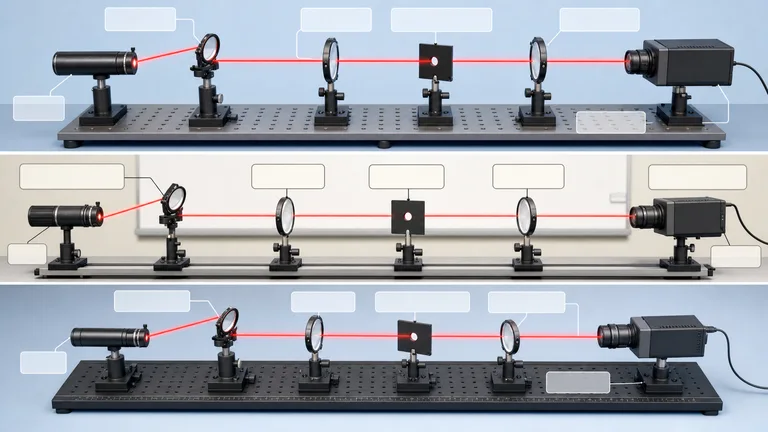
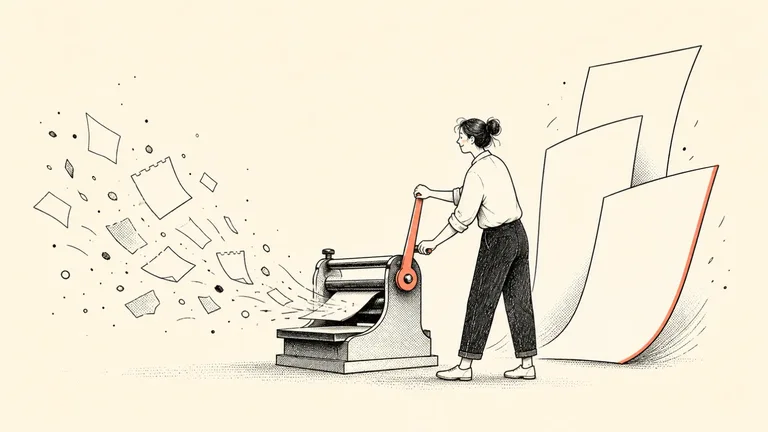
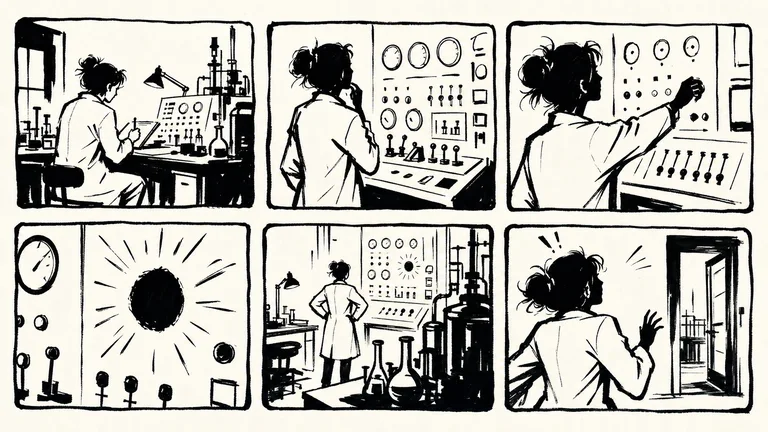
What you get
- One finished 4:3 visual note with a large English theme and three to seven concise nodes
- A source-grounded logic structure built from actors, actions, outcomes, and conditions
- Illustration-led composition with readable text, clear connectors, and balanced whitespace
- A restrained whiteboard palette with thin black pencil lines and small flat color accents
Good fit
- You need to explain a document, lesson, workflow, or argument in one glance
- Your audience benefits from a short English summary and simple visual metaphors
- You want a minimal hand-drawn image rather than a dense infographic template
Not for
- Dense dashboards, long reports, or images that must contain many paragraphs
- Photo-realistic scenes, 3D renders, or polished product mockups
- Pixel-perfect brand typography that must match a licensed typeface
Content Creation & PublishingEducation & ExplainersResearch & Technical CommunicationCreate Explainer GraphicsCreate InfographicCreate DiagramsLogic-firstText-accurateSource-faithfulHand DrawnSketchnoteMinimalistColored PencilWhiteboard
Good forInfographic posters
About this Skill
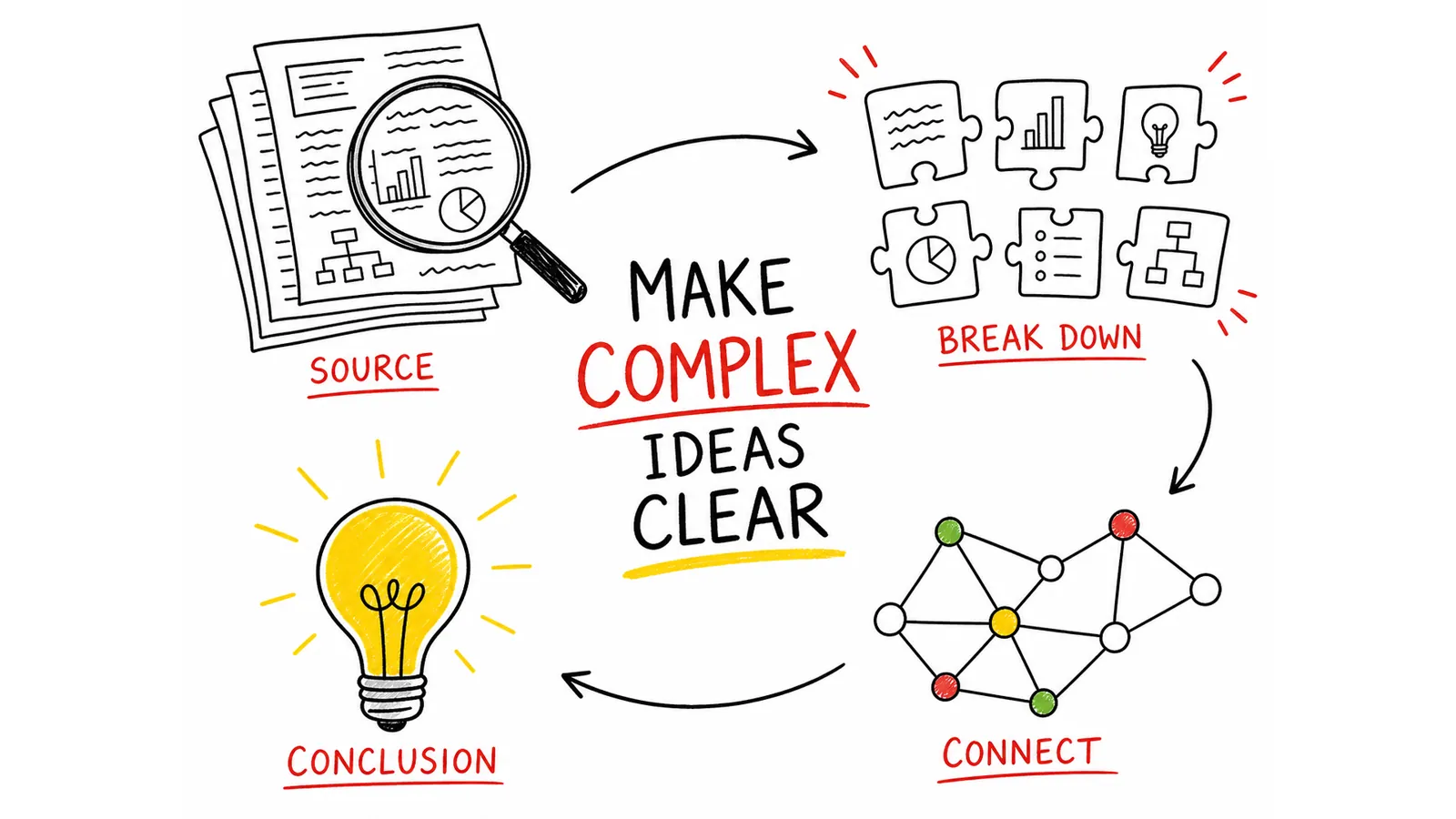
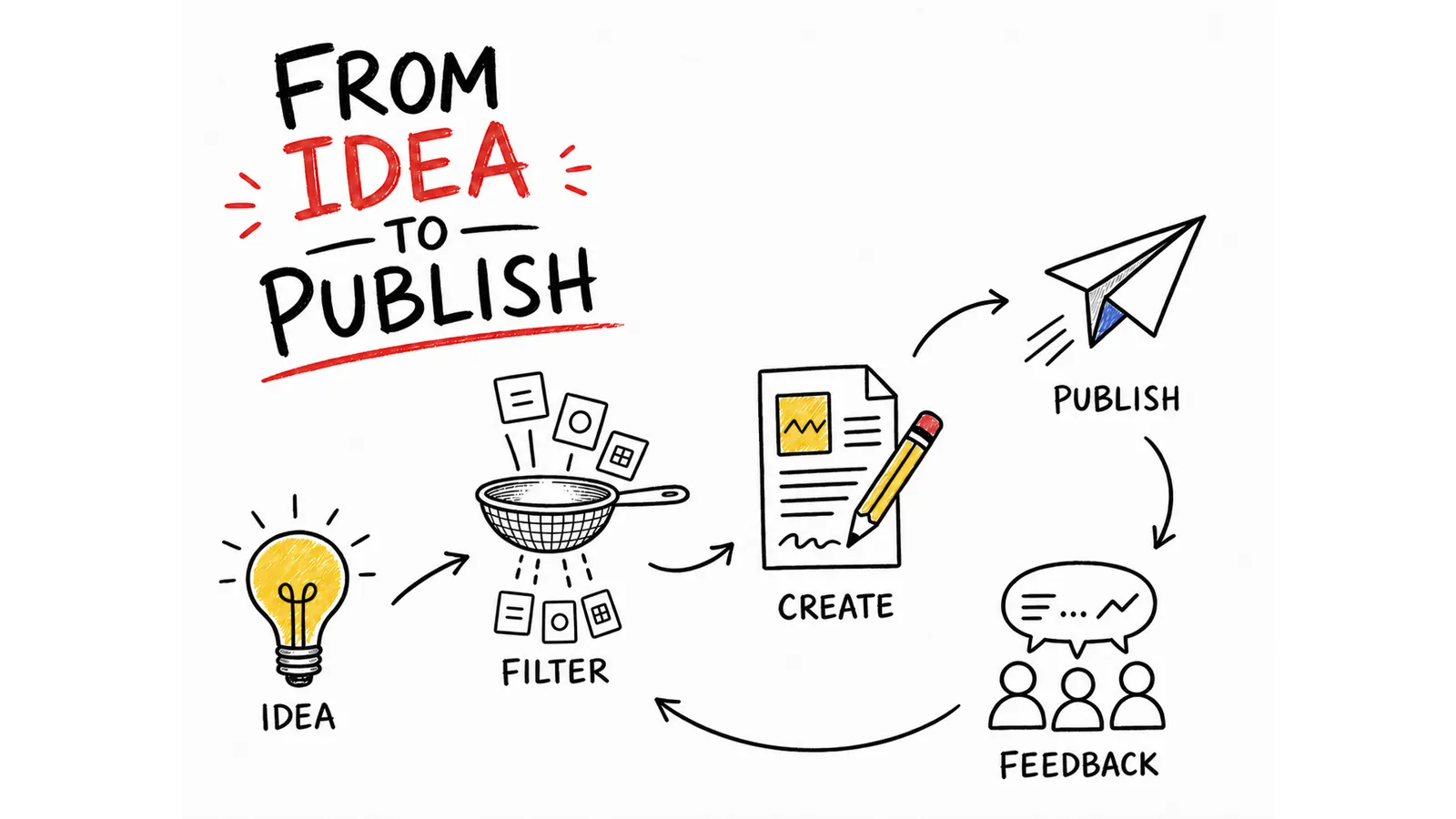
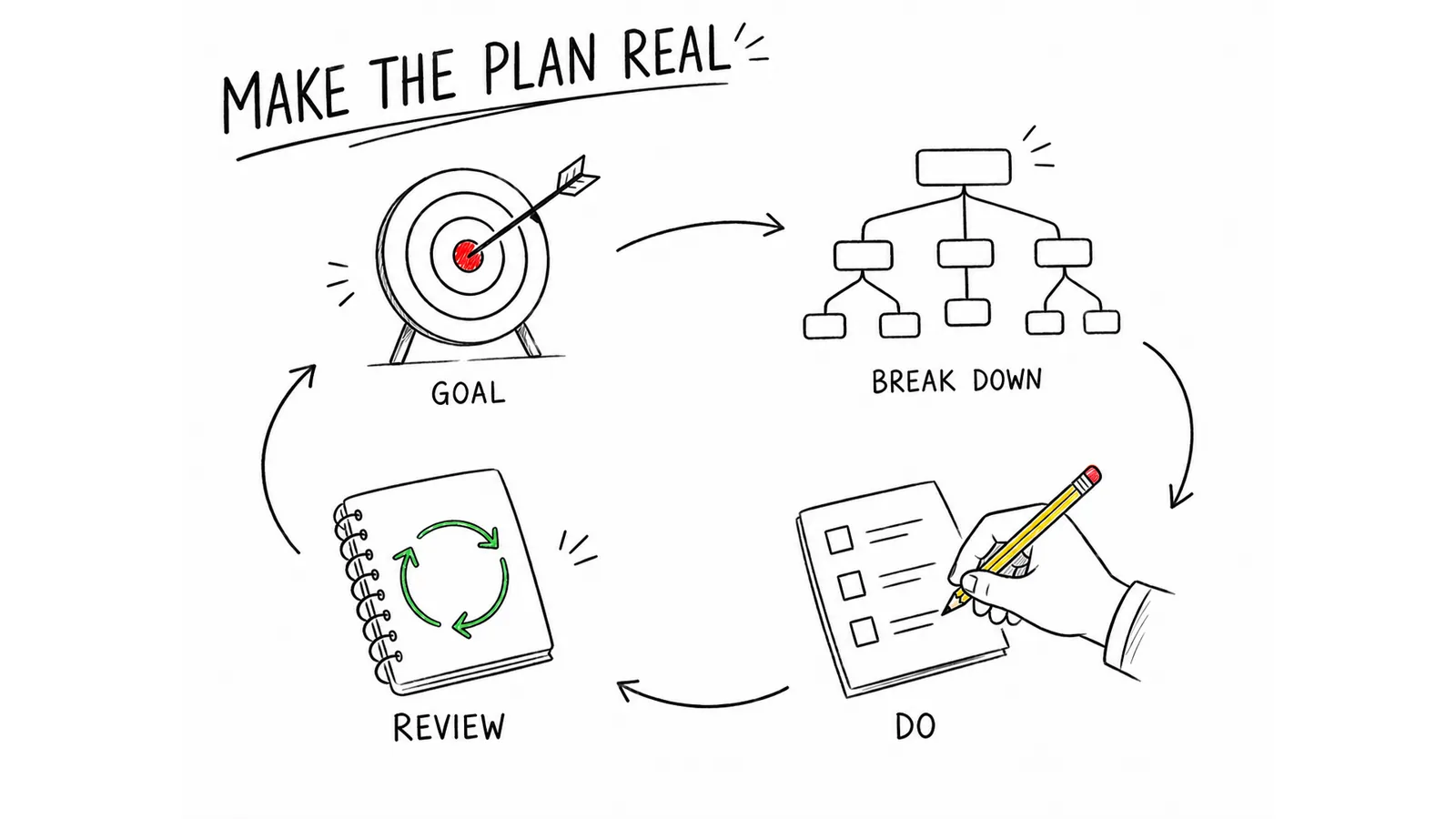
Turn a dense page, lesson, or rough brief into one visual note that explains the idea before the reader has to study every word. The result is a clean 4:3 English-first sketchnote with a large theme, a few exact labels, and hand-drawn illustrations that reveal the logic.
What you get
- One finished visual note focused on a single idea
- A clear process, cause-and-effect chain, hierarchy, comparison, or feedback loop
- Three to seven illustrated nodes with short, checked English labels
- Thin black pencil lines on white, with restrained red, yellow, and green accents
How to use
- Give it the selected text, document, or page you want explained.
- Add an audience or a must-keep term if either one matters.
- Review the proposed theme and labels, then approve image generation.
- Check the finished wording and visual flow before you share it.
English is the default for all examples and generated copy. Ask for another language only when your final audience needs it.
You need a FAL API key when your agent has no built-in image tool; FAL bills each generated or edited image separately.
What you need before you start
- You bring
- Selected text, pasted source material, or an accessible page to explain · Optional audience, emphasis, and terms that must remain verbatim
- Dependencies
- For image generation, use Skillry credits by default through Skillry MCP, a signed-in Skillry CLI, or a Skillry API key with models:invoke + images:generate access. · Optional alternatives are Codex built-in image generation or your own FAL_KEY for GPT Image 2. · Node.js 20 or newer — required for the bundled generation script
- Skillry credits
- Supported steps use Skillry credits. Review the estimated credits or spending limit before running.
- Outside costs
- Generation and editing default to Skillry account credits via Skillry API Key or Skillry MCP (billed separately from Skill access after quote and budget approval; no automatic paid retries). Codex built-in image generation or your own FAL_KEY are optional alternatives.
- Last tested
- v1.0.5 — Claude Code / Claude Desktop / Cowork / Codex / ChatGPT
User reviews
Loading reviews…