Sage Sneaker Storev1.0.2
Use this Skill to build ecommerce storefront.
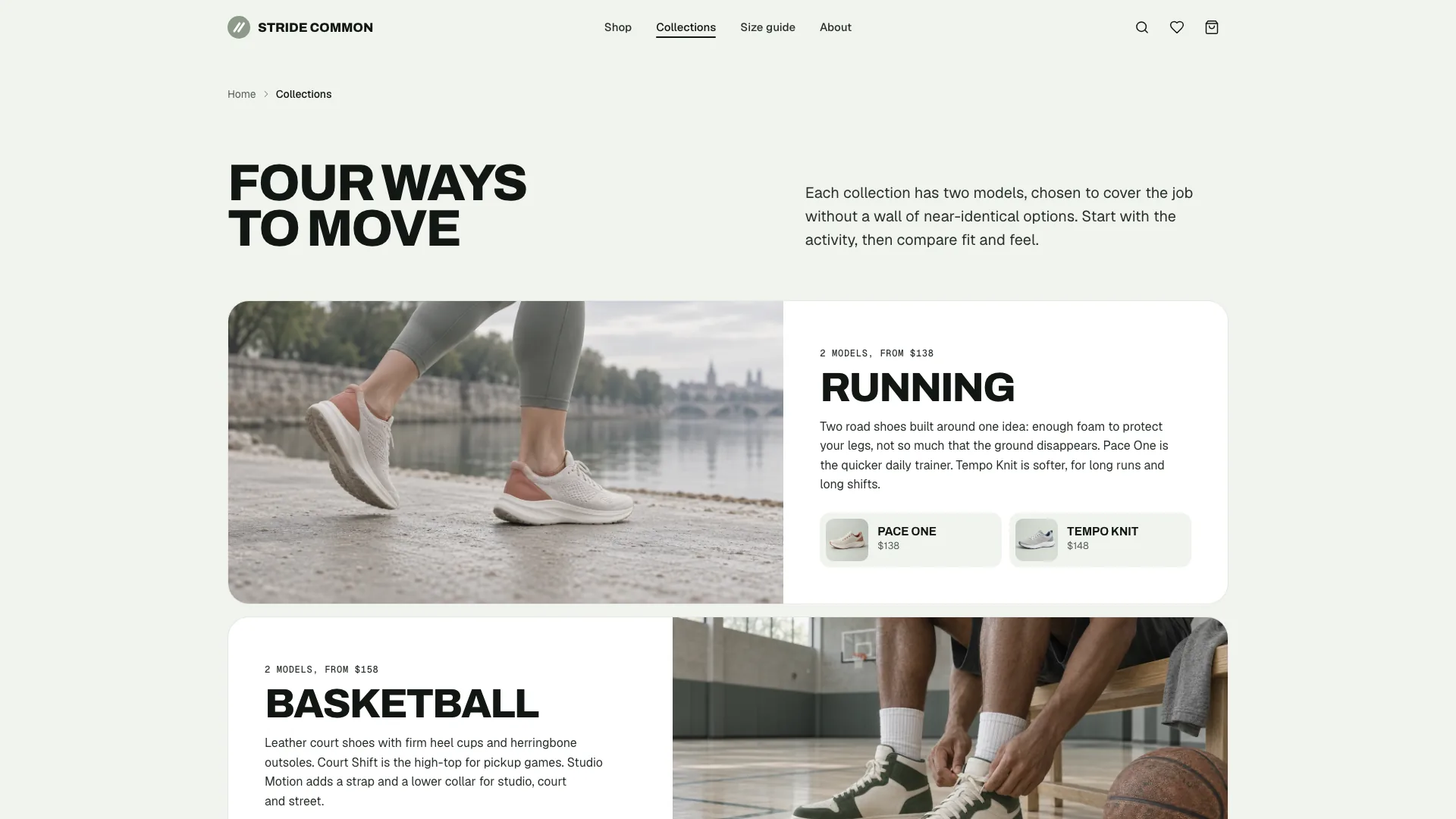
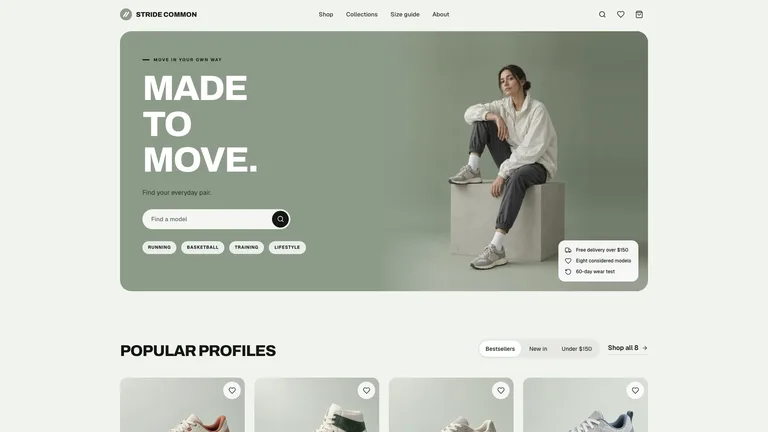
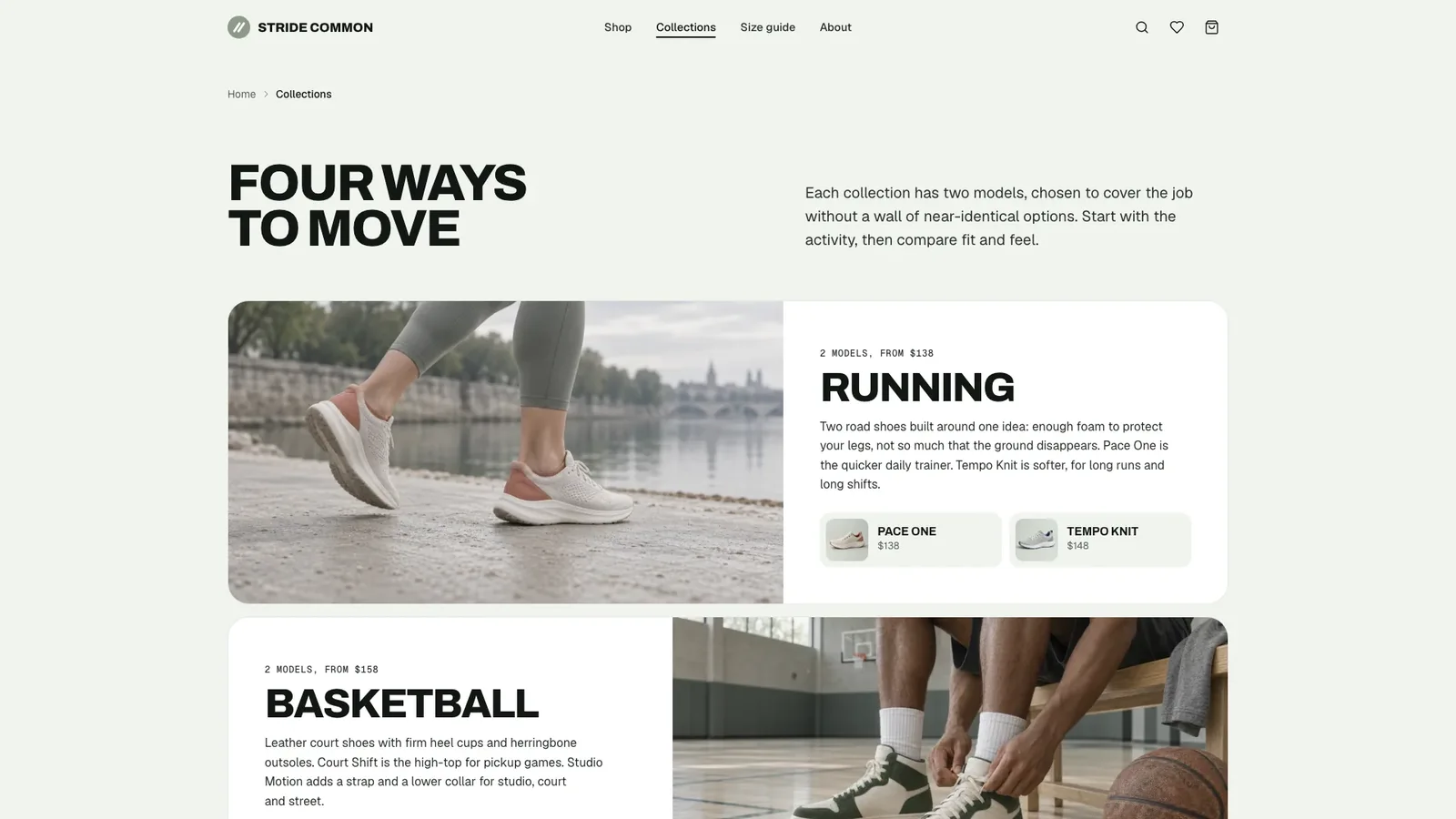
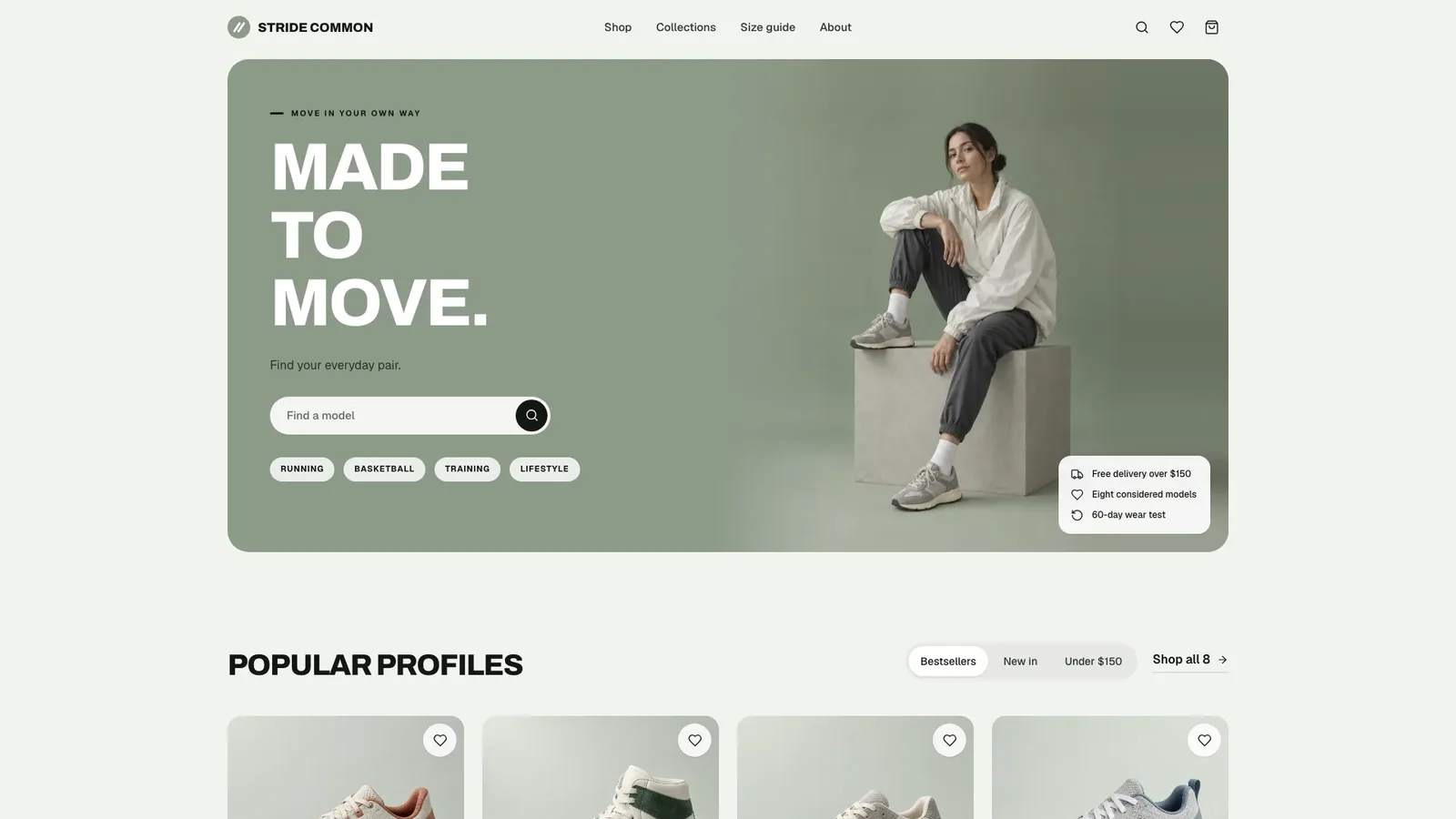
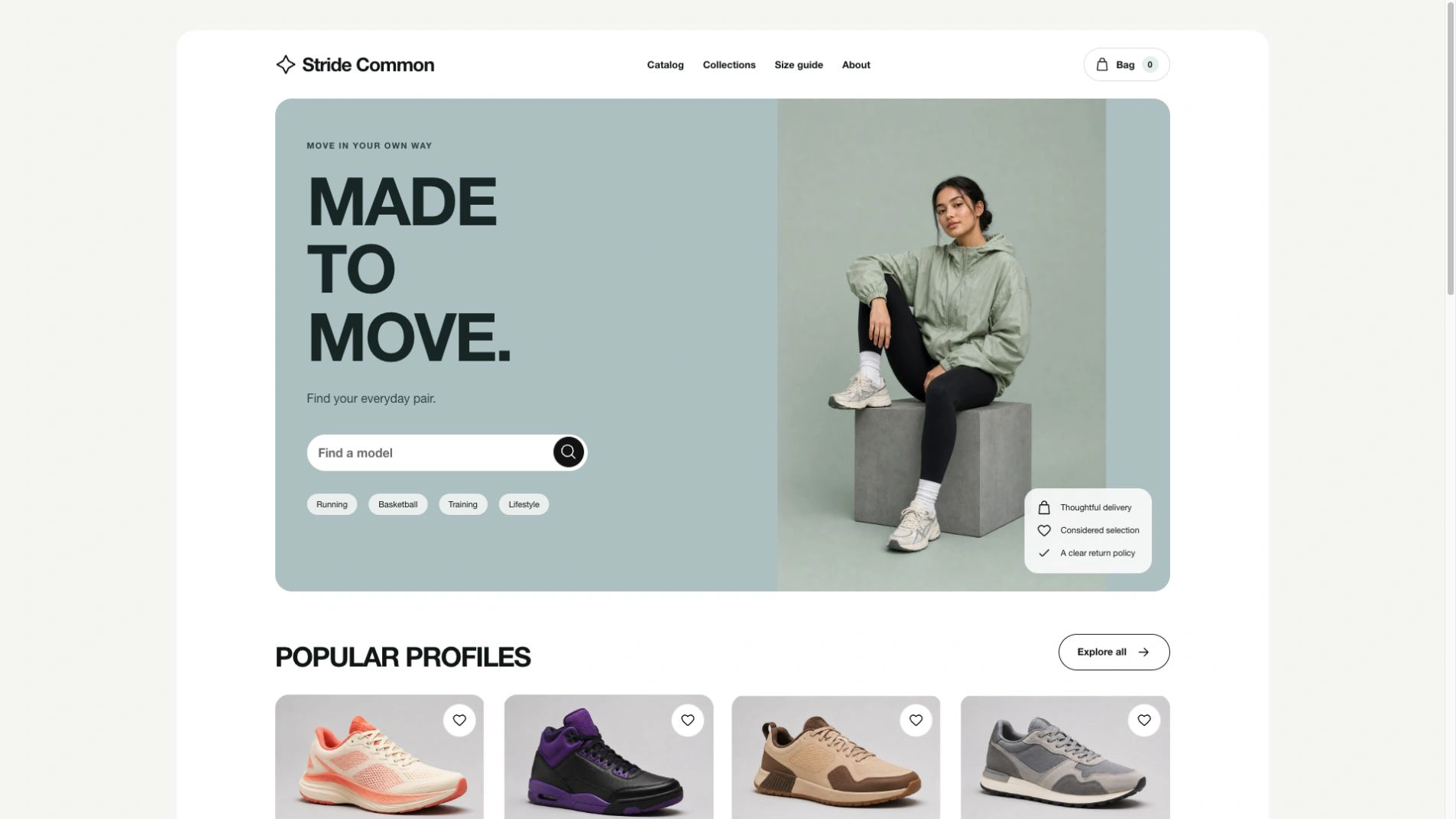
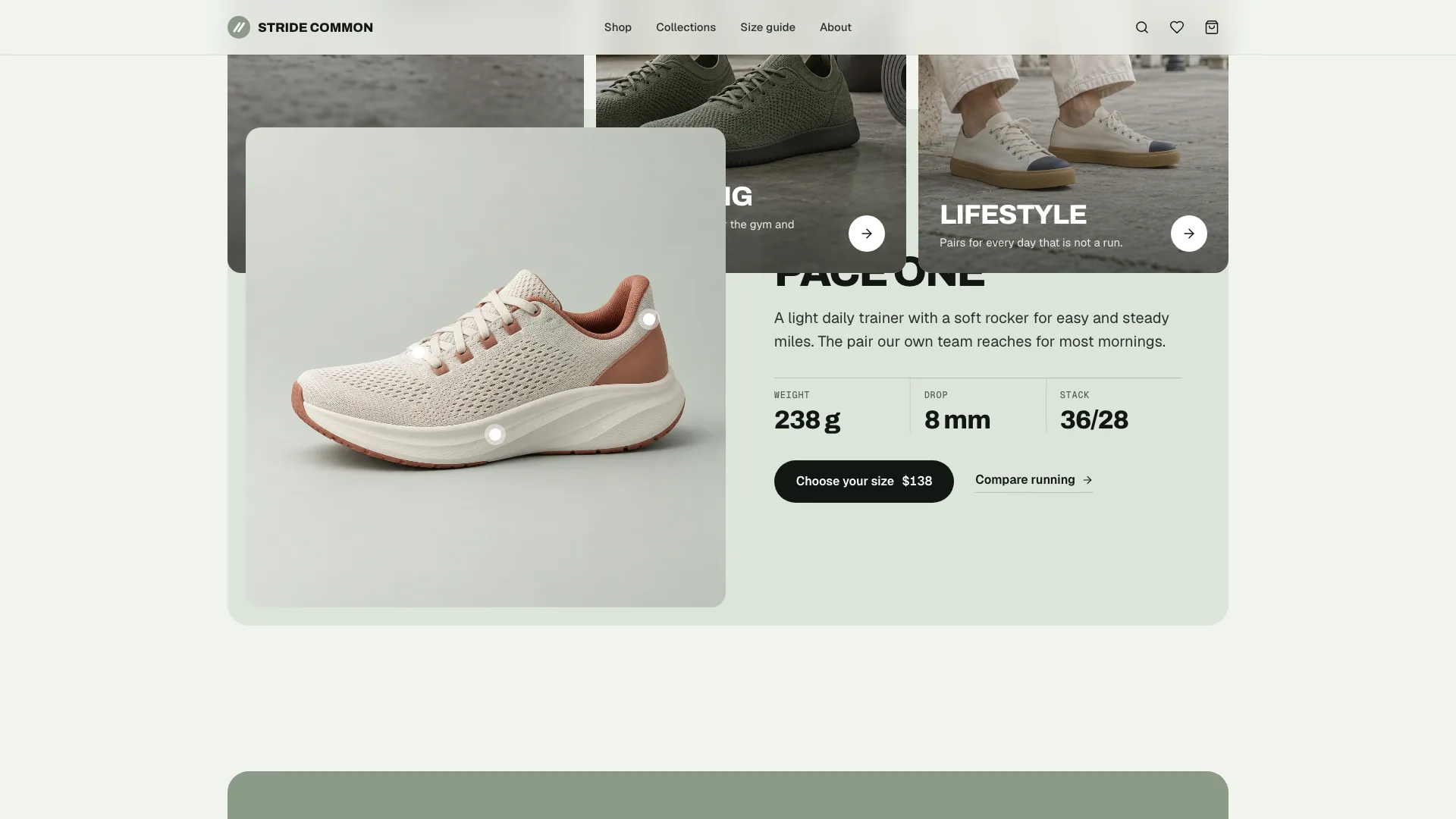
Build a premium footwear or apparel store with a campaign feel: a sage hero with oversized white uppercase type, an editorial model photograph and a small white service card, then clean product grids on a matched studio backdrop. The example label, Stride Common, has 27 working pages with eight sneakers, four collections, product pages, bag, checkout, a size guide and help pages. By default you get one self-contained file that opens in any browser and works offline.
Picked most often by
Updated Oct 3, 2026
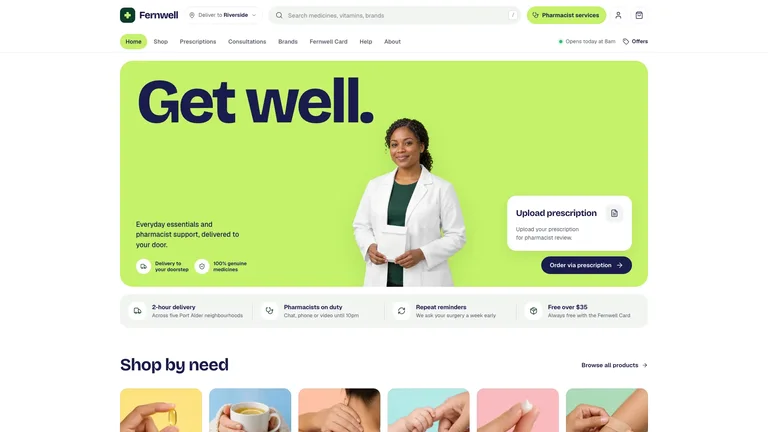
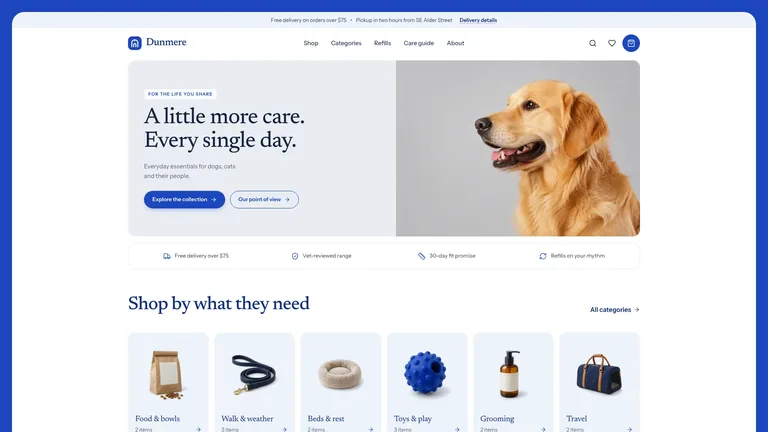
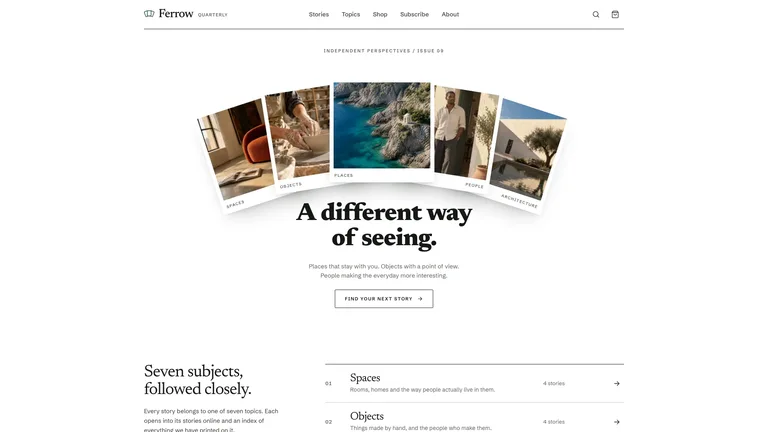
Preview gallery
Runs in
Generates with
Similar Skills
View all skillsWhat you get
- A finished 27-route example store for Stride Common with eight products, four collections and 15 photographs, from home and catalog to size guide, delivery, FAQ, about and a designed 404.
- Working store flows: quick add with a size picker, mini-cart drawer, promo codes, width options that change price, sold-out sizes, a size finder and a demo checkout.
- Your store as one offline file with Archivo, Geist and Geist Mono embedded, plus the visual rules, an image plan with a minimum photo set and the checklist your agent follows.
Good fit
- Independent sneaker, footwear and apparel labels with a small, considered range.
- Direct-to-consumer brands that want a campaign-style hero and product pages with real buying tools.
- Shops with a physical store that want fitting bookings and in-store pickup alongside delivery.
Not for
- Real orders or payments: checkout stops at a reviewed demo order and never charges or sends anything.
- Catalogs without product photos; every product needs its own photo, generated or supplied.
- Brands that want loud colour or a dark theme; this design is sage, white and calm.
About this Skill

Launch a footwear or apparel store with a campaign feel: a sage hero with oversized white uppercase type, an editorial model photograph and clean product grids on a matched studio backdrop. The example is Stride Common, a fictional sneaker label with eight models, four collections and 27 connected pages.
What you get
- Home, shop with filters, collections, product pages, bag, checkout, saved pairs, size guide, delivery and returns, FAQ, contact, about, legal and a designed 404
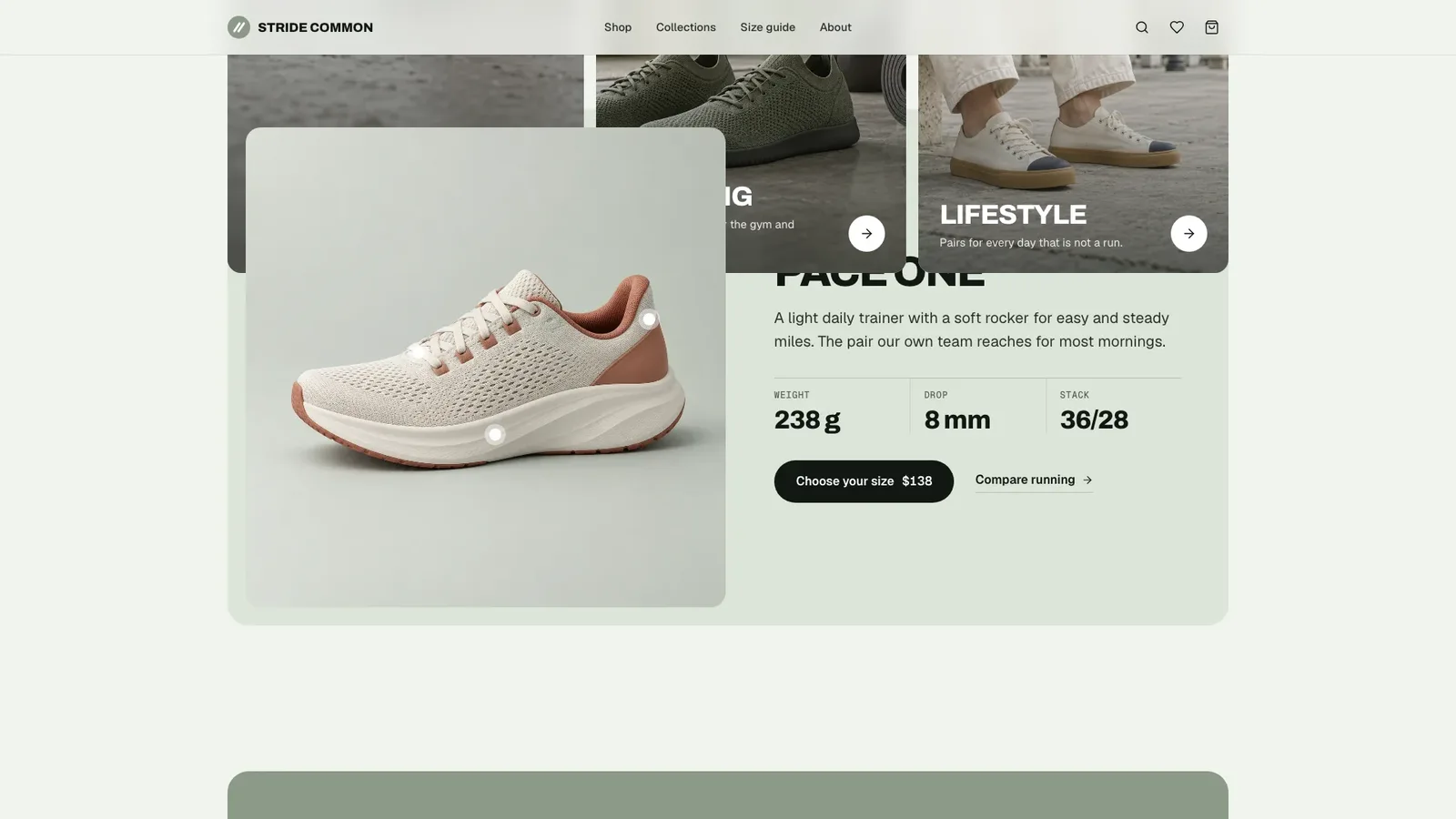
- Product pages with gallery, width and size options, stock states, specs, reviews and related pairs
- Quick add, a mini-cart drawer with a free-delivery meter, promo codes and a demo checkout
- A size finder that turns foot length into US, UK and EU sizes
- One file with fonts and photos embedded that opens offline in any browser

How to use it
- Share your brand, market, currency, products with prices and sizes, and your collections.
- Your agent generates or places the photos, fills every page and checks the store flows on desktop and phone.
- Open the file, add a pair to the bag, try checkout and ask for changes in plain words.

Checkout says clearly that nothing is charged or sent. Photos made with your agent's image tool may incur that tool's usage charges.
What you need before you start
- You bring
- Brand name, market, currency and delivery terms · Products with prices, sizes, colours and specs, grouped into collections · Your product photos, or permission for your agent to generate them
- Dependencies
- Node.js 18 or newer on your agent's machine, to run the bundled script that builds the single offline file · Internet access while the file is built, so the fonts can be downloaded once and embedded · An image generation tool in your agent, or your own product photos (every product needs one)
- Outside costs
- Campaign, product and collection photos are generated with your agent's own image tool, which may incur that tool's usage charges. Supplying your own product photos reduces or avoids this.
- Last tested
- v1.0.2 — Claude Code / Claude Desktop / Cowork / Codex / ChatGPT
User reviews
Loading reviews…