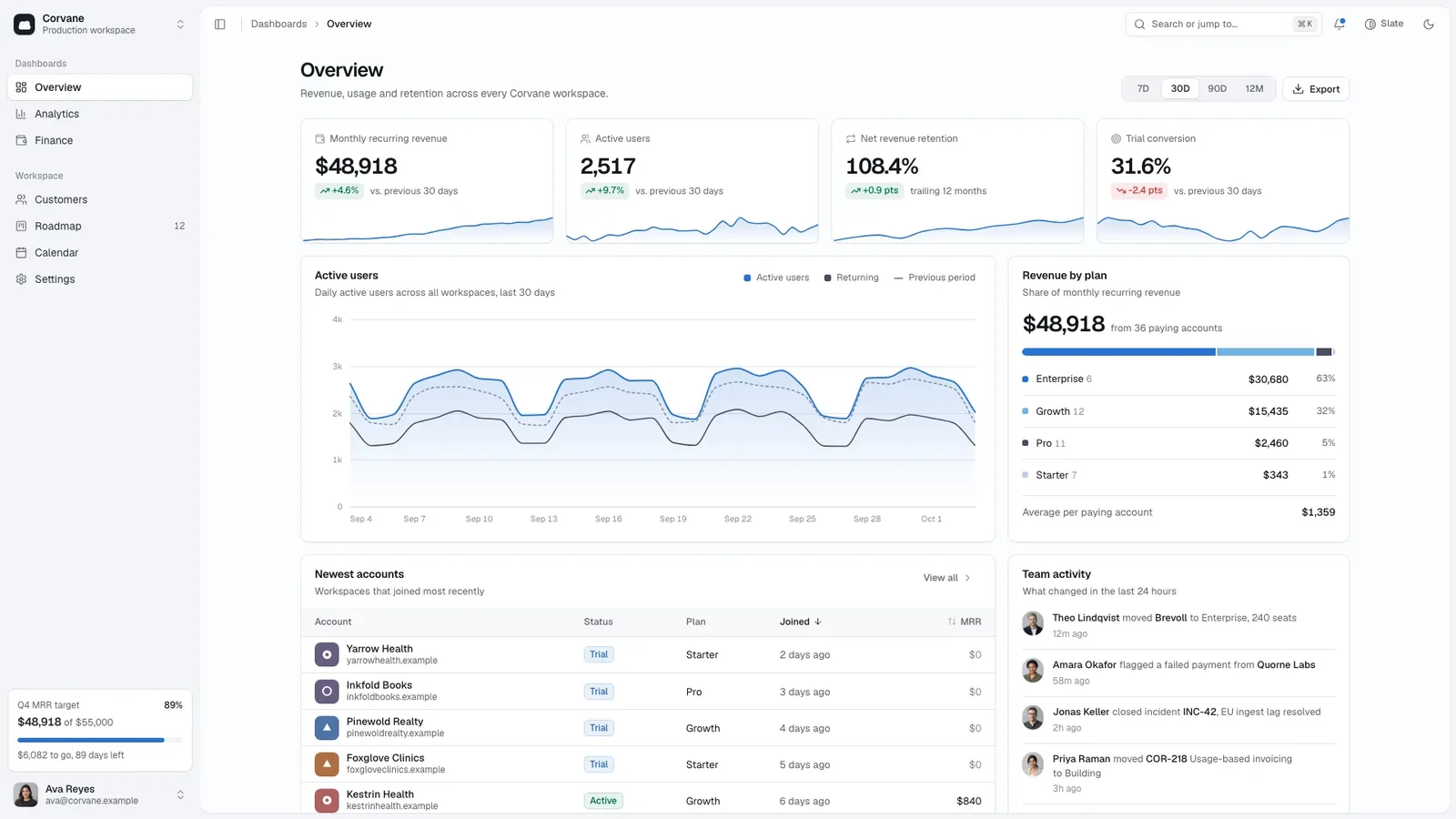
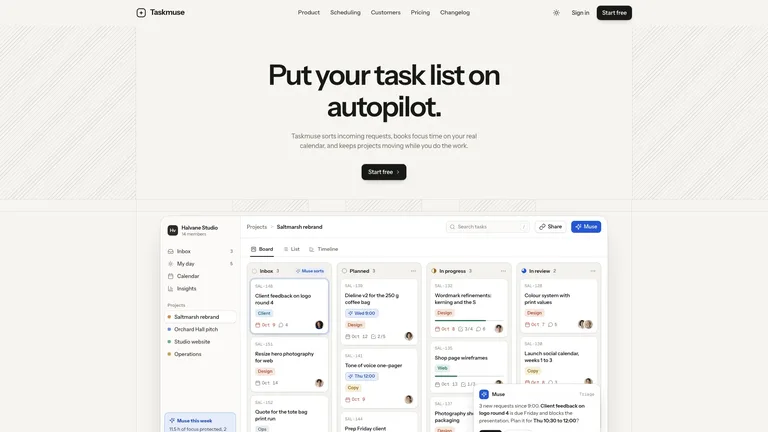
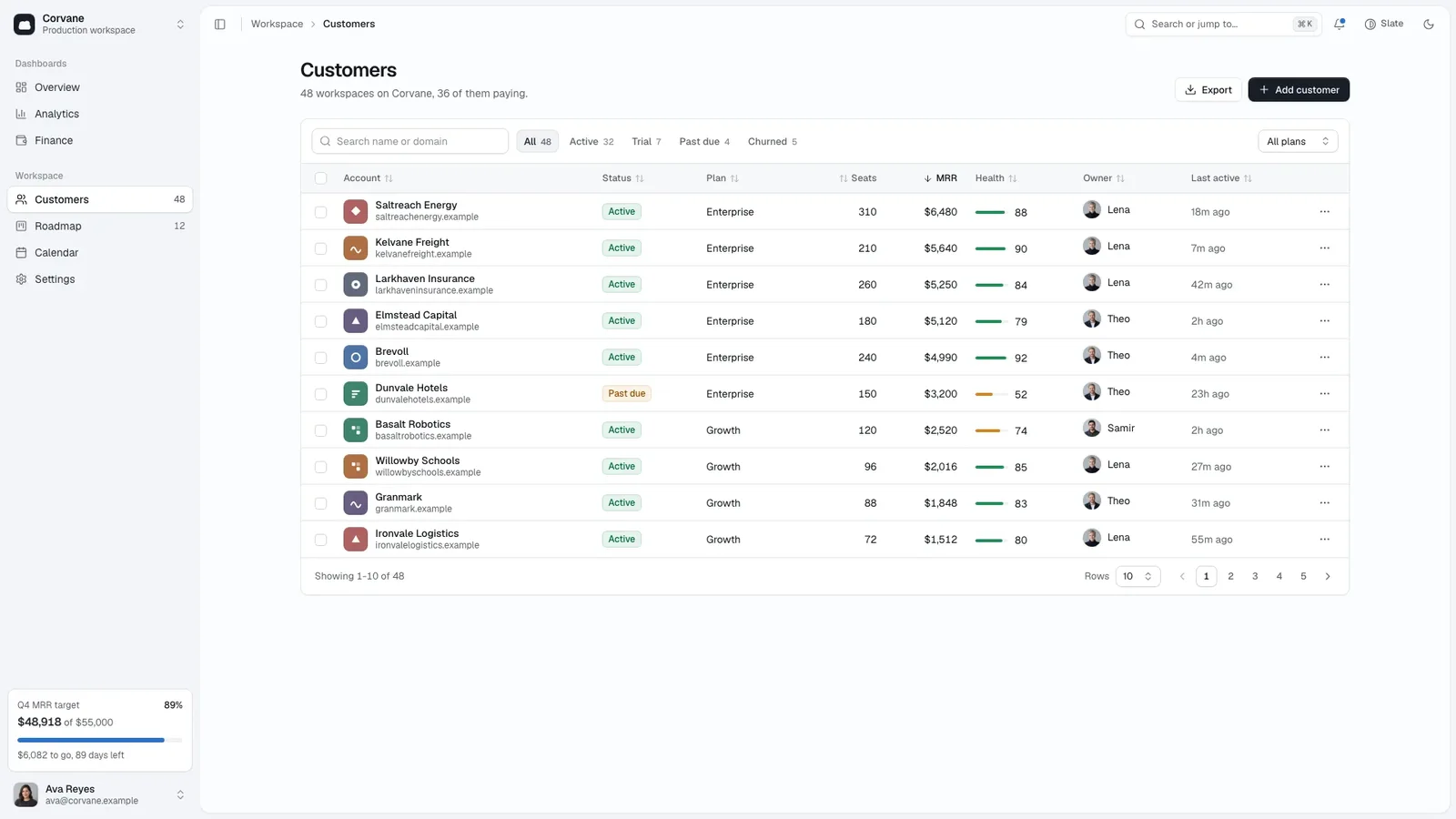
Build an admin console a team could adopt as-is: a calm, near-monochrome shell where colour is saved for data, a slim sidebar where every item opens a real view, and charts and tables that respond. The example is Corvane, a fictional workspace analytics product.
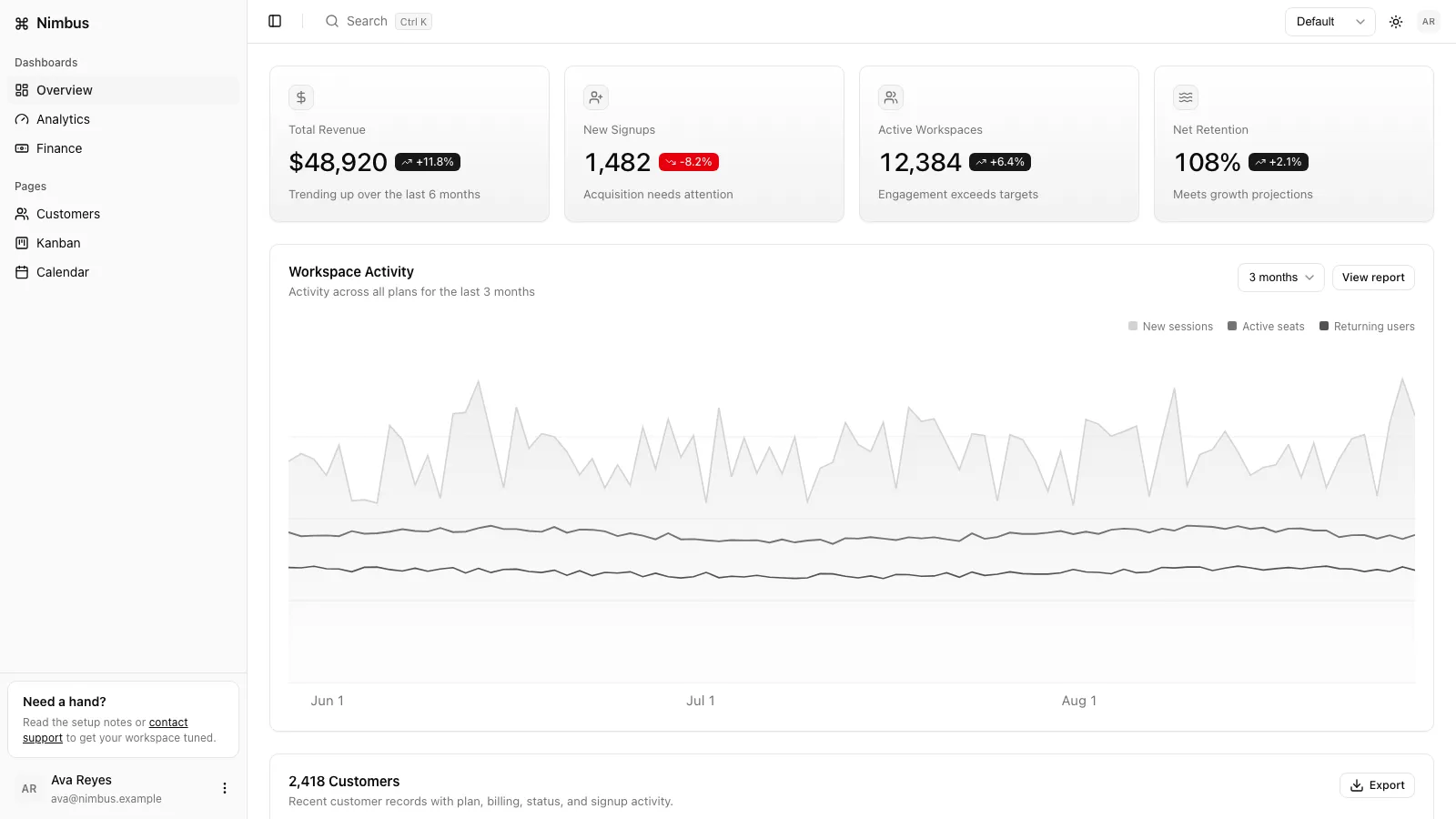
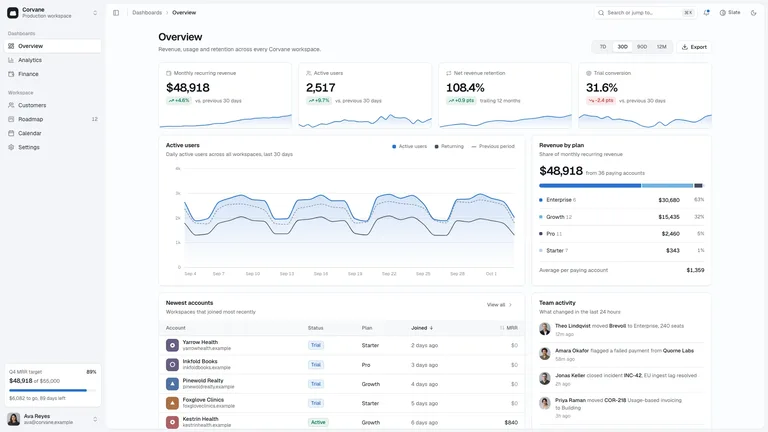
- Seven views: overview, analytics, finance, customers, roadmap board, calendar and settings
- A two-group sidebar with every item routed, a command palette on Ctrl or Cmd K, and light and dark modes in slate or tangerine
- Tables with sort, filters, search, pagination, bulk actions and undo, plus a record drawer and dialogs
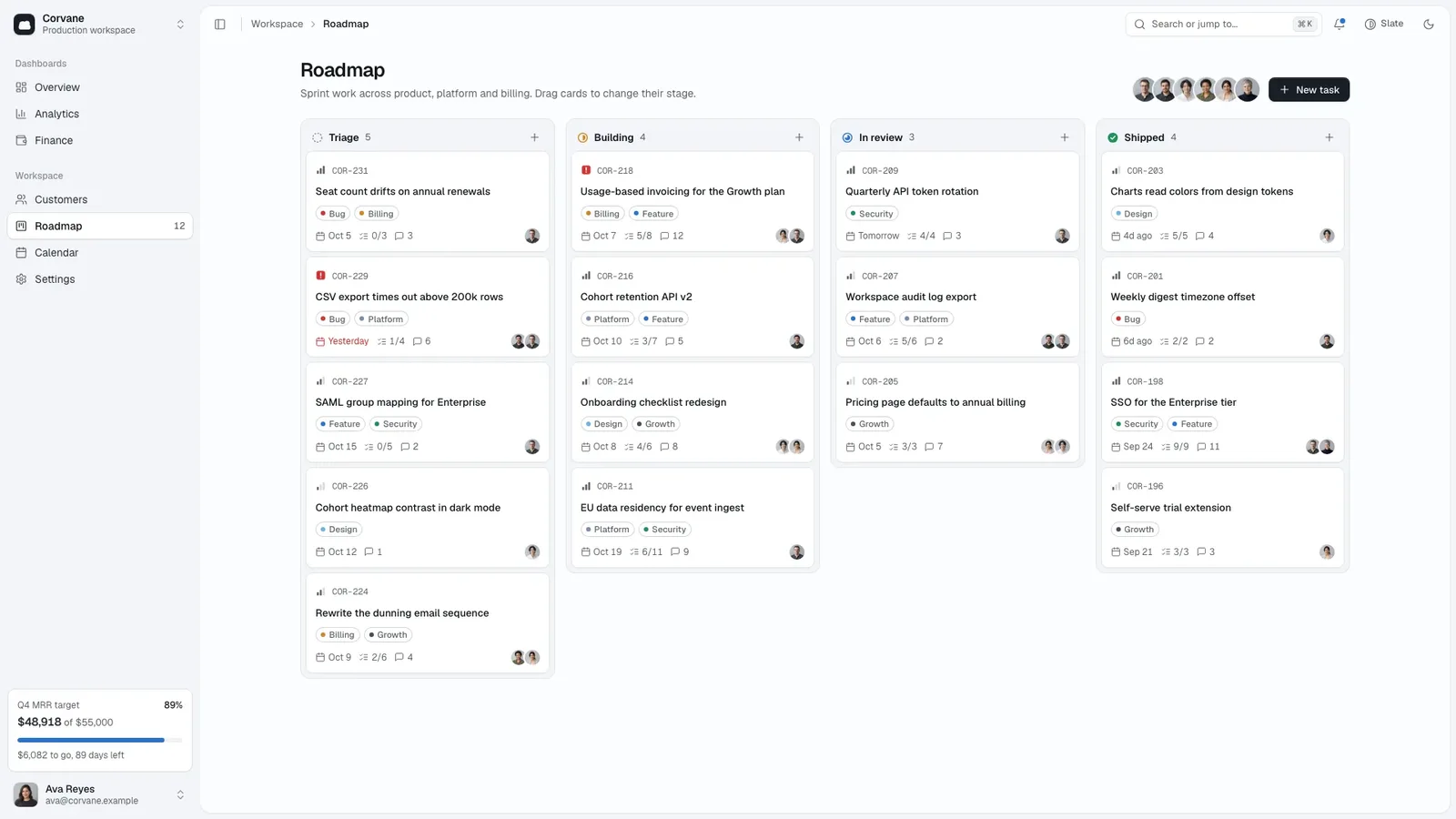
- A drag-and-drop roadmap, a month calendar with agenda and settings forms that save
- One file with fonts and portraits embedded that opens offline in any browser
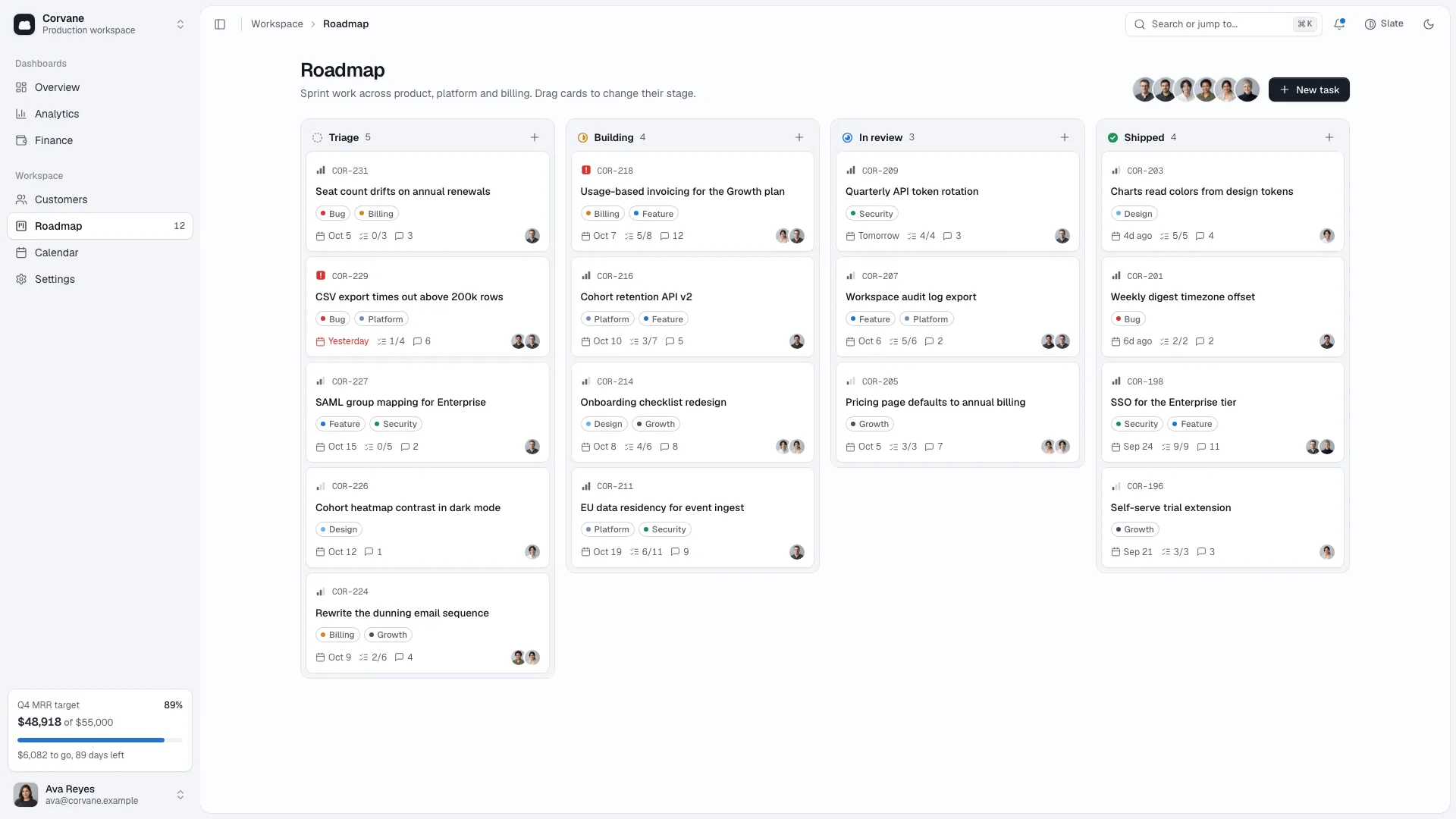
- Share your product name, the four metrics you watch, your team and what your tables, cards and events hold.
- Your agent replaces every number, row and event, keeps the sidebar short and reviews each view in both modes.
- Open the single file, try the palette, drag a card and ask for changes in plain words.
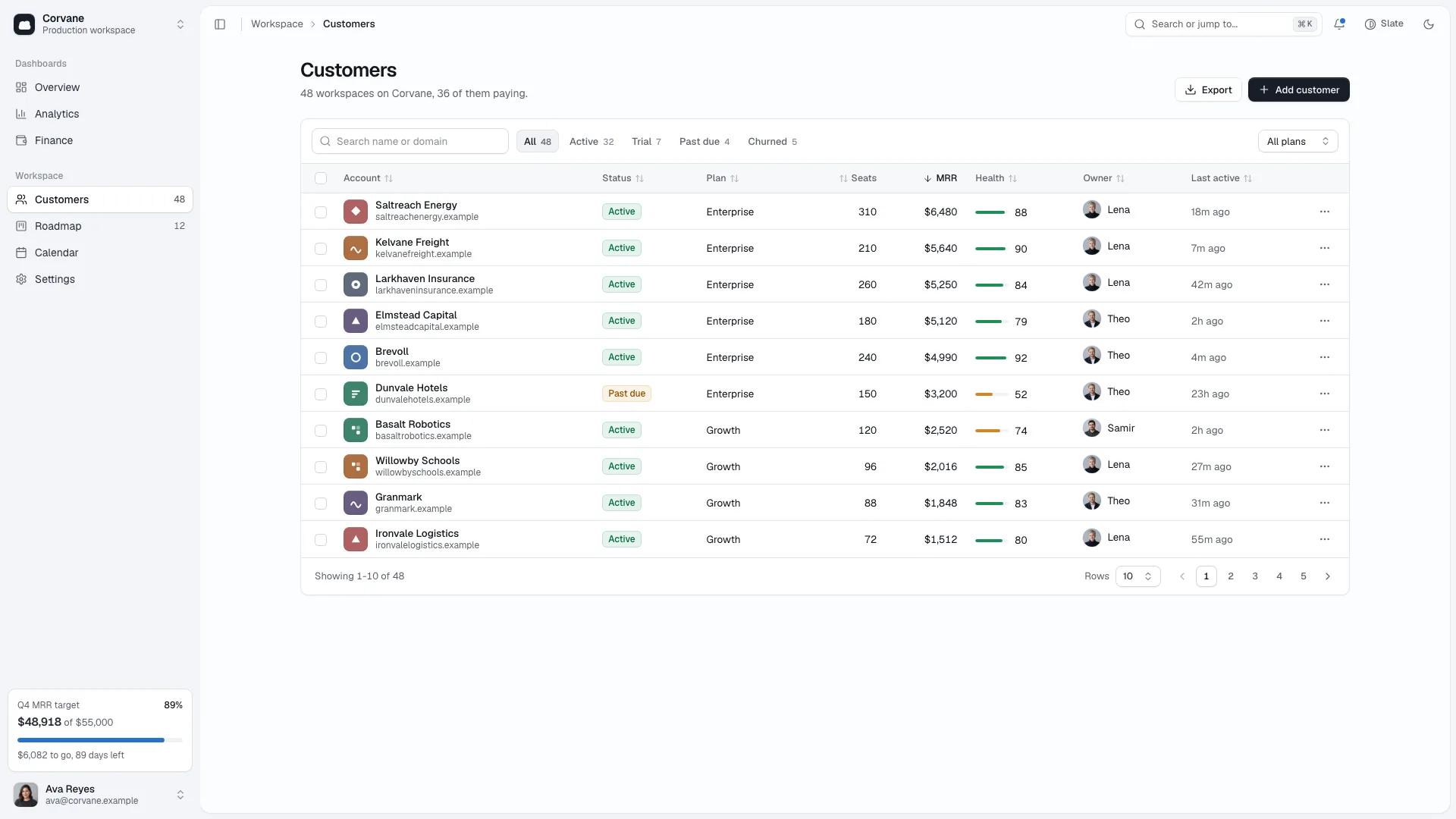
Actions a single file cannot perform, such as export or sign-out, show a clear notice instead of pretending.
What you need before you start
- You bring
- Product name and the four overview metrics that matter · Your team (four to eight people) and what your tables, board cards and calendar events hold · Optional: real figures, currency and team photos; otherwise sample data is drafted for you
- Dependencies
- Node.js 18 or newer on your agent's machine, to run the bundled script that builds the single offline file · Internet access while the file is built, so the fonts can be downloaded once and embedded · Optional: an image generation tool in your agent for a new team portrait series (the shipped portraits can stand in)
- Outside costs
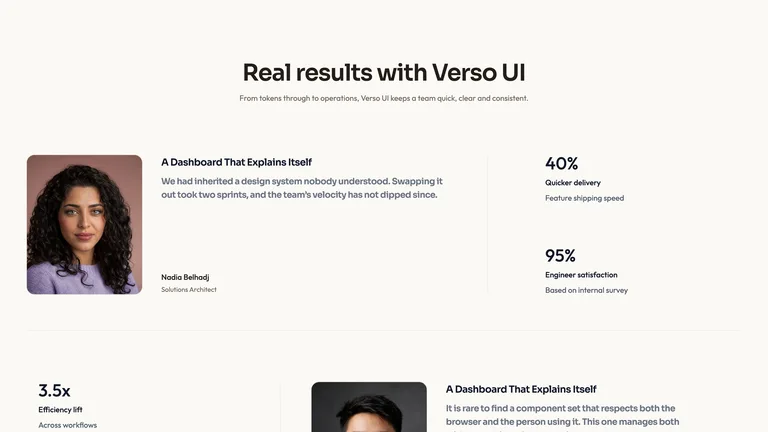
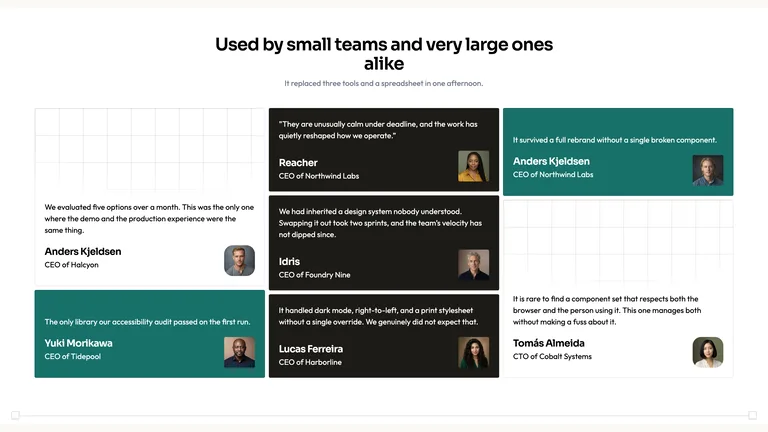
- Team portraits can reuse the eight shipped stand-ins at no cost. Generating a new portrait series with your agent's own image tool may incur that tool's usage charges.
- Last tested
- v1.0.4 — Claude Code / Claude Desktop / Cowork / Codex / ChatGPT




 +6
+6