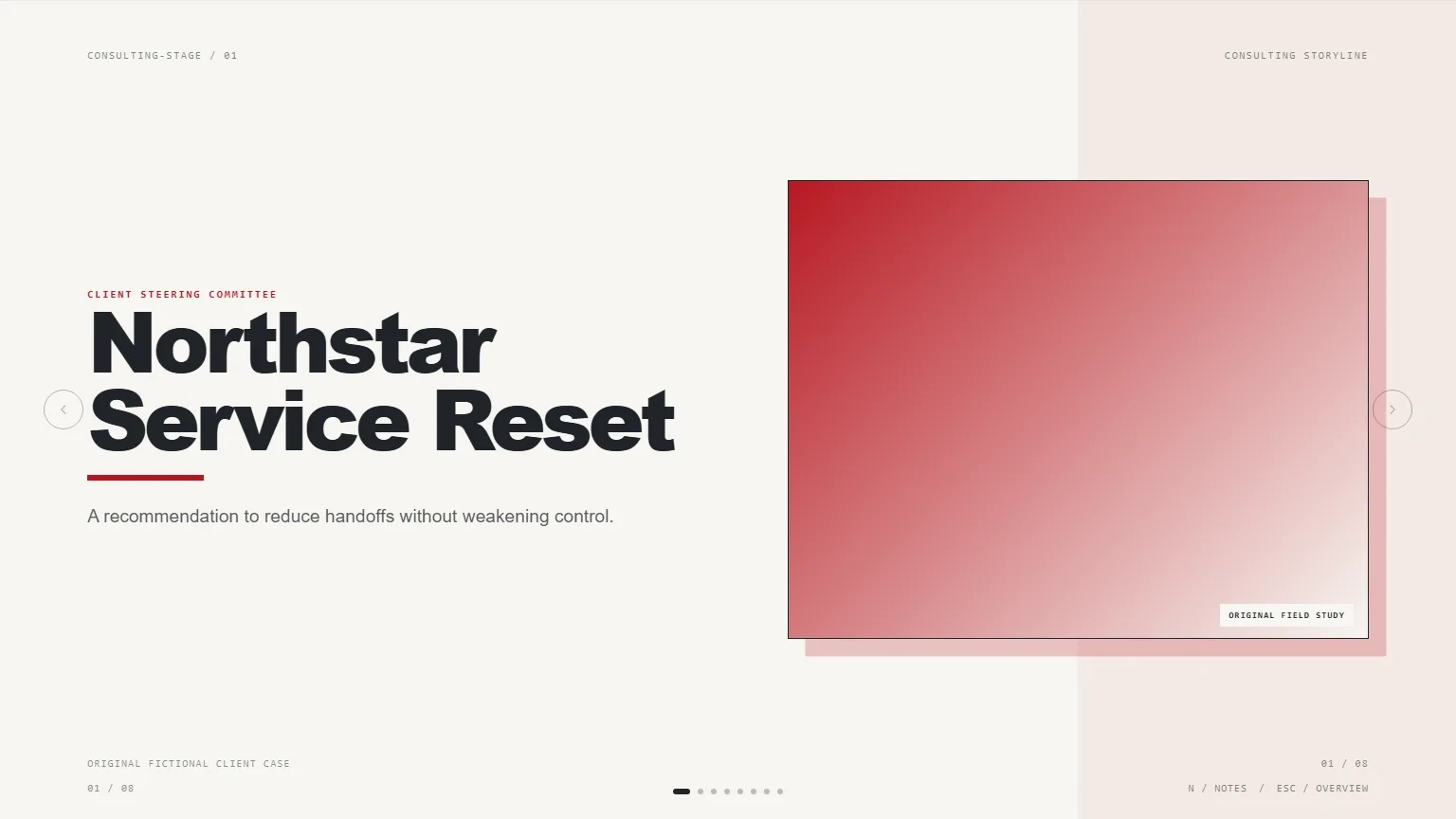
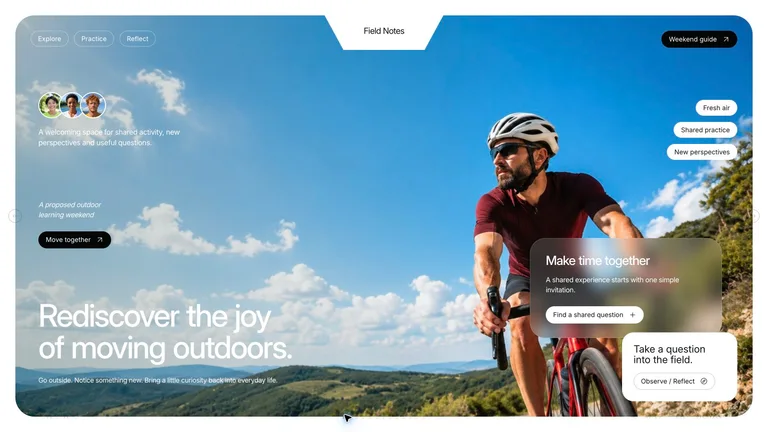
Slide templates with real layouts
Cover, agenda, data, quote and closing slides designed to work as a set.
An AI presentation maker inside your agent. Pick a deck style, describe the talk, then edit the slides in the browser and export to PowerPoint.


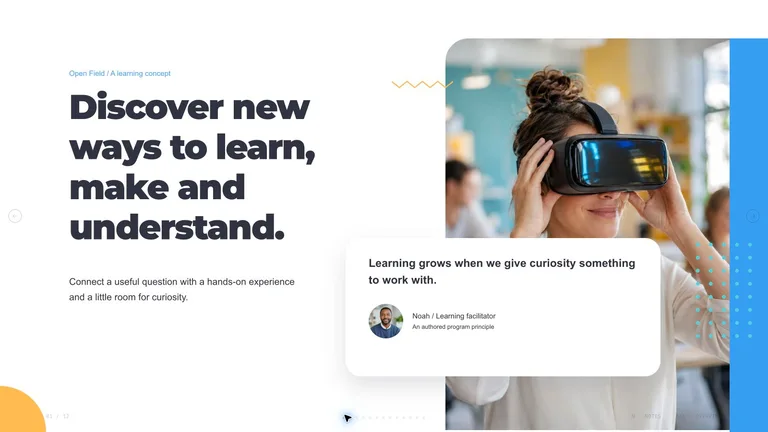






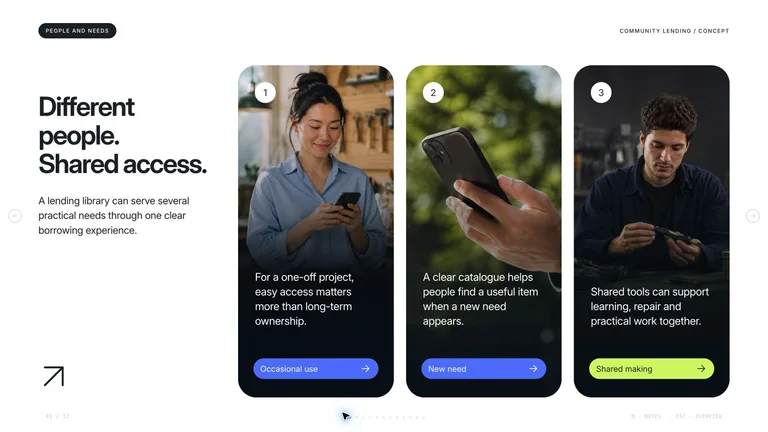

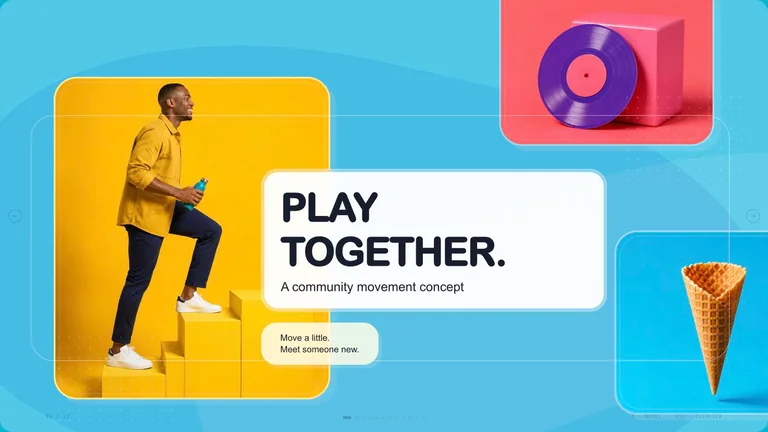
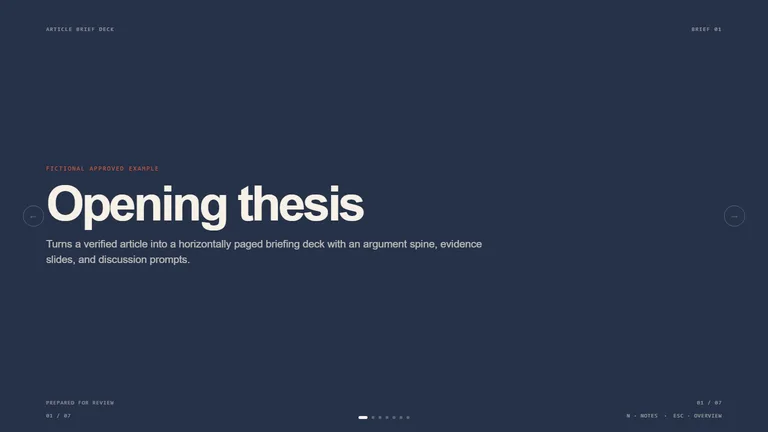


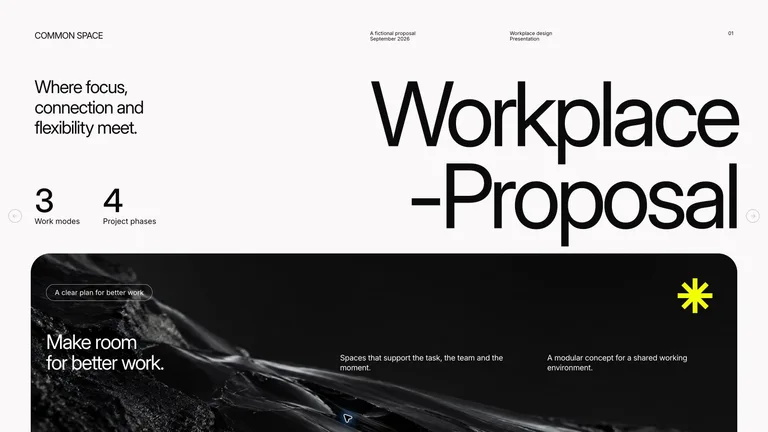

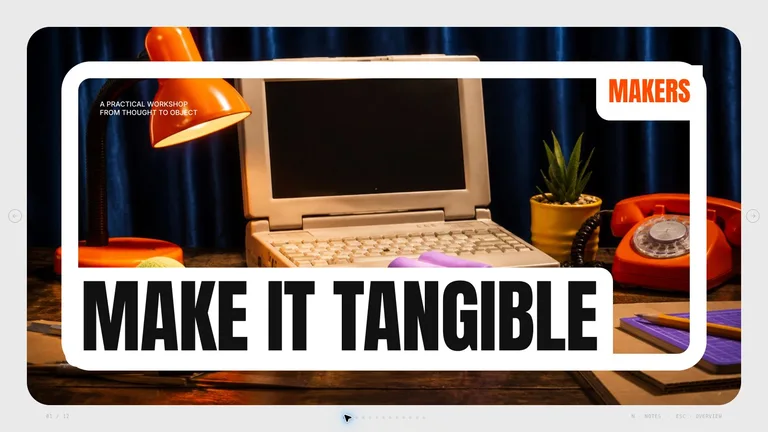
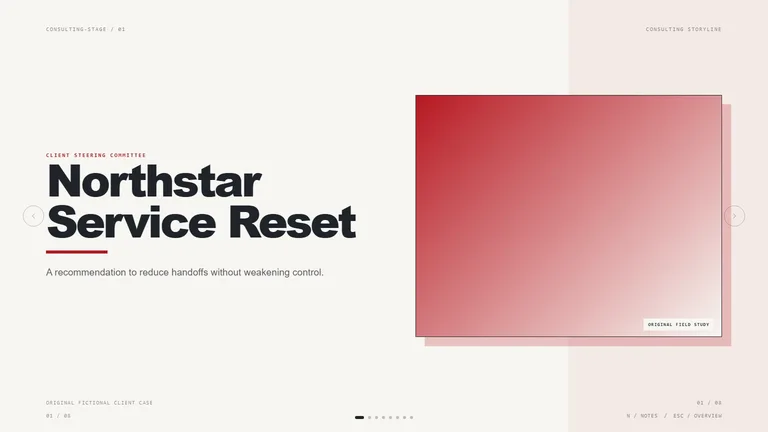
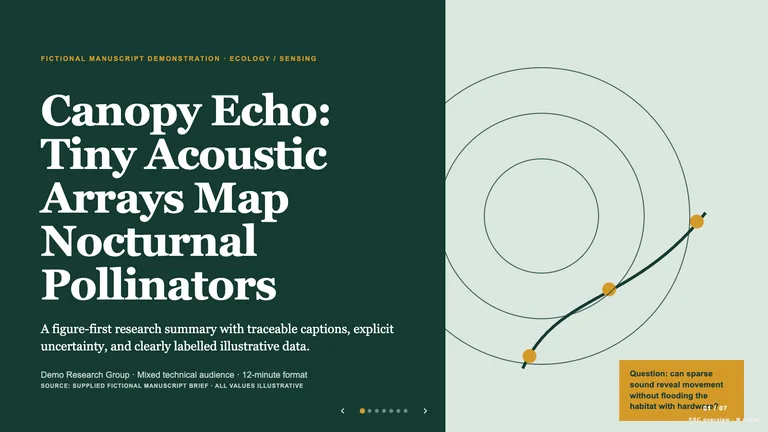

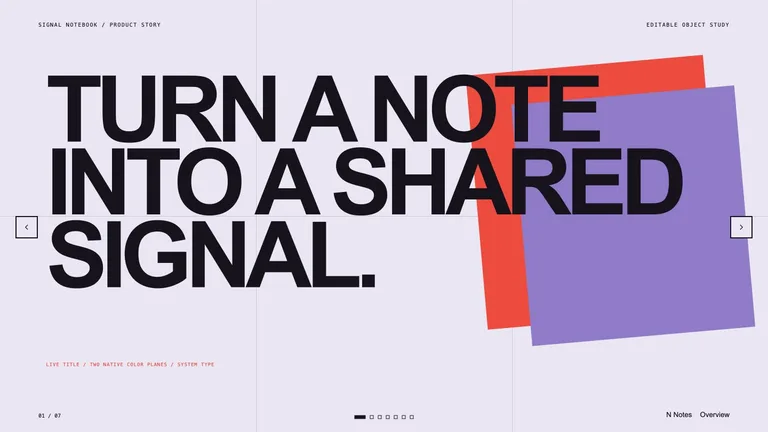
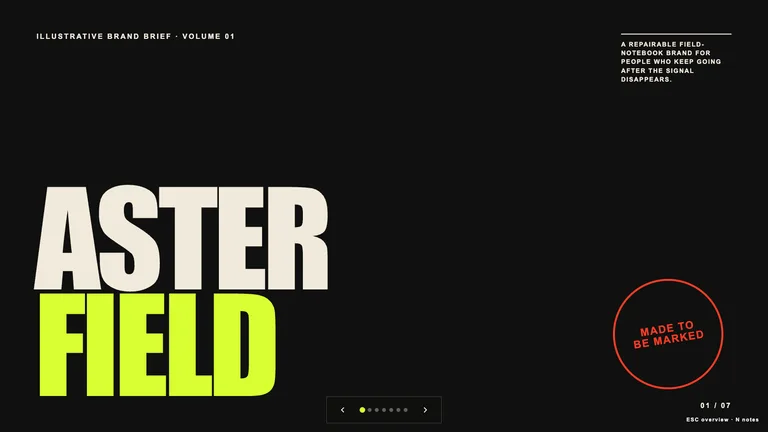

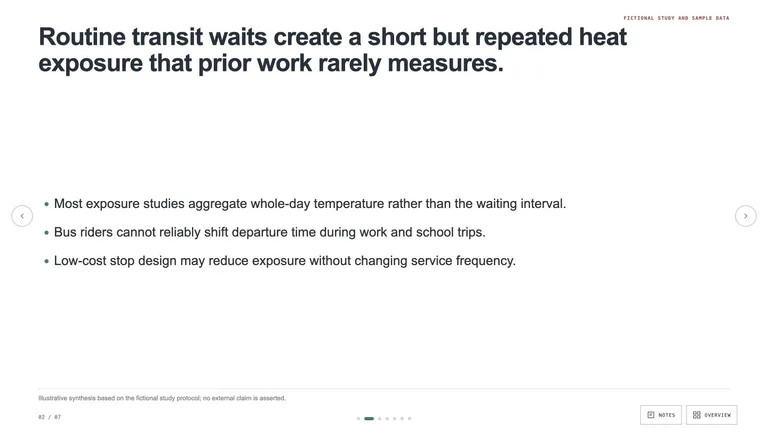
Use one like an AI slide generator with a fixed style. Each Skill carries layouts for every kind of slide, a browser editor and PowerPoint export.
Cover, agenda, data, quote and closing slides designed to work as a set.

Change text and images right on the slide before you present.
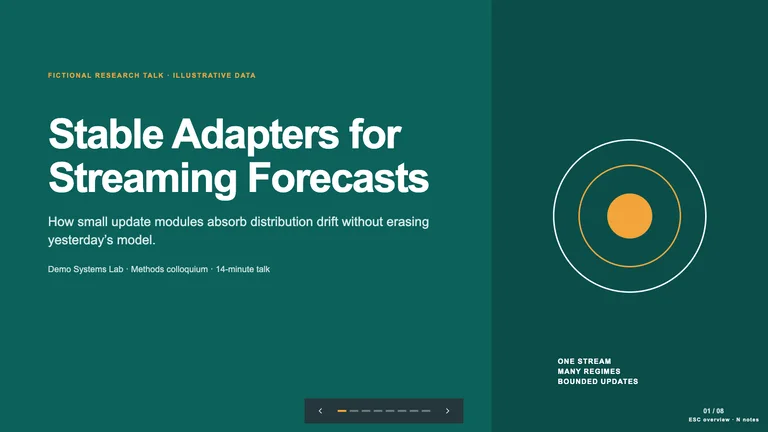
Download a .pptx when you need to share the deck or keep editing in PowerPoint.
Each role page picks the Skills that fit that job best.
Three steps in Claude Code, Codex or Cursor. No design app needed.
Copy the install prompt into your agent, or run the command below. The Skill lands in your agent's skills folder.
npx skillry-cli@latest install bs-consulting-storyline-deckType a slash and the Skill name, then say what you want in plain words.
/bs-consulting-storyline-deck Turn these company notes into a concise investor pitch deck.Open the file it made, ask for changes in the same chat, then publish or hand it off.
deck.html → .pptxA prompt can draft slides. A Presentation Skill adds an audience shift, evidence discipline, a visual system, and an editable handoff.
| Aspect | A plain prompt | A Skill |
|---|---|---|
| Story | Turns a topic into a stack of slides | Starts from what the audience should decide, then gives each slide one job |
| Facts | Polishes claims into confident copy | Keeps verified facts, placeholders and open gaps clearly apart |
| Editing later | Hands you a file that only looks finished | Opens in an editing studio and exports to PPTX, so you can keep revising |
Install any Skill on this page and every new one we add. Cancel anytime.
Cancel anytime
$9.99 / month
Full Premium access, billed monthly.
Save 34% a year
Most popular$79 / year
Full Premium access for a lower annual price.
Pay once · Founding price
Founding offer$169 one-time
Founding price — increases as the library grows.
Cancel anytime. Payments are non-refundable.
Yes. Every slide Skill here comes with a browser editing studio and PPTX export, so you can fix slides in the browser and keep editing in PowerPoint.
An AI presentation maker starts over with every prompt. A slide Skill keeps one tested design and story structure, so slide 20 looks like it belongs with slide 2.
Usually as many as your outline needs. Each detail page explains how the Skill sets the slide count; the number of preview images is not the deck length.
Yes, if the Skill takes brand inputs. Look for brand colors, fonts, a logo or reference images under Required inputs on the detail page.
Pitch, report and lesson decks you can edit and export.
Browse all Skills