Velocity-Matched UI Stingv1.0.1
Use this Skill to create social brand video.
Popular
5.01095 downloads48 likes56 saves
$4.99
What do I get when I buy this Skill?Build a short product sting where every cut is velocity-matched, so seven scenes read as one continuous camera move instead of a stack of screens. Delivered as a rendered MP4 plus a single-file project carrying a seam ledger, so the piece can be re-branded later without the motion coming apart.
Picked most often by
Updated Nov 9, 2026
Preview gallery
Runs in


Install guides
Generates with
Host Agent LLMClaude Fable 5.2 (Anthropic)Claude Opus 5.5 (Anthropic)
Claude Fable 5.2 (Anthropic)Claude Opus 5.5 (Anthropic)Uses tools
 HyperFrames
Similar Skills
View all skills


What you get
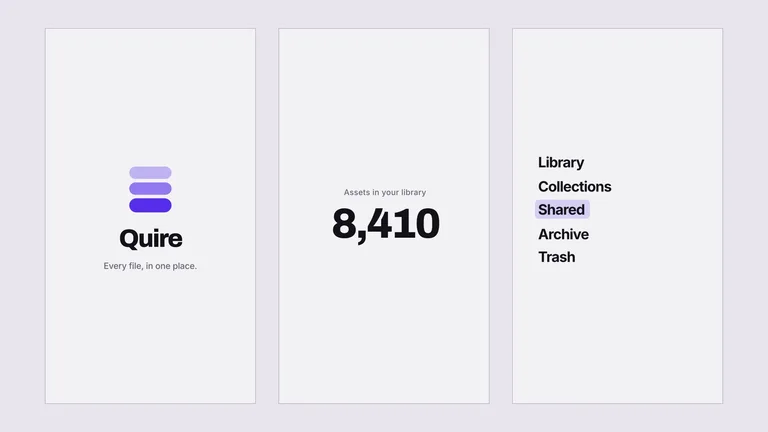
- A 10 to 13 second MP4 in your chosen canvas — square, vertical, or wide — moving through a lockup, an entry surface, a number, a navigation, one action taken, and an endcard.
- A single-file HyperFrames project with no build step or sub-compositions, plus a seam ledger naming every cut's axis and direction, so rebranding does not break the motion.
- The two disciplines that make it read as one camera move: one ease family for every arrival and its mirror for every exit, and the rule that nothing is allowed to sit still at a cut.
Good fit
- You want a sting — a social post, a launch-day loop, a conference bumper, the top ten seconds of a longer film.
- Your product has real surfaces to show: a sign-in, a number people quote, a navigation, a create button.
- You expect to re-brand it later, or to make a second one that matches the first.
Not for
- Explaining what your product does. There is no room, and the piece is a texture rather than an argument.
- Products with no navigation and no create affordance — two of the seven slots would have to be invented, and it shows.
- Anyone who wants to dress the film with a competitor's or partner's interface. Every surface here is yours or a neutral original.
Brand Identity & Visual SystemsSocial Media Content & CampaignsCreate Social Brand VideoCreate Video ClipsCreate Motion GraphicsStyle-lockedGuided WorkflowClean Product MotionKinetic UiNo Idle MotionSingle Ease FamilyVelocity Matched Cuts
Good forPromo videos
About this Skill
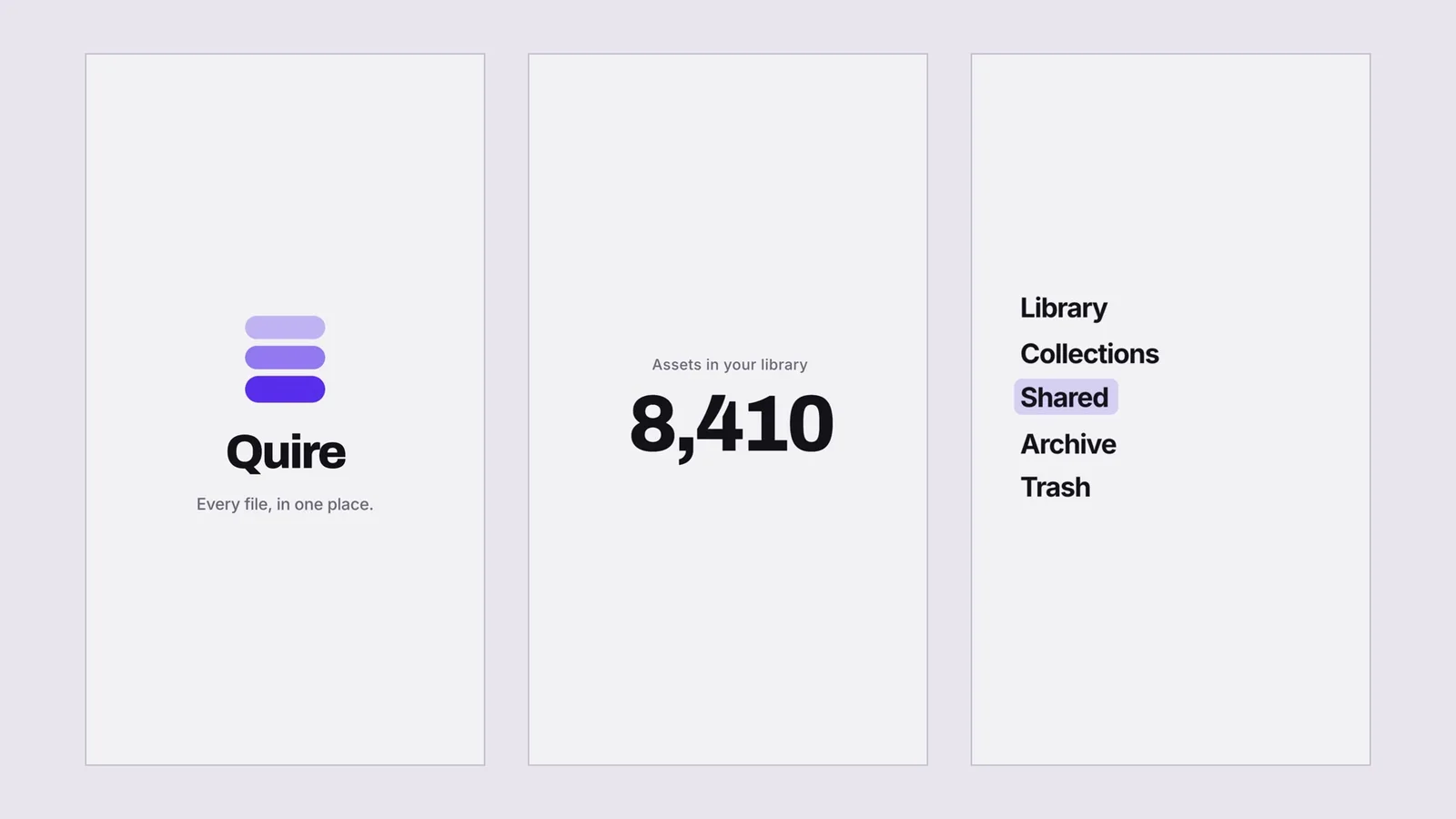
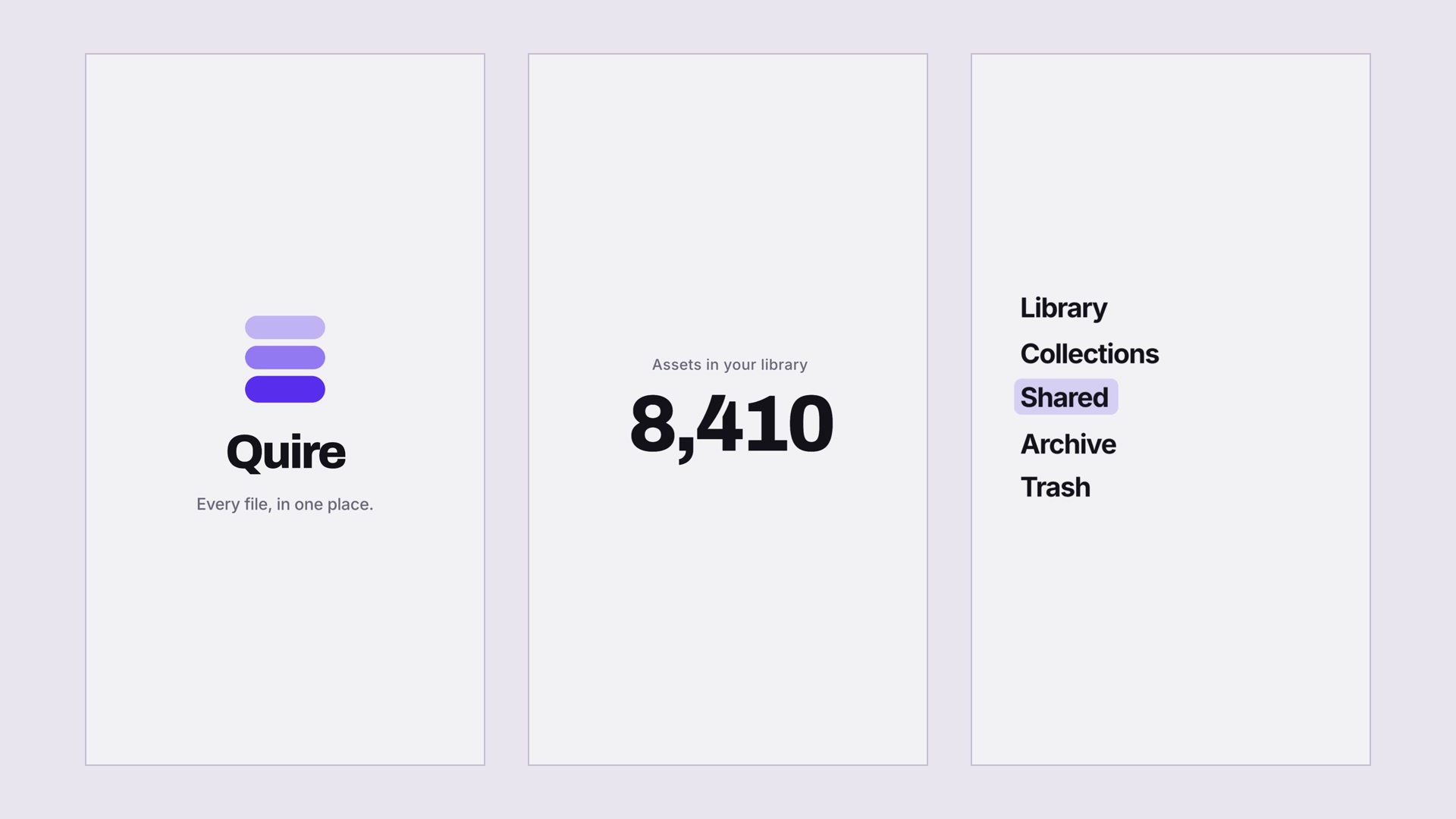
Turn your product's logo, sign-in, navigation and one useful action into a short launch sting. Seven scenes carry the movement across cuts, giving you a compact piece for a social post, an event screen or the opening of a longer film.
What you get
- A 10–13 second MP4 in a square, vertical or wide canvas, ending on your own brand lockup.
- An editable project and a cut-by-cut motion plan, so you can change the copy, colours and product surfaces later.
- A handoff with the chosen scenes, brand details and motion checks, including measured speeds around each cut.
How to use it
- Give your agent your logo, colours and the real product surfaces you want to show. Use assets you own or have permission to use.
- Choose the canvas and supply the one number and create action that matter to your audience. Confirm the dependencies listed on this page are installed.
- Review the scenes and motion, then ask your agent to render the finished video. If you change the timing later, have it check the neighbouring cuts again.
What you need before you start
- You bring
- The product's seven slots: lockup, entry surface, one number, navigation, one create action, endcard · Four brand tokens — a ground, an ink, one accent, a hairline · The mark as a real file, in two parts if it has them · The canvas: square, vertical, or wide · Optionally a licensed music bed
- Dependencies
- Claude Code with Opus 5.5 or Fable 5.2 — recommended · HyperFrames CLI — required · Node.js 22 or newer — required · FFmpeg — required · motion-doctrine — required; HeyGen repository-internal skill, explicitly installed from heygen-com/hyperframes; may change independently of the CLI · seam-craft — required; HeyGen repository-internal skill, explicitly installed from heygen-com/hyperframes; may change independently of the CLI · cut-the-curve — required; HeyGen repository-internal skill, explicitly installed from heygen-com/hyperframes; may change independently of the CLI · oversized-cursor — required; HeyGen repository-internal skill, explicitly installed from heygen-com/hyperframes; may change independently of the CLI
- Last tested
- v1.0.1 — Claude Code / Claude Desktop / Cowork / Codex / ChatGPT
User reviews
Loading reviews…