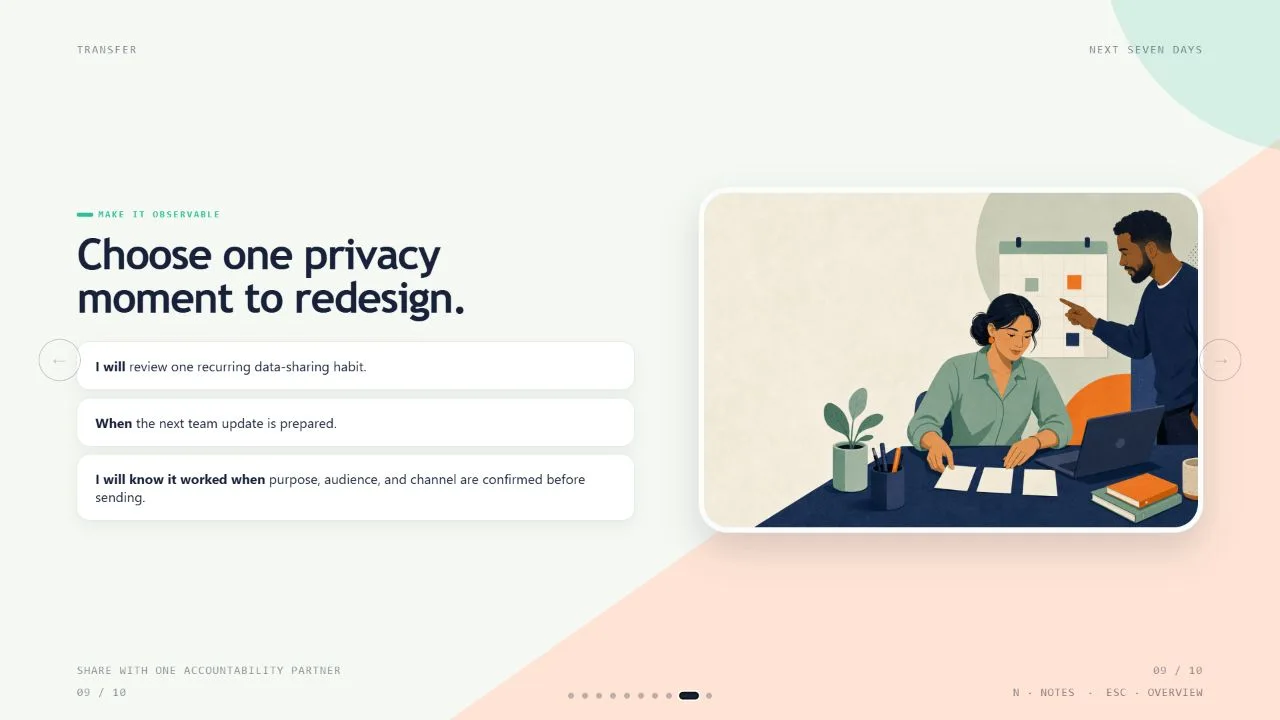
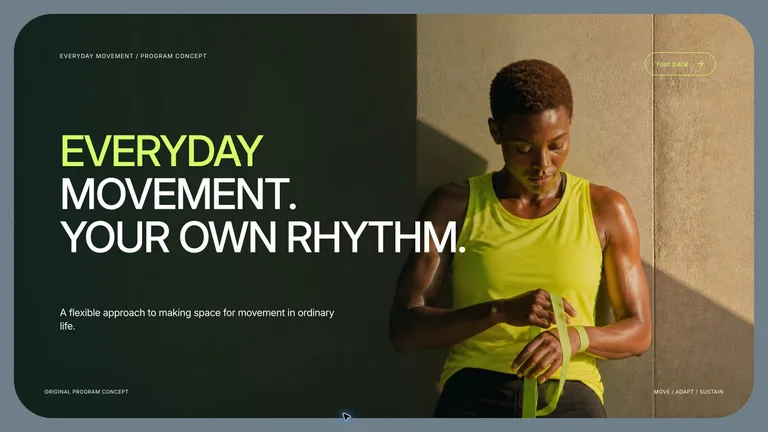
Learning Loop Deckv1.0.2
Use this Skill to create presentation.
Turn rough training material into a bright, learner-centered HTML deck with explicit outcomes, short explain-engage-apply loops, practice, feedback, and an action commitment. Use this whenever a user needs a workshop, onboarding, enablement, or instructional presentation that people must act on rather than merely read. Every deck can be edited in the browser and exported as an editable PowerPoint file.
Picked most often by
Updated Oct 3, 2026
Preview gallery
Runs in
Generates with
Similar Skills
View all skillsWhat you get
- A complete 16:9 training deck that turns source material into a focused learning journey.
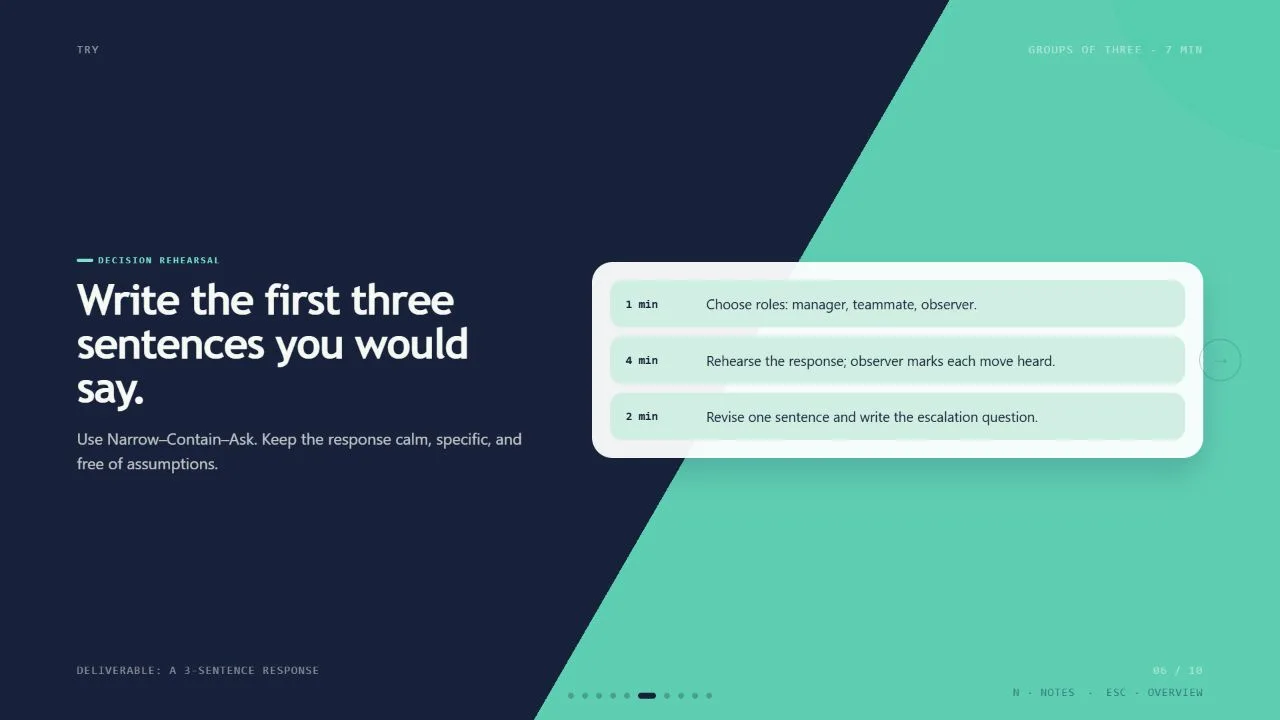
- Built-in decision practice, feedback, and an action commitment tied to observable outcomes.
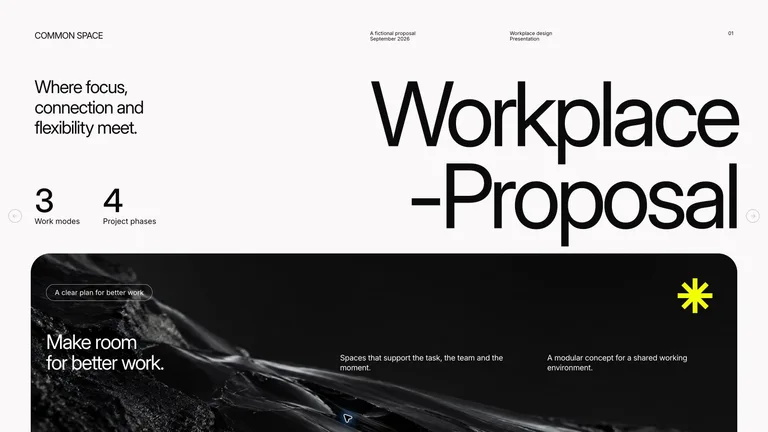
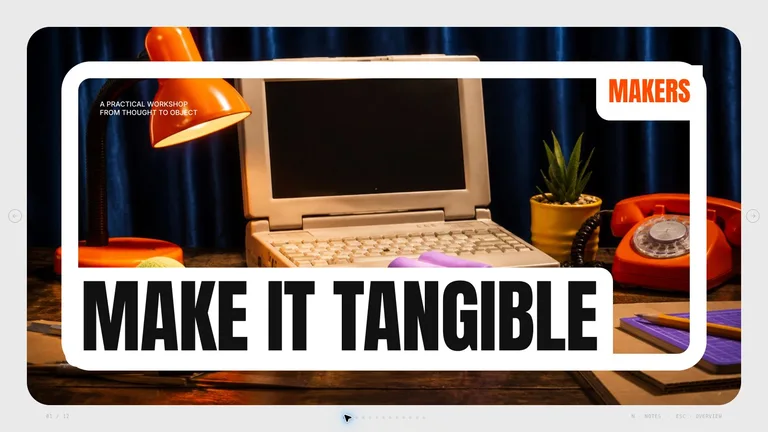
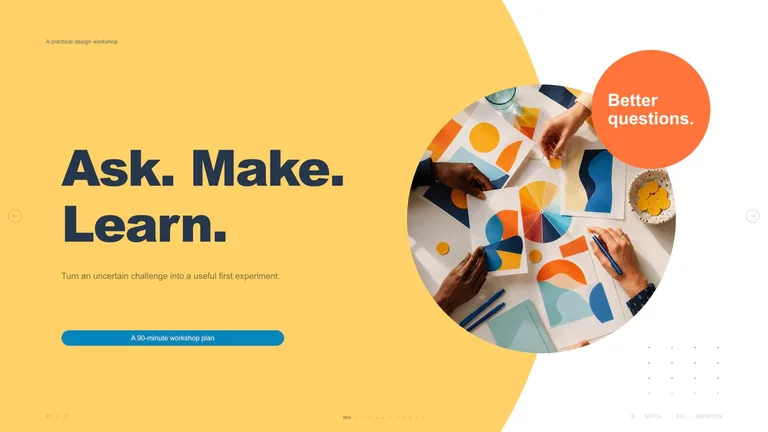
- A presentation-ready experience with speaker notes, slide overview, keyboard navigation, and print export.
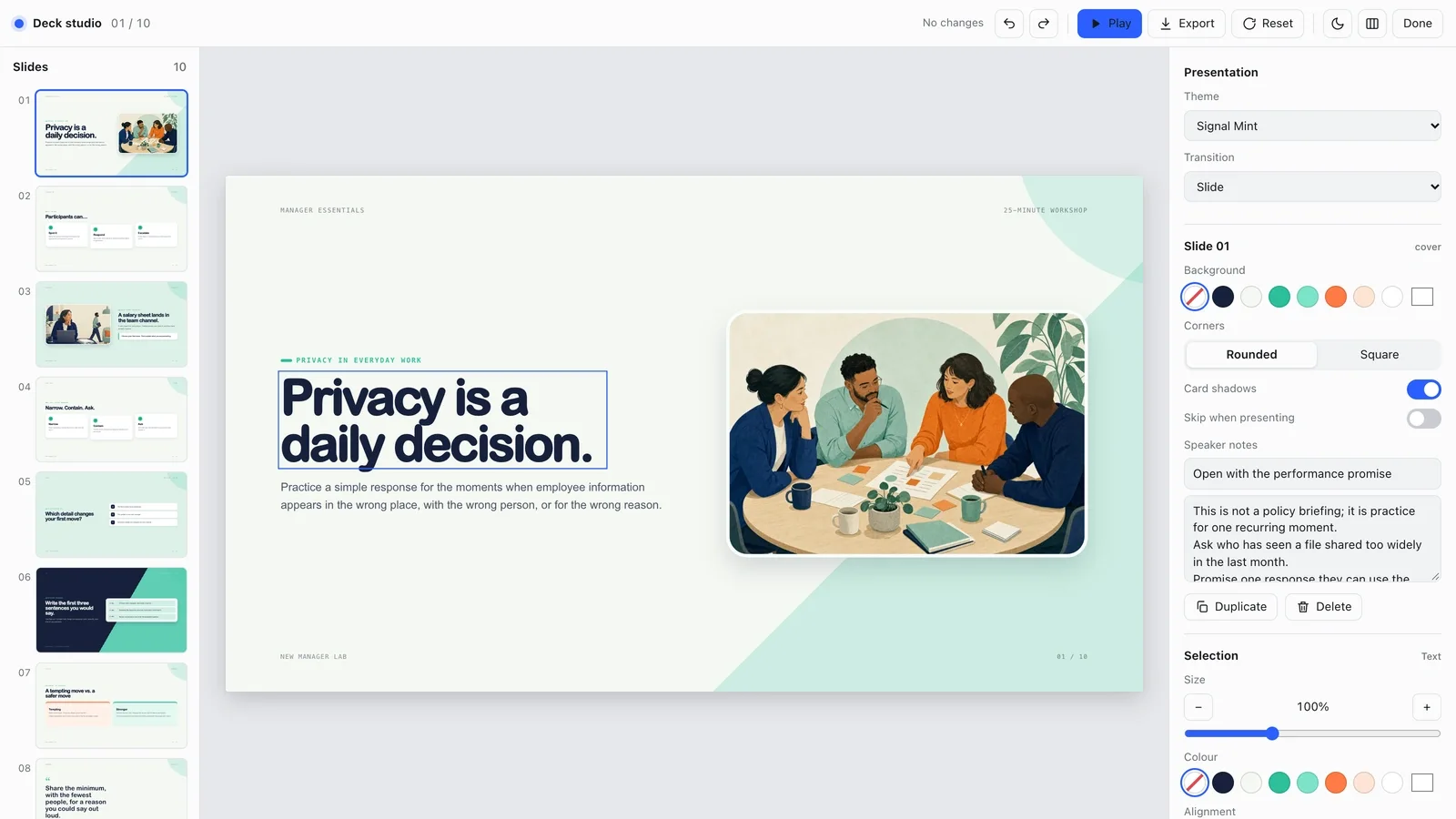
- A built-in editing studio: change text, images, slide order and themes in the browser, then export an editable PowerPoint file or a PDF.
Good fit
- Workshops, onboarding sessions, and enablement programs where people need to apply what they learn.
- Facilitators who want short explain, engage, and apply loops instead of a lecture-heavy deck.
- Training topics that need a clear performance goal, realistic practice, and follow-through after the session.
Not for
- A conventional report deck whose main job is to display dense information.
- A presentation that must use an unrestricted custom visual system outside the reviewed theme presets.
- A session with no defined audience, behavior goal, or trustworthy source material.
About this Skill

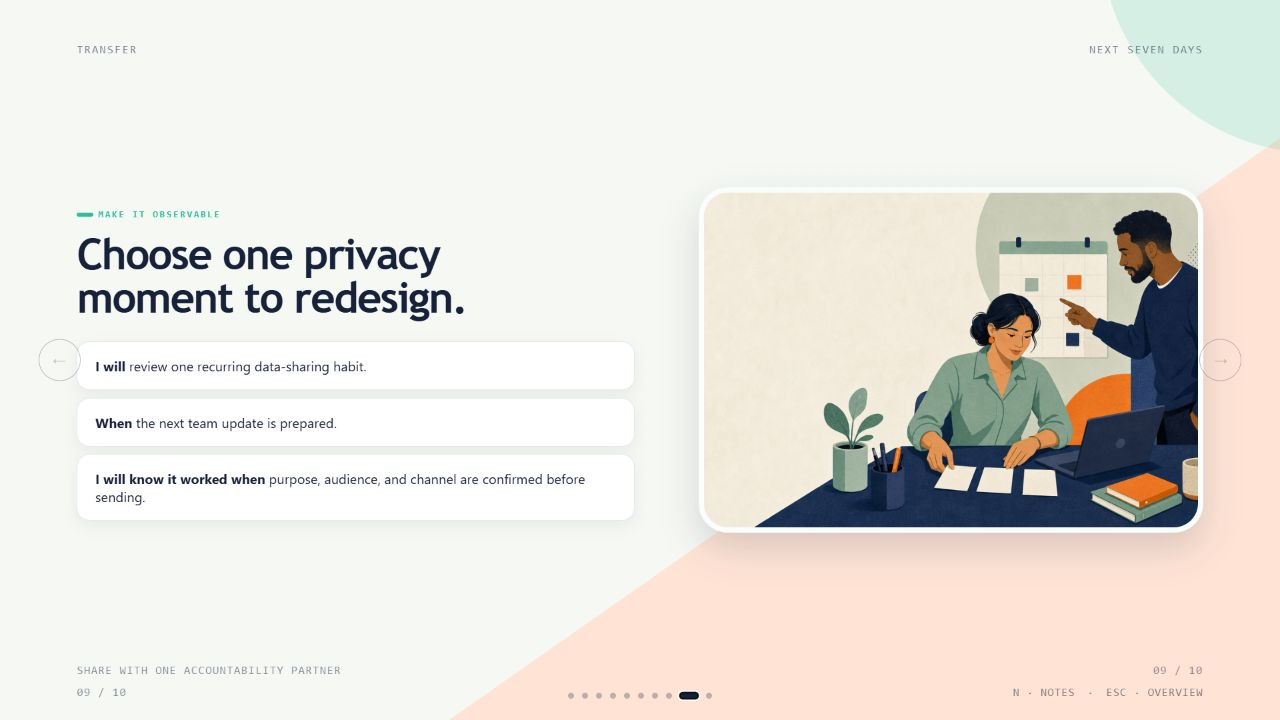
Turn a rough topic brief into a workshop people can act on. This Skill connects every slide to a real performance gap, then carries learners from a clear promise through practice, feedback, and one observable next step.
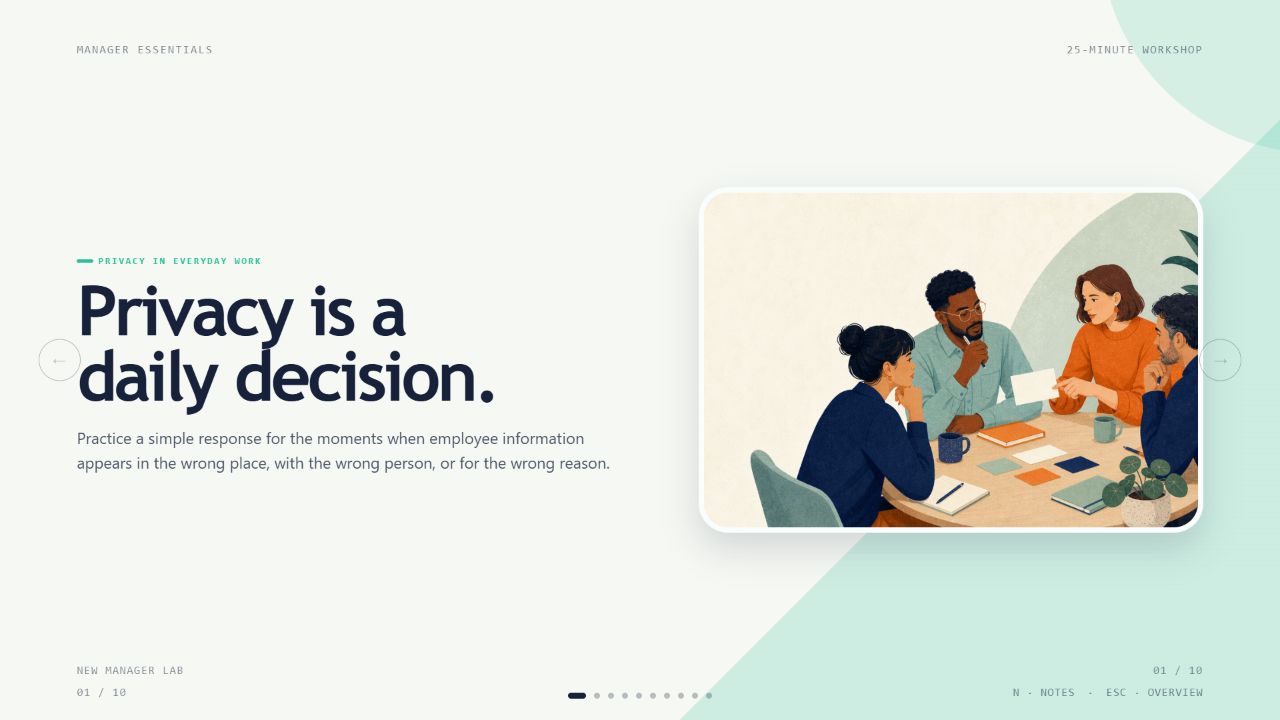
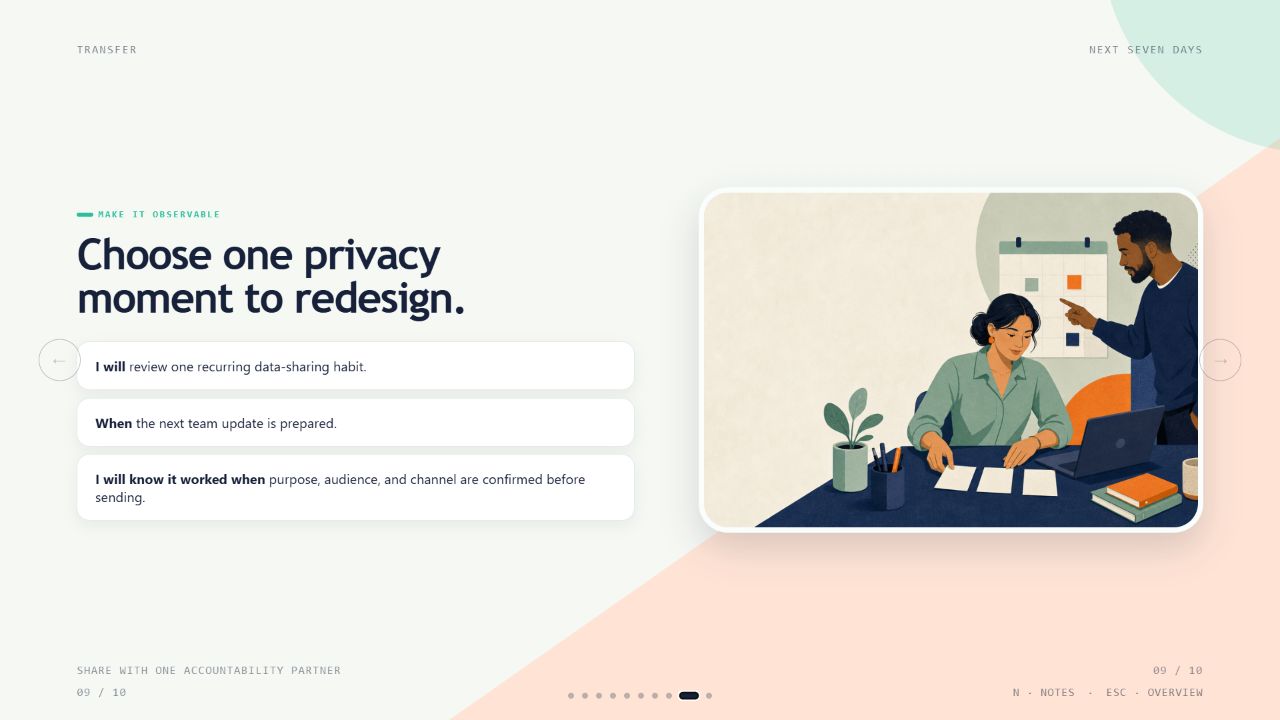
What you will get
- A complete 16:9 learning deck built around two to four measurable outcomes
- Short teaching loops that ask learners to choose, discuss, draft, rehearse, or decide
- A presentation-ready experience with facilitator notes, overview mode, navigation, and print export

How to use it
- Share your audience, the behavior you want to change, and the source material that must stay accurate.
- Set the session length and delivery setting, then name any policy or accessibility constraints.
- Review the proposed outcomes, practice moments, and feedback before presenting the finished deck.
- Open the deck in a browser, use the notes while facilitating, and print it when you need a slide-per-page handout.

No image-generation account is required. Optional original imagery needs a FAL API key and incurs provider usage charges.
What you need before you start
- You bring
- Audience and prior-knowledge summary · Observable post-session performance goal · Source material or approved topic brief · Delivery duration and setting
- Dependencies
- Node.js 22 or newer — required · Modern web browser — required · FAL account and FAL_KEY — optional for generated imagery · Chrome, Chromium or Edge plus Node.js 20 or newer — required only for PowerPoint export
- Outside costs
- Optional imagery uses fal.ai GPT Image 2 and incurs provider usage charges. Each request is submitted once, saved by request id, and never retried automatically.
- Last tested
- v1.0.2 — Claude Code / Claude Desktop / Cowork / Codex / ChatGPT
User reviews
Loading reviews…