



Slate Social Report Deckv1.0.0
Use this Skill to create presentation.
5.01 downloads0 likes0 saves
$4.99
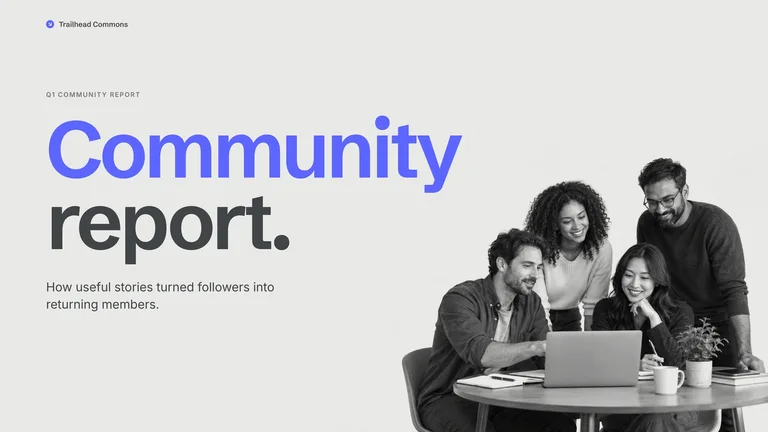
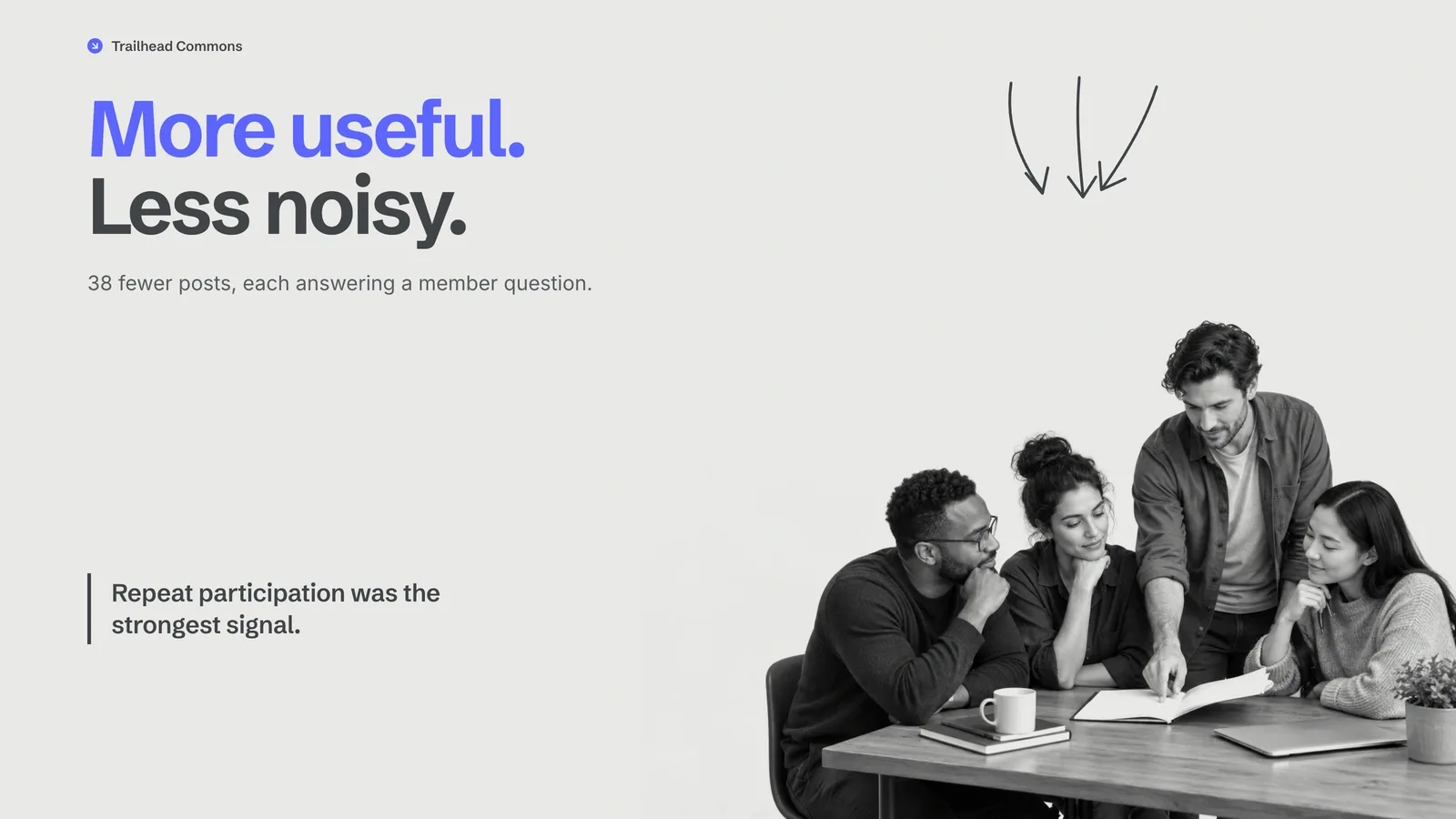
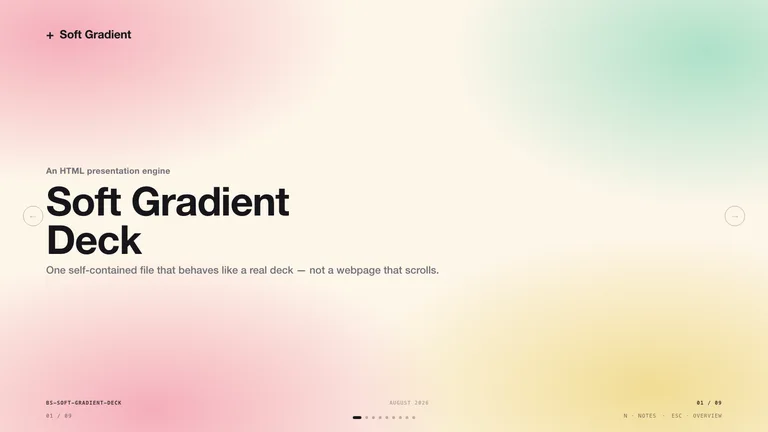
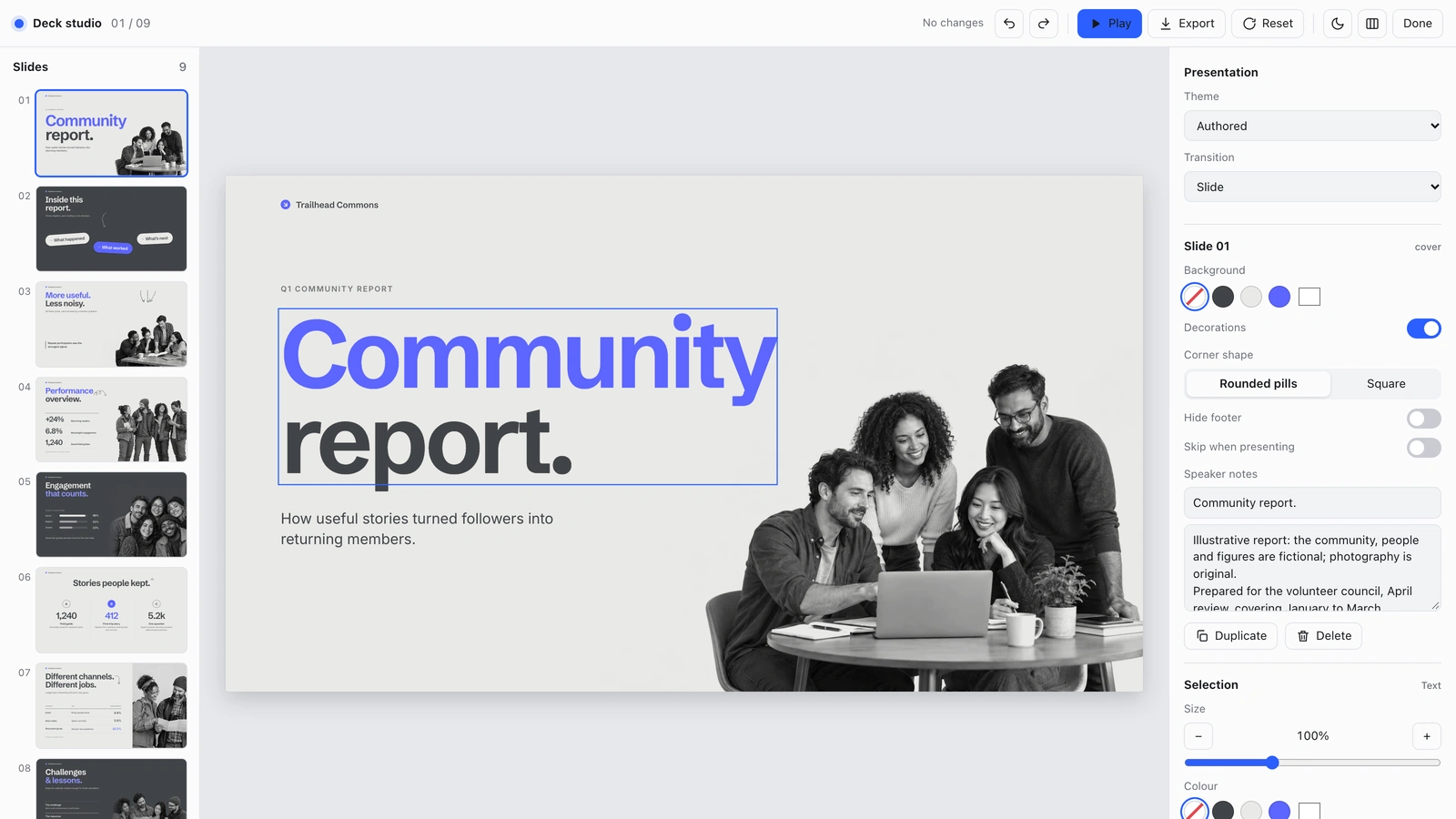
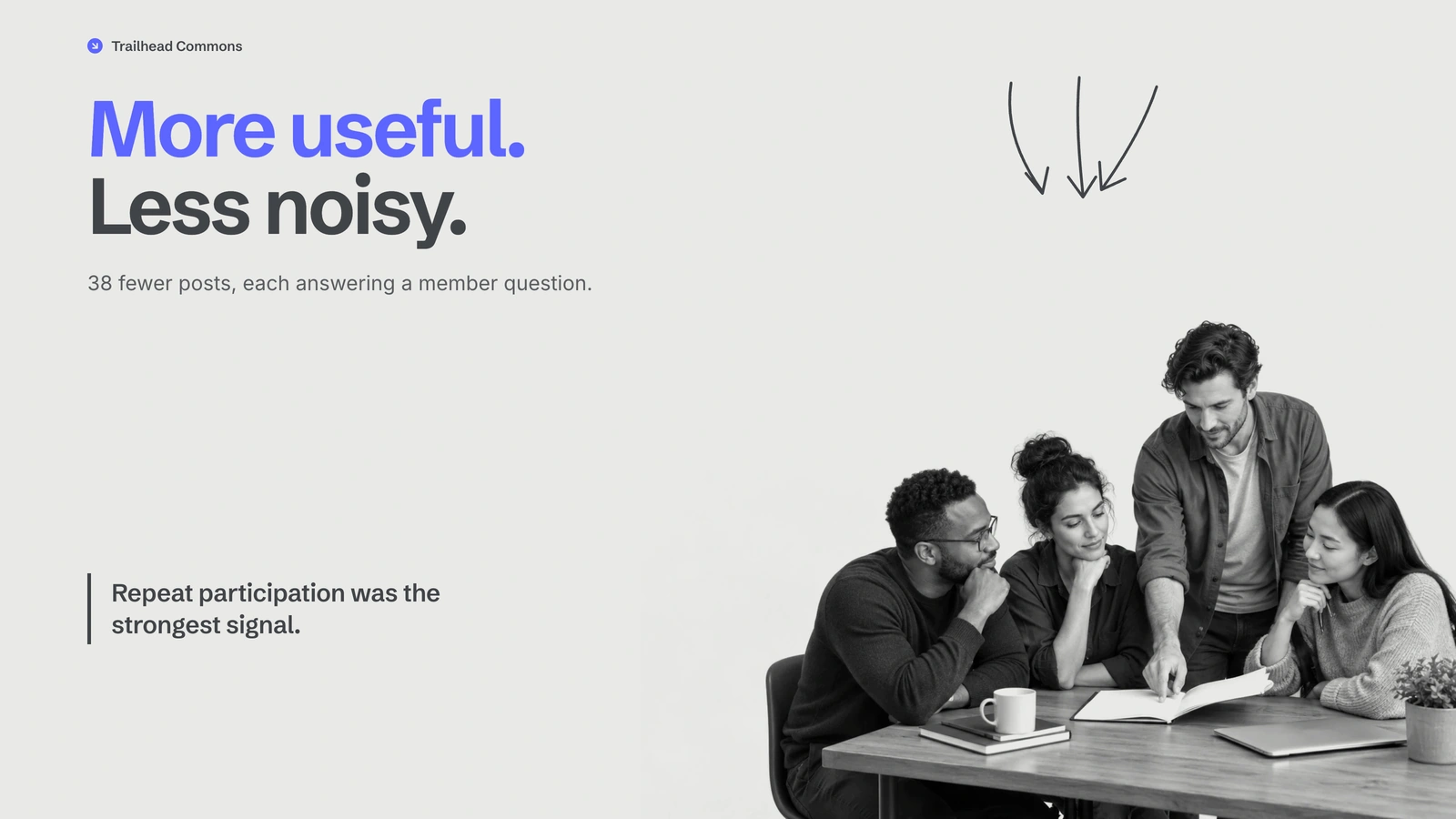
What do I get when I buy this Skill?Create an editable presentation with oversized blue headlines, cool gray pages, monochrome cut-out team photos, and tilted pill labels. Turn quarterly content reviews, audience insights, and social channel reports into a clear sequence you can revise in your browser and export to PowerPoint.
Picked most often by
Updated Oct 9, 2026
Preview gallery
Similar Skills
View all skills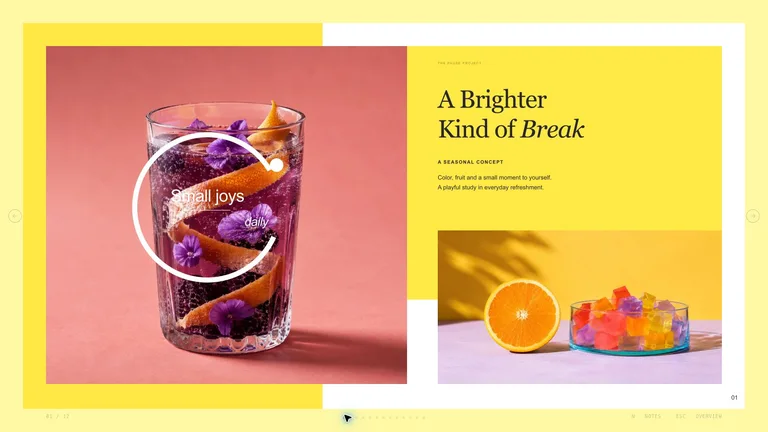





What you get
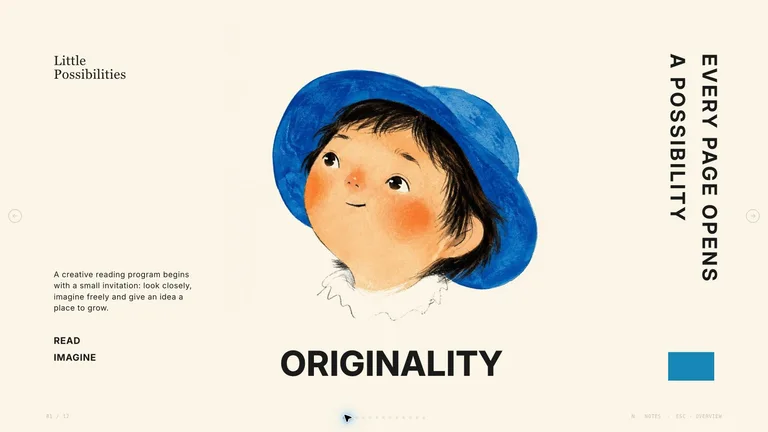
- A consistent deck using oversized blue headlines, cool gray pages, monochrome cut-out team photos, and tilted pill labels with newly generated original case images.
- Browser editing plus PowerPoint export with editable text and notes; complex charts, shapes, and backgrounds may be images.
- A nine-page example, reusable page patterns, named color presets, and speaker notes.
Good fit
- People preparing quarterly content reviews, audience insights, and social channel reports.
- Teams who want to revise the wording directly in the browser.
- Presenters who want one coherent appearance across a full sequence.
Not for
- Exact copies of an existing template or its protected artwork.
- A promise that every PowerPoint shape is natively editable.
- Automatic publishing or unapproved paid image generation.
Social Media Content & CampaignsClient & Executive ReportingCreate PresentationStyle-lockedSeries-consistentEditable OutputBlue AccentBold SansGrayscale Editorial
About this Skill

Turn your outline into a presentation with oversized blue headlines, cool gray pages, monochrome cut-out team photos, and tilted pill labels. You get a clear sequence for quarterly content reviews, audience insights, and social channel reports, with room to revise the message before presenting.

What you get
- A complete presentation with one consistent visual rhythm, rather than disconnected pages.
- Browser editing and PowerPoint export with editable text and notes; complex charts, shapes, and backgrounds may stay as images.
- A nine-page example, repeatable page patterns, named color themes, and speaker notes that help you rehearse.
How to use it
- Share your topic, audience, source outline, and the next action you want people to take.
- Review the first draft, check your figures, and adjust the wording directly on the pages.
- Choose a named color theme if needed, then rehearse with the notes and export the format you need.
The example pictures are already embedded, so opening, editing and exporting the deck needs no image generation. New pictures use your agent's built-in image generation tool (GPT Image class); no separate API key is required, and availability follows your agent account.
What you need before you start
- You bring
- Topic, audience, and the decision or learning goal. · Approximate page count and a source outline. · Verified figures and image rights for any supplied material.
- Dependencies
- Modern browser — required for presentation and browser editing · Chrome, Chromium or Edge plus Node.js 20 or newer — required only for PowerPoint export · Built-in image generation in your agent (GPT Image class) — only needed to create new pictures; no separate API key · Internet access — optional, to download this Skill's picture library while building a deck
- Outside costs
- Decks can reuse this Skill's own picture library at no image cost: you choose up front whether to reuse it or generate every picture new. New pictures use your agent's built-in image generation tool (GPT Image class) with no separate API key, and availability follows your agent account.
- Last tested
- v1.0.0 — Claude Code / Claude Desktop / Cowork / Codex / ChatGPT
User reviews
Loading reviews…