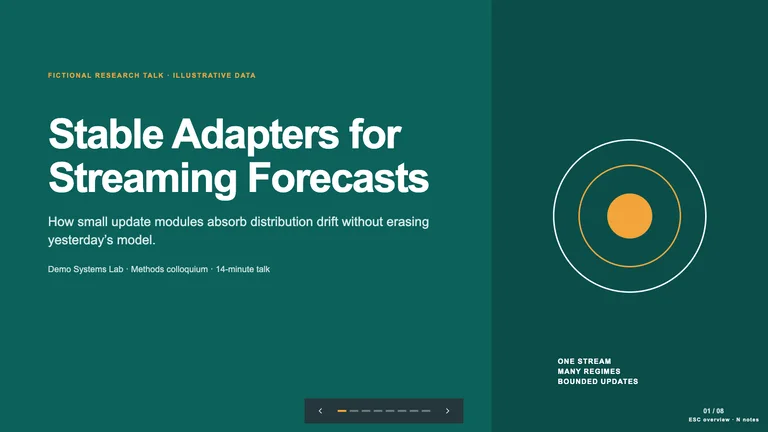
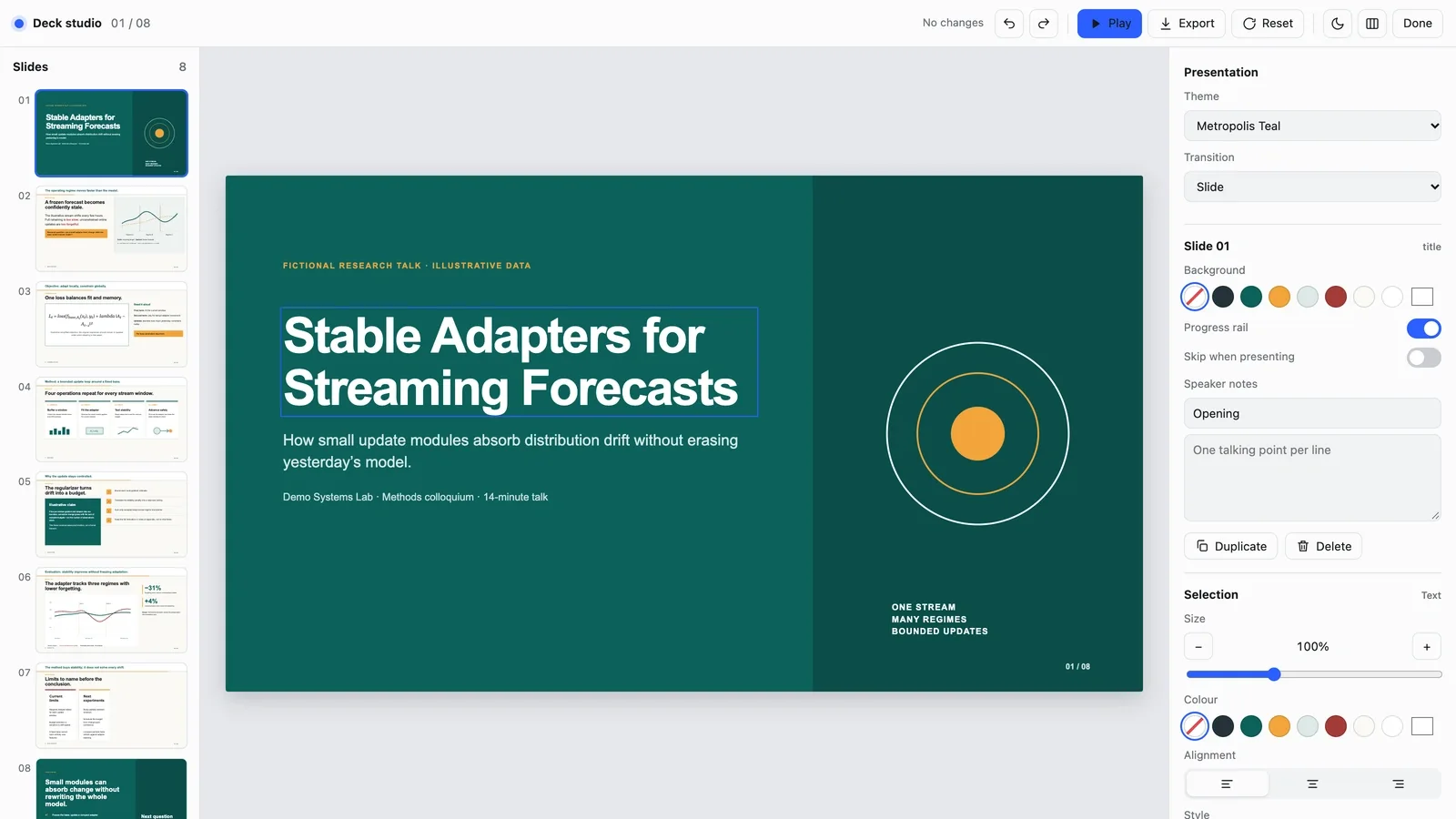
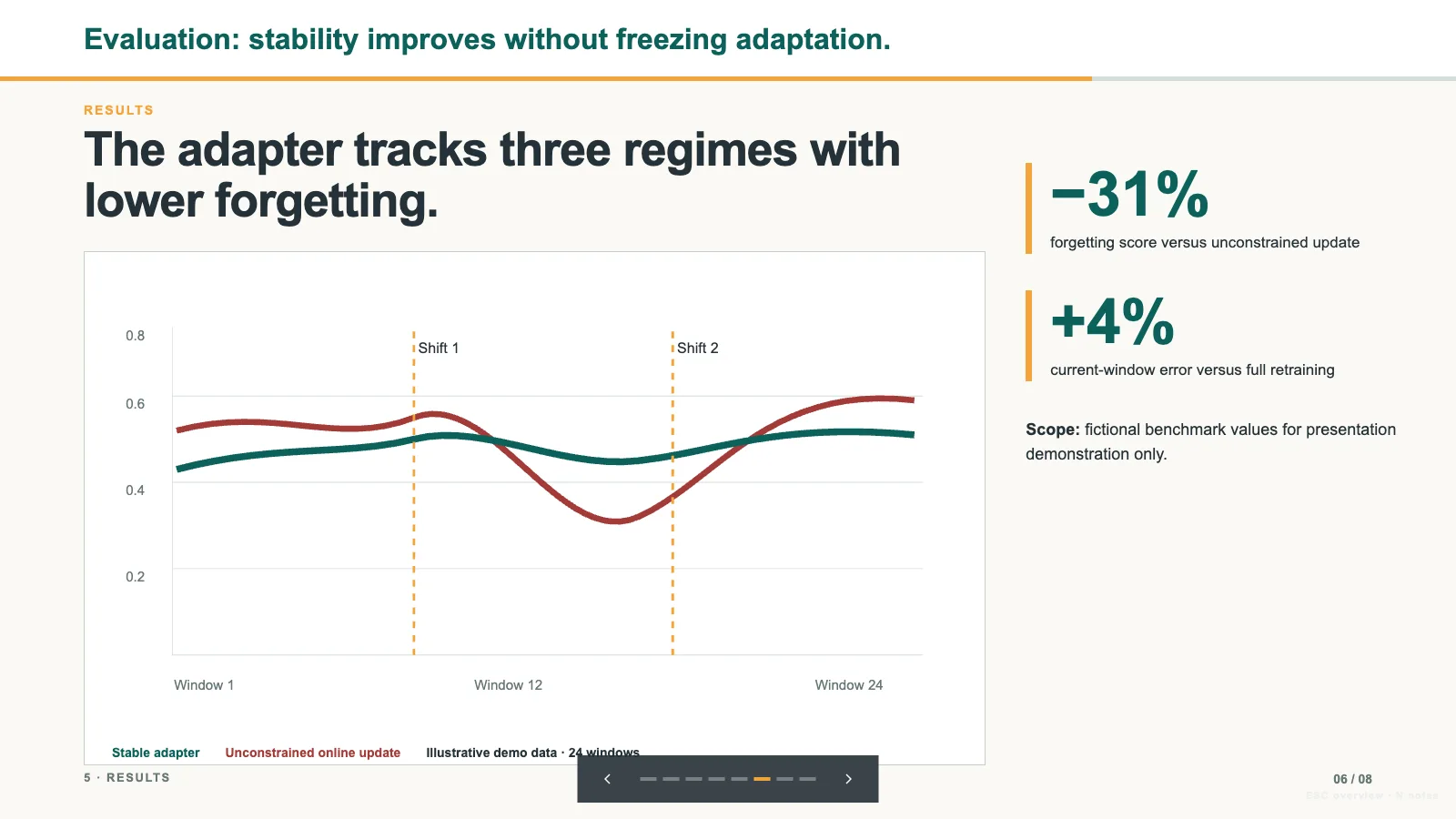
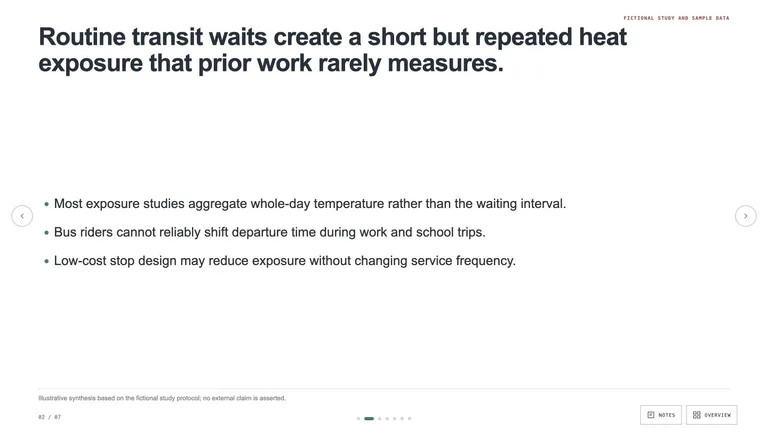
Skillry Pick
Research Talk Deckv1.0.1
Use this Skill to create research presentation.
Rising
5.038 downloads0 likes1 saves
Free
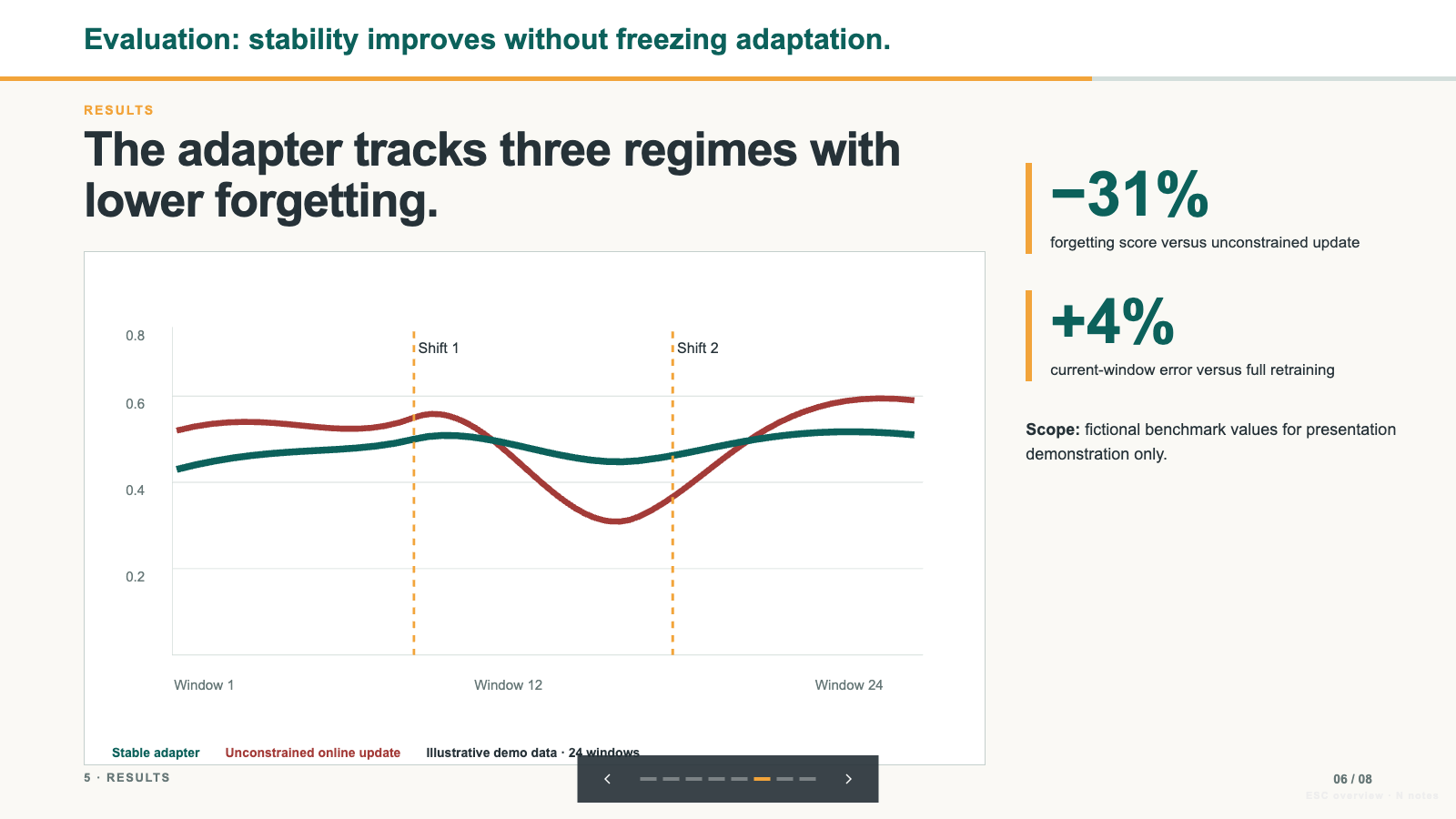
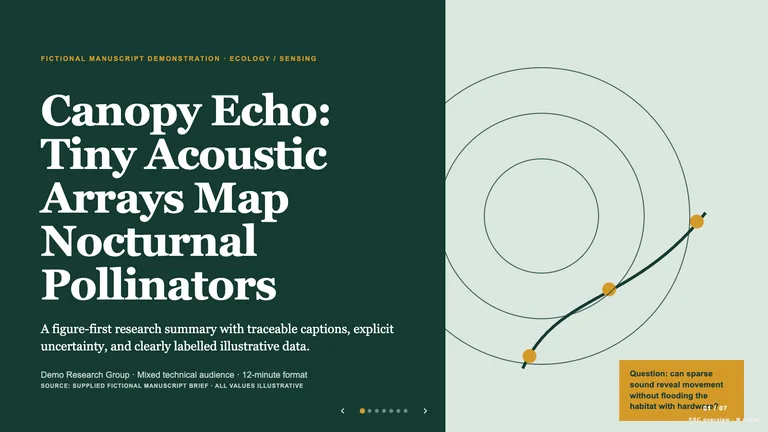
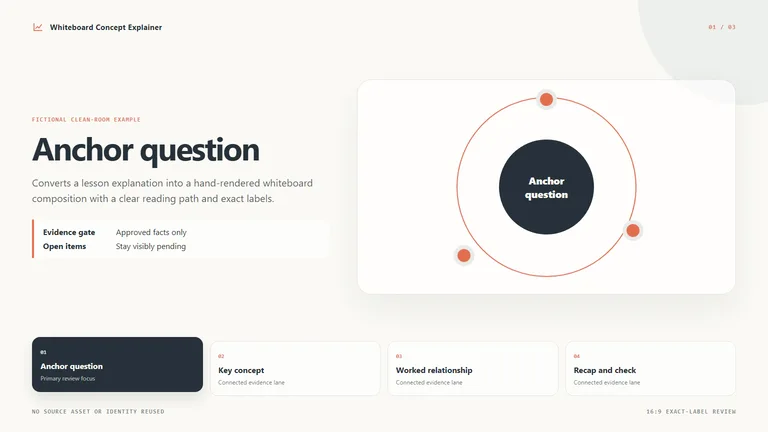
Create a projection-ready Beamer/metropolis-inspired 16:9 HTML research talk with equations, method cadence, results, limits, slide numbers, and speaker notes. Use for colloquia, defenses, group meetings, and technical conference talks. Every deck can be edited in the browser and exported as an editable PowerPoint file.
Picked most often by
Updated Oct 3, 2026
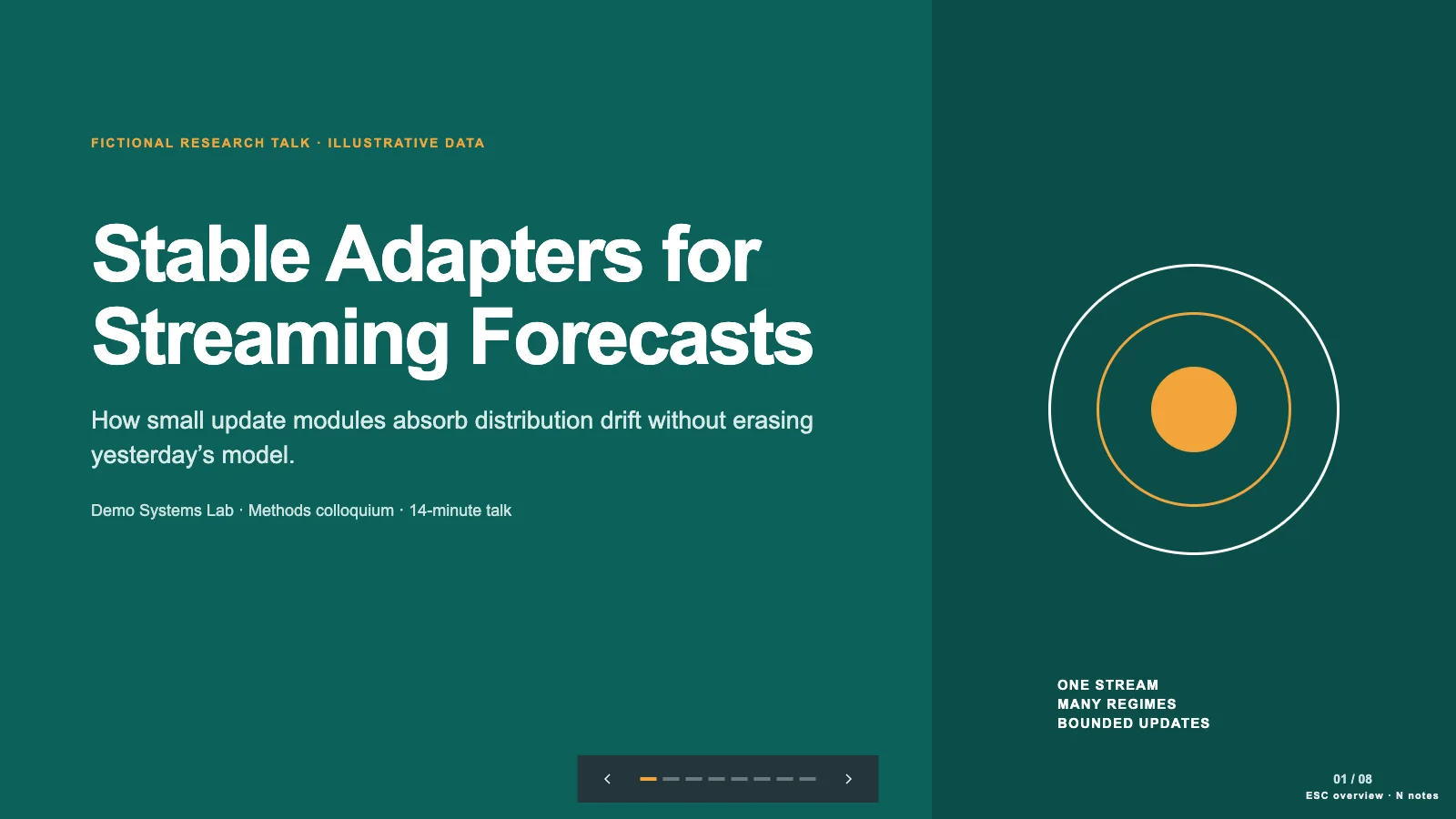
Preview gallery
Runs in
Generates with
Host Agent LLM
Similar Skills
View all skillsWhat you get
- A projection-ready academic talk with one message per slide and a section label, progress bar and page number on every content slide.
- Speaker notes for every slide covering transitions, caveats and the explanation you'll give out loud, plus key equations shown with a plain-language reading.
- A talk you can edit in your browser (retype text, reorder slides, switch between four color themes) and export as an editable PowerPoint file with your notes, or a PDF.
Good fit
- Researchers preparing a colloquium, group meeting or technical conference talk.
- Graduate students getting ready for a thesis defense who want notes they can speak from.
- Speakers who need figures and equations to be readable from the back of the room.
Not for
- Talks without verified material: it won't invent results, equations, authors or citations.
- Slides meant to be read as a handout; each slide carries one message and the detail moves into the speaker notes.
- Showing full derivations or complete result tables; equations are simplified for speaking and tables trimmed to the key comparison.
Teaching & ExplainersResearch Publishing & Technical DocsCreate Research PresentationEditable OutputGuided WorkflowVisually PolishedWarm NeutralConference MinimalFormula Friendly
About this Skill

Turn your paper or research notes into a talk you can actually give: one message per slide, a progress bar that shows where you are, and notes for everything you'll say out loud. It has the calm, structured look of a classic academic seminar deck and stays legible on a projector.
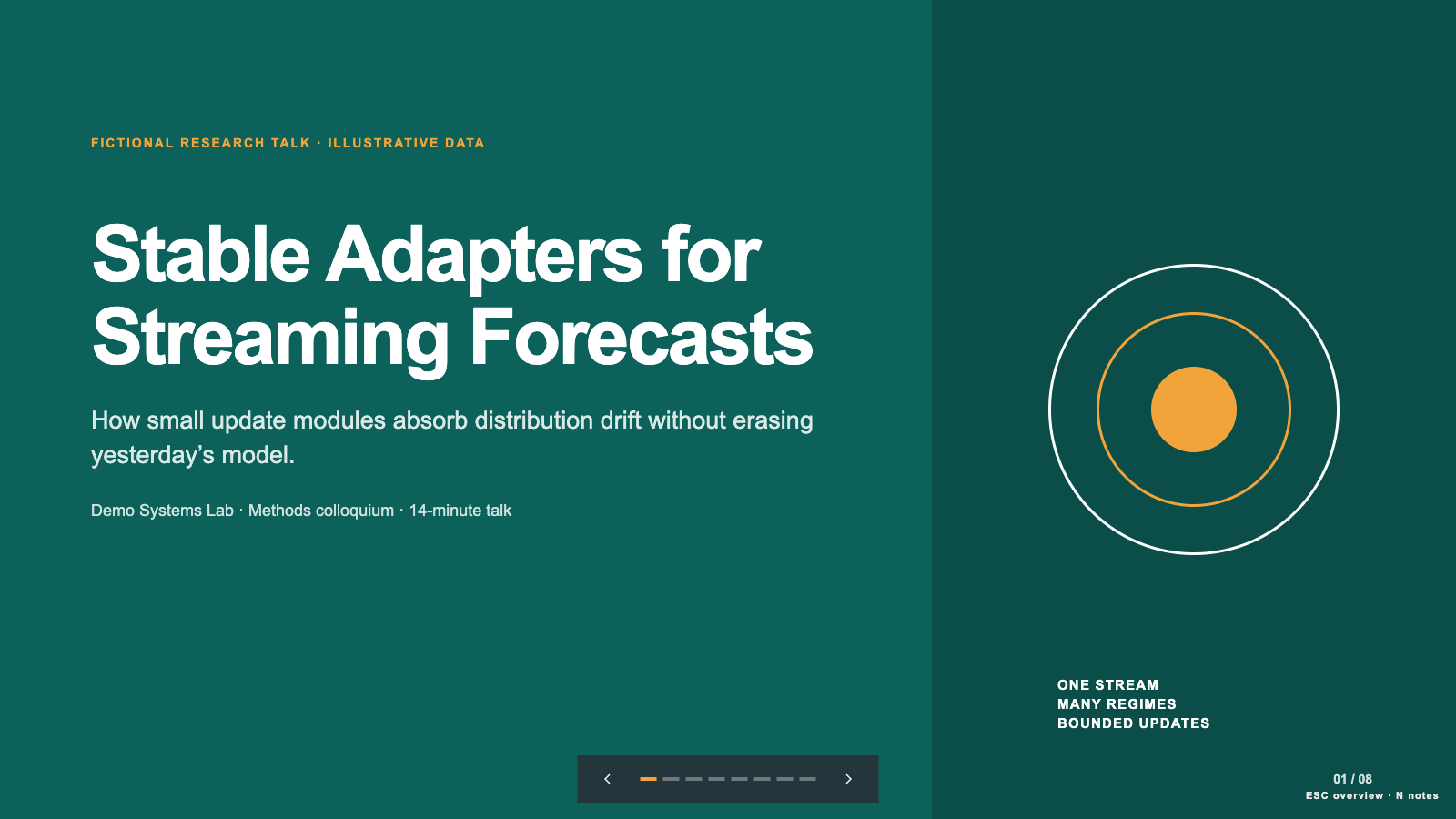
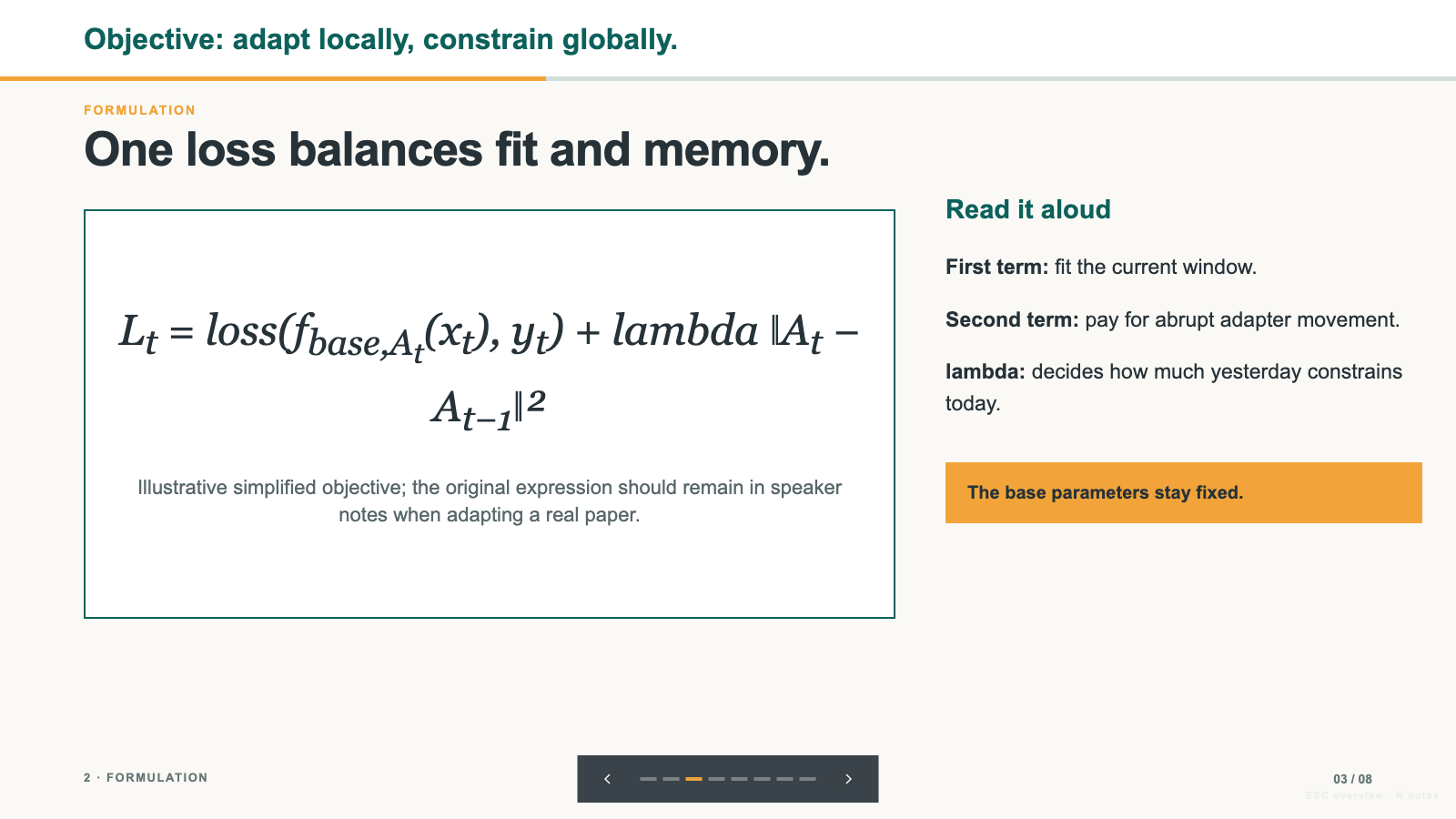
What you get
- A talk paced from motivation through method and results to limits and takeaways, with section labels and page numbers throughout
- Speaker notes on every slide, plus key equations shown with a plain-language reading right beside them
- A talk you can edit in your browser and export as an editable PowerPoint file with your notes, or as a PDF

How to use
- Share your paper or notes, plus how long you're speaking, where, and who will be in the room.
- Add the figures, equations and citations you want to use.
- Review the talk, then press E to retype text, reorder slides or switch the color theme.
- Export to PowerPoint, with your speaker notes included, or to PDF.

What you need before you start
- You bring
- Research notes, paper, or verified source material · Talk duration, venue, and audience expertise · Approved figures, equations, tables, and citation details
- Dependencies
- Modern browser — required · Node.js 20 or newer — required for local validation · Chrome, Chromium or Edge plus Node.js 20 or newer — required only for PowerPoint export
- Last tested
- v1.0.1 — Claude Code / Claude Desktop / Cowork / Codex / ChatGPT
User reviews
Loading reviews…