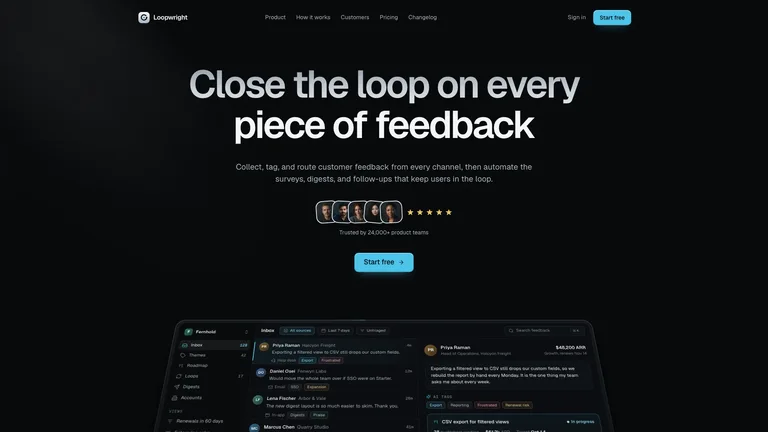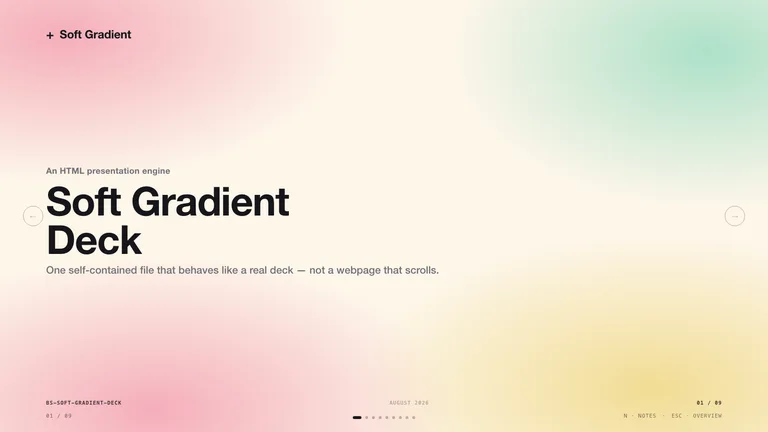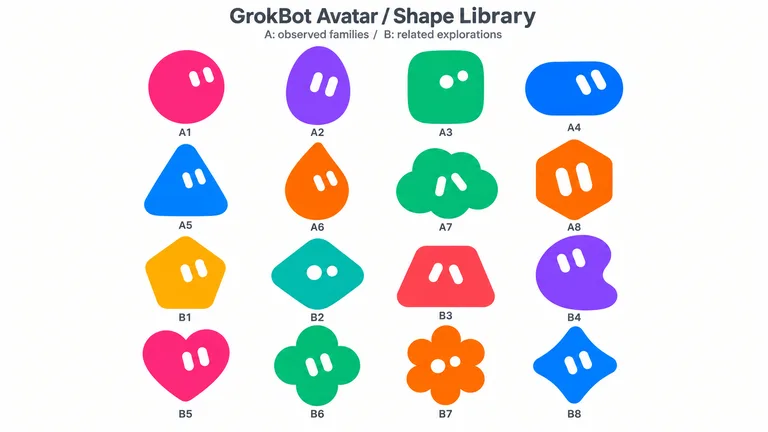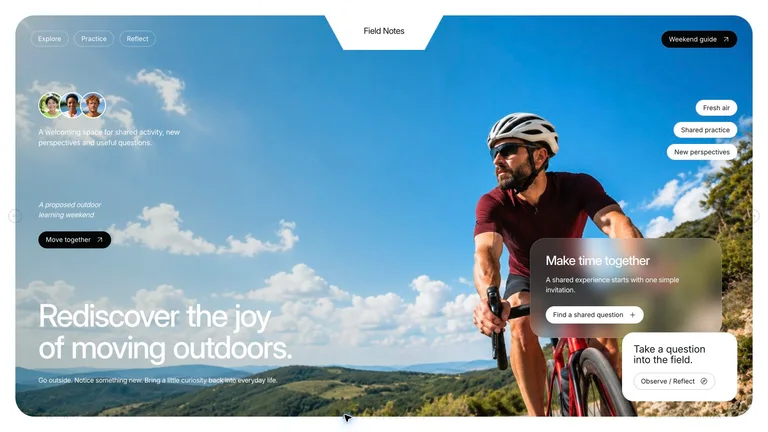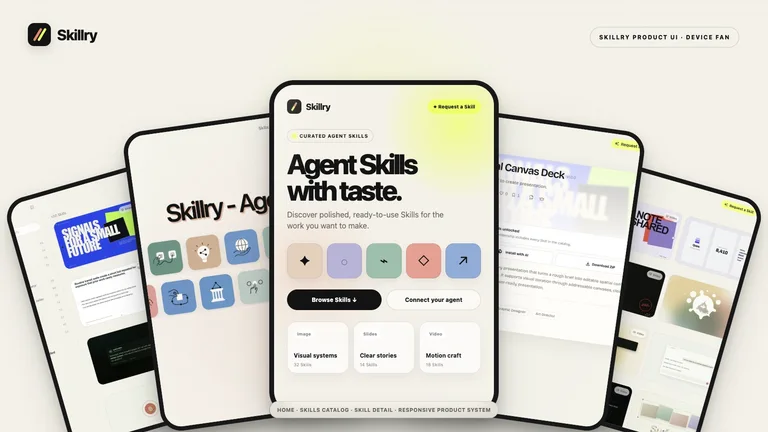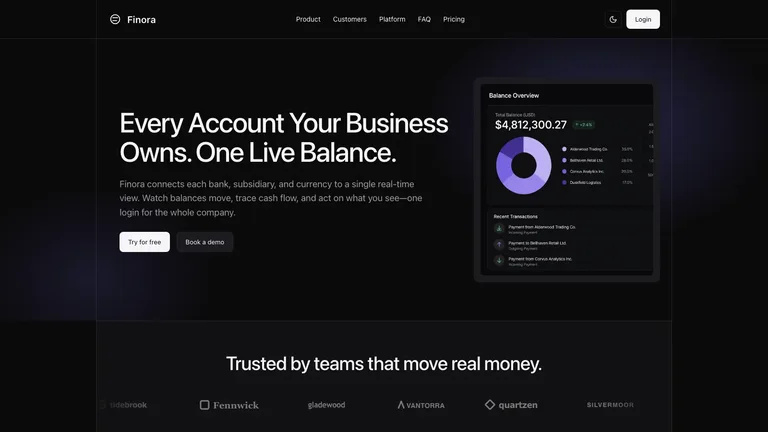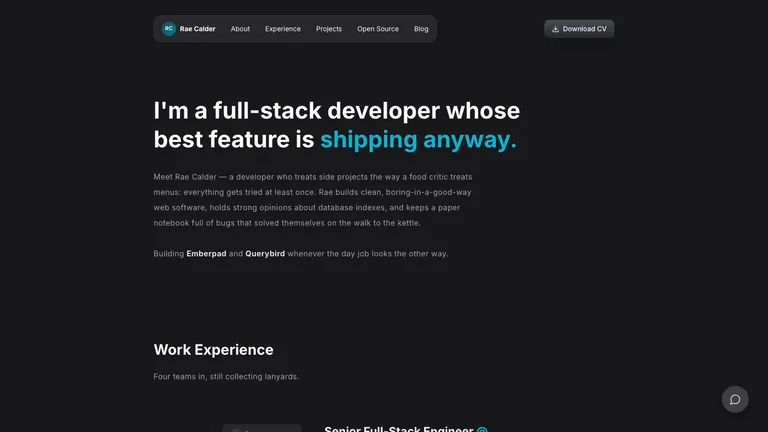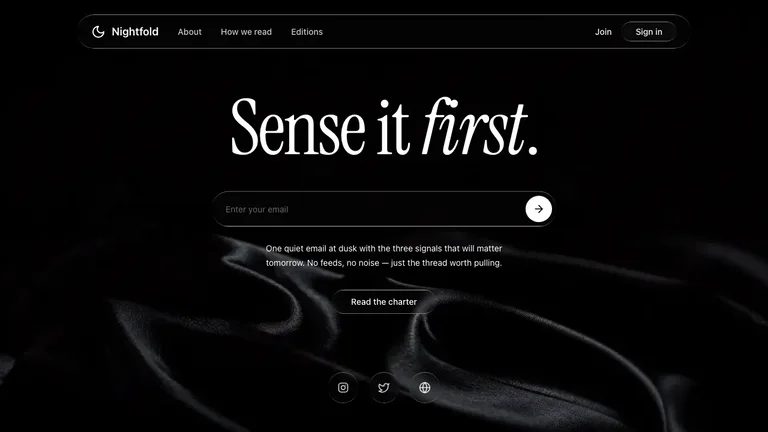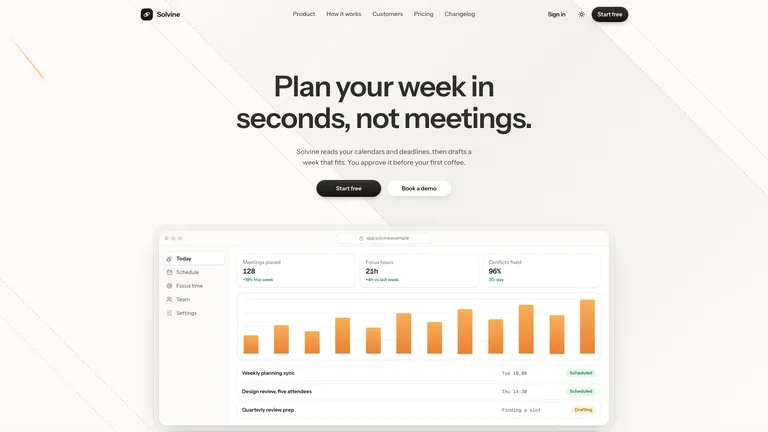




























Manus 2.0 Style Launch Video


 +6
+6


Install one, run it end to end, keep what it makes. No card, no trial timer.
Give your AI agent practical, reusable workflows for real tasks.
Read the installation guideClaude CodeCodex Kimi Code CLI
 Gemini CLI
 AntigravityCursor
Read https://skillry.dev/install/agent.md and follow the instructions to connect the official CLI, then help me discover the right Skill.
Choose the access option that fits how you use Agent Skills.
Cancel anytime
$9.99 / month
Full Premium access, billed monthly.
Save 34% a year
Most popular$79 / year
Full Premium access for a lower annual price.
Pay once · Founding price
Founding offer$169 one-time
Founding price — increases as the library grows.
Cancel anytime. Payments are non-refundable.
The essentials for choosing, installing, and using your first Skill.
A Skill is a reusable set of instructions and resources that helps an AI agent complete a specific kind of work.
Browse the catalog, choose a Skill, then use the install prompt or download its ZIP. Your agent follows the included instructions after installation.
The catalog works with agents that can read and install Agent Skills. Start with the supported examples on this page, then follow your agent's normal Skill installation flow.
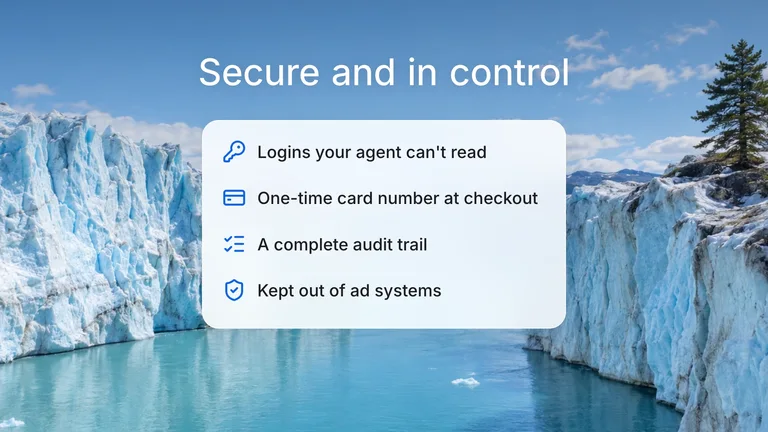
No. The CLI opens your browser for authorization and stores a revocable, scope-limited credential in your operating system keyring.
Skills cover focused work across Slides, Web, Images, and Video. Each Skill page explains the result it helps your agent create before you install it.
Open the Skill page again whenever you need the latest package. Paid access includes ongoing updates, while each Skill page shows the current version of its instructions.
Connect once, then discover and install trusted Skills from your agent.